• Which the release of FS2020 we see an explosition of activity on the forun and of course we are very happy to see this. But having all questions about FS2020 in one forum becomes a bit messy. So therefore we would like to ask you all to use the following guidelines when posting your questions:

    • Tag FS2020 specific questions with the MSFS2020 tag.
    • Questions about making 3D assets can be posted in the 3D asset design forum. Either post them in the subforum of the modelling tool you use or in the general forum if they are general.
    • Questions about aircraft design can be posted in the Aircraft design forum
    • Questions about airport design can be posted in the FS2020 airport design forum. Once airport development tools have been updated for FS2020 you can post tool speciifc questions in the subforums of those tools as well of course.
    • Questions about terrain design can be posted in the FS2020 terrain design forum.
    • Questions about SimConnect can be posted in the SimConnect forum.

    Any other question that is not specific to an aspect of development or tool can be posted in the General chat forum.

    By following these guidelines we make sure that the forums remain easy to read for everybody and also that the right people can find your post to answer it.

FSX Keflavik BIKF (Progress)

Messages
92
Country
us-california
Hi, (firstpost)
My name is Marijn
Made some sceneries back in the fs98days with VOD 12years older now (23).
I use a lot of 3dsMax at my work, Tought I'd give it a swing.

So my Idea is to keep some sort of logbook how progress is coming up
and write down any problems I face and how I managed to resolve it.

Again, I only worked with 3dsmax before so this should be interesting
for anyone that is new to scenery design.


I am Working on Keflavik, Iceland 's International airport (BIKF)

Installed All gamepacks and programs (after a completely new windows7 installation)
Manage to find an old FS2002pro edition and installed the Gmax gamepack
including BLGC_9 and the latest version of makemdl
Removed all the airport stock data with FSplanner except the Navaids

So First thing I can show you after the first 8hours
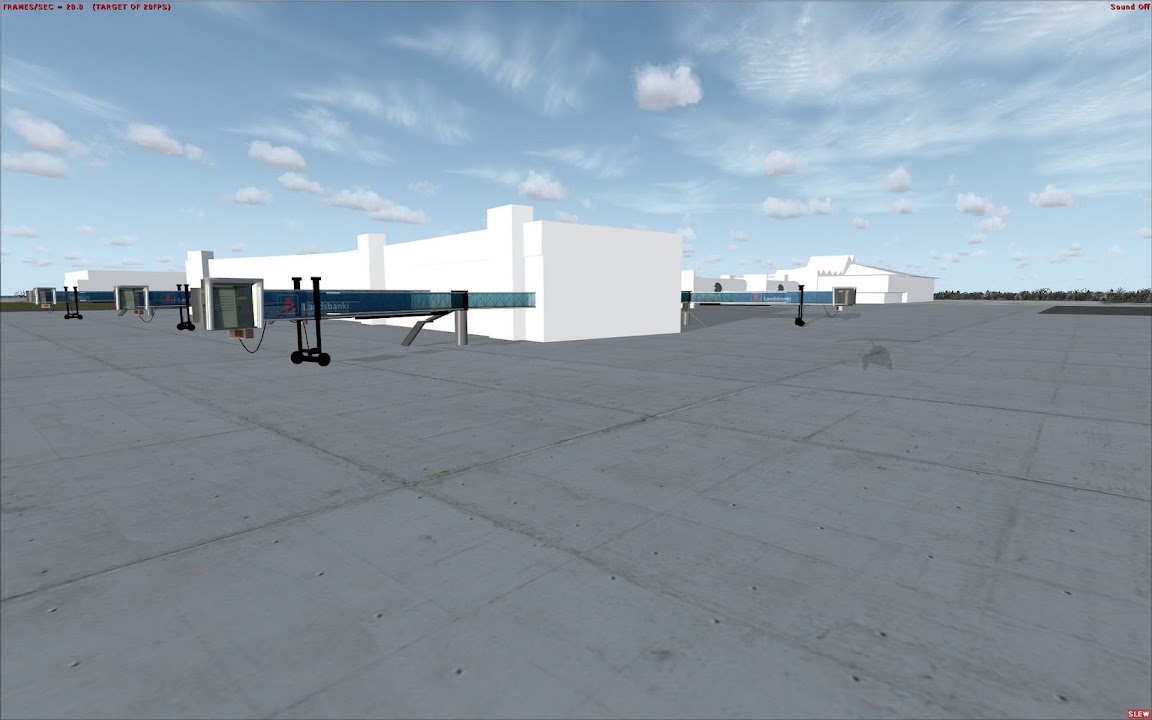
keflavik1.jpg


Ok.. so Gues its a little bit harder then I expected but as I learned, for everything is a solution on this forum!

Ill try to post something here every 1 or 2 days

(btw if this is the wrong place to post a thread like this feel free to delete or move it)
 
Day2

Right,
Day2

Was having the common problems with transparent textures,
figured them out,

Still the way to texture a object for FS is a bit of a puzzle for me
one time it doesnt do a "fuzzy see through all the models in the scene alpha texture" and the other time it works perfectly fine..

I gues ill find out one of these days.

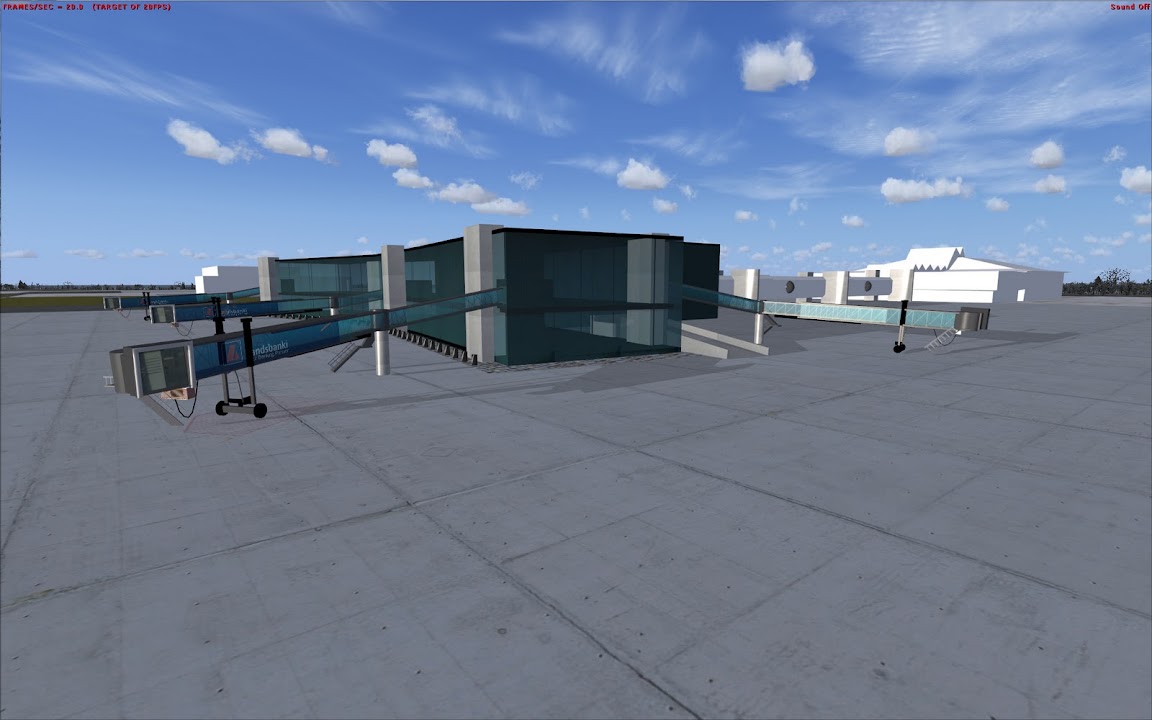
  • Created more details to the main terminal.
  • Re-aligned the Jetways,
  • Added some ground details near the jetway

so.. here is day 2
keflavikday2.jpg


P.s.
If someone here can provide me with any pictures of the airport or/and the area around it, I would help alot since I only managed to get around 10 to 15 usable images
 
Still the way to texture a object for FS is a bit of a puzzle for me
one time it doesnt do a "fuzzy see through all the models in the scene alpha texture" and the other time it works perfectly fine..

depend on the order the sim will draw the polygons, there are to ways to fix this, you can manually tweak the *.asm file to change the order of the polygons, or you can divide your gmax file in 2 files, one with all solid polygons, and one with only the transparent ones, then you can compile the bgl with both the two gmax files in one, just putting the "solid" model before the "transparent" this is the way I work, and it works fine, even if I have multiple solid and transparent gmax files packed in a single bgl.
 
I think that the better way is to make photo realistic textures then transparent windows :D beacuse in this option you have to manage the interior , pilots using FS they want to see nice and fps friendly airport :)
 
I think that the better way is to make photo realistic textures then transparent windows :D beacuse in this option you have to manage the interior , pilots using FS they want to see nice and fps friendly airport :)

I totally agree! You might try to use LODs for models in order to save fps.
 
I totally agree! You might try to use LODs for models in order to save fps.

there are thousand of ways to increase FPS without decreasing details in a model........
a couple of week ago, I had to modify the opensource FlyTampa Dubai city, well is one of the best examples of the worst way to create models in gmax.......

I can tell this after many months passed to model my Milan VFR scenery, my scenery at the moment have less then half polygons then the Dubai City with a level of detail that is 10 times better.... and about twice buildings modeled....

in the FlyTampa scenery I found hundred of polygons totally useless or hidden, only deleting all those useless polygons I've been able to halve the total number of polygons, obviously without reduce details, some buildings have little solids created with thousand of vertices totally useless....

So high FPS depends mainly on how the model in gmax is created regardless the amount of detail you have modeled ;)
on the net you can find a lot of ultra high detailed models that don't have any negative impact on FPS, and you can find a lot of bad sceneries with just 4 solids that can halve FPS..... that is a symptom of bad gmax models....
 
Last edited:
I think that the better way is to make photo realistic textures then transparent windows :D beacuse in this option you have to manage the interior , pilots using FS they want to see nice and fps friendly airport :)

Agree that works very well, especially for large transparent areas like the big windows at most airports - a variation on that method also works when you are trying to work smaller areas, like transparent blue taxiway lights with a metal cage around the glass. I experience the same kind of "bleed through" problems and tried to fix it by tweaking the drawing order - I read and re-read Arno's Wiki article but just couldn't get it -- so I "cheated" :rolleyes: - I created two gMax materials from the same base texture. One I used for the glass & cage portion and set it to default transparent using the alpha channel. The other I just set to default opaque (ignoring the Alpha channel) and used it for the rest of the taxiway light (the base and short pole, interal element, etc.). I just named gave the two a slightly different name. Since I was only drawing one piece using a transparent texture in the gMax model, drawing order was not a problem.

Now the issue with that method is that I used 2 x the number of materials in gmax than I would have had I been able to properly adjust the drawing order. But they are both calling to the same base texture (i.e. the same .DDS fle) so I'm not sure what, if any impact that has on FPS. In any event I think I'm keeping my poly count about the same. . . . I hope.:D
 
This is looking like a beast! I'm glad to see someone else with 3DS Max working on here. Finding help for very specific issues is sometimes like pulling teeth! I cannot design anywhere near as fast as you seem to be capable, but perhaps I'll learn a thing or two from watching this.
 
Vasek+co: This thread is pretty old (ok, my reply is late too), I guess the developer abandoned or postponed the project. You'll find a rather nice BIKF addon over at Aerosoft though. ;)
 
Back
Top