• Which the release of FS2020 we see an explosition of activity on the forun and of course we are very happy to see this. But having all questions about FS2020 in one forum becomes a bit messy. So therefore we would like to ask you all to use the following guidelines when posting your questions:

    • Tag FS2020 specific questions with the MSFS2020 tag.
    • Questions about making 3D assets can be posted in the 3D asset design forum. Either post them in the subforum of the modelling tool you use or in the general forum if they are general.
    • Questions about aircraft design can be posted in the Aircraft design forum
    • Questions about airport design can be posted in the FS2020 airport design forum. Once airport development tools have been updated for FS2020 you can post tool speciifc questions in the subforums of those tools as well of course.
    • Questions about terrain design can be posted in the FS2020 terrain design forum.
    • Questions about SimConnect can be posted in the SimConnect forum.

    Any other question that is not specific to an aspect of development or tool can be posted in the General chat forum.

    By following these guidelines we make sure that the forums remain easy to read for everybody and also that the right people can find your post to answer it.

Modify VC Textures

Messages
1
Country
norway
Hello fellow developers!

I have startet a little new project.
At least try figure out how this stuffs work out.

I have previously modified some textures in scenery (freeware). ex. made snow textures on runways etc...

Now i want to try something new. Modify textures in VC. Like an upgrade. The first aircraft i want to try this out on is the Aeroworx B200.

I have no experience with modifying aircraft textures, especially not VC.
So, i hope someone can help me get started on this.
How does it works? Where is the textures files hidden?
 
Hello,

in case you have not found out, or anyone else found this thread by search or whatever.

VC textures are a part of set of aircraft textures. In FS9, these have to be all in a specific livery folder - typically, "texture.something".

In FSX, a very handy thing was introduced - texture.cfg. This handy little file allows referencing different folders for textures. For example, I use this to reference to a "master" texture for variating on a fleet for the same carrier (saves me having to repeatedly include for ex. tail and engine texture sheet), or to include a variant of the same airplane with a special sticker on it - by modifying just one of fuselage sheets and referencing all the other sheets in a "master" viariant.

This of course also holds true for VC textures - therefore for native FSX model, you should take a look where texture.cfg references to, and take a look there. Common textures will frequently be placed in a specific folder, like texture.common.

When you locate the right texture, its free game.
 
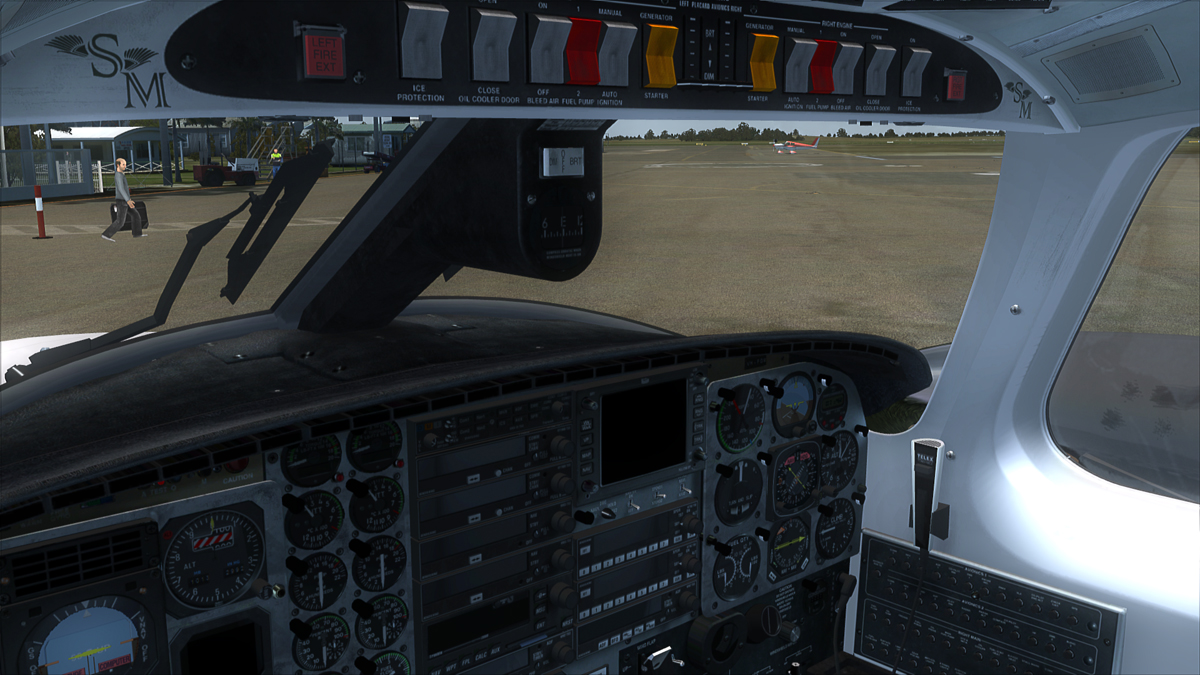
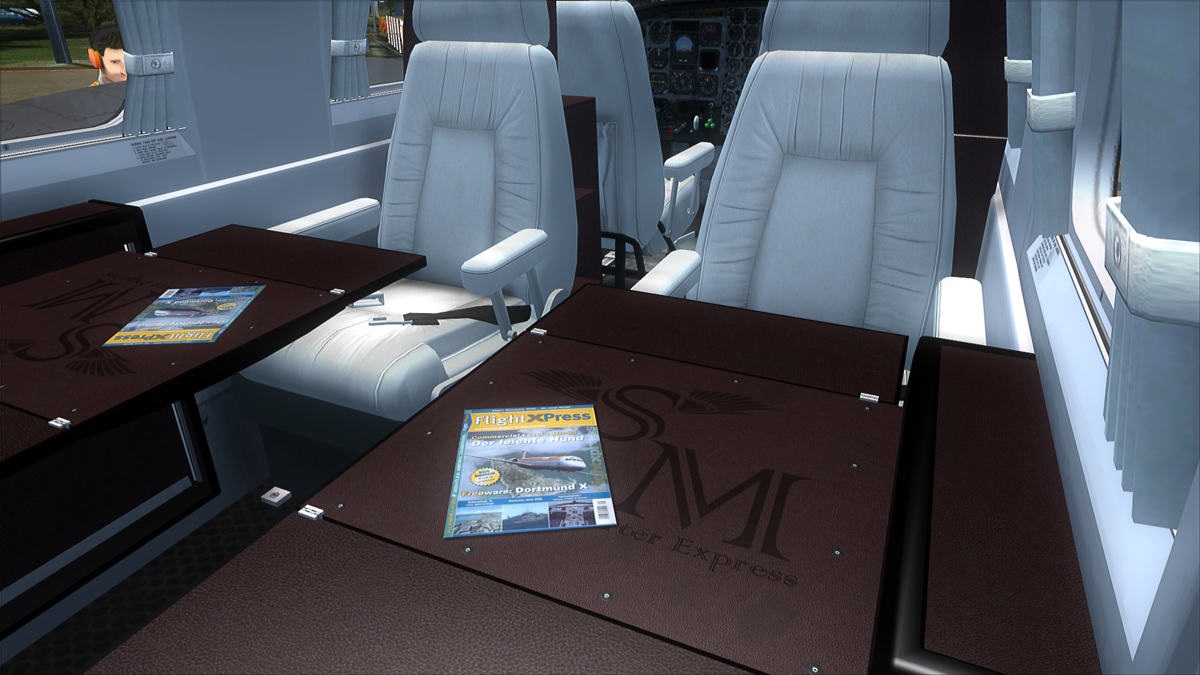
Had begun some time ago already with HD repaints of VC textures. An interesting task. Have you already started?

Such were my attempts.

l19_1.jpg


l19_3.jpg


l19_5.jpg


101230_fsx_1.jpg


101231_fsx_1.jpg
 
Back
Top