- Messages
- 30
- Country

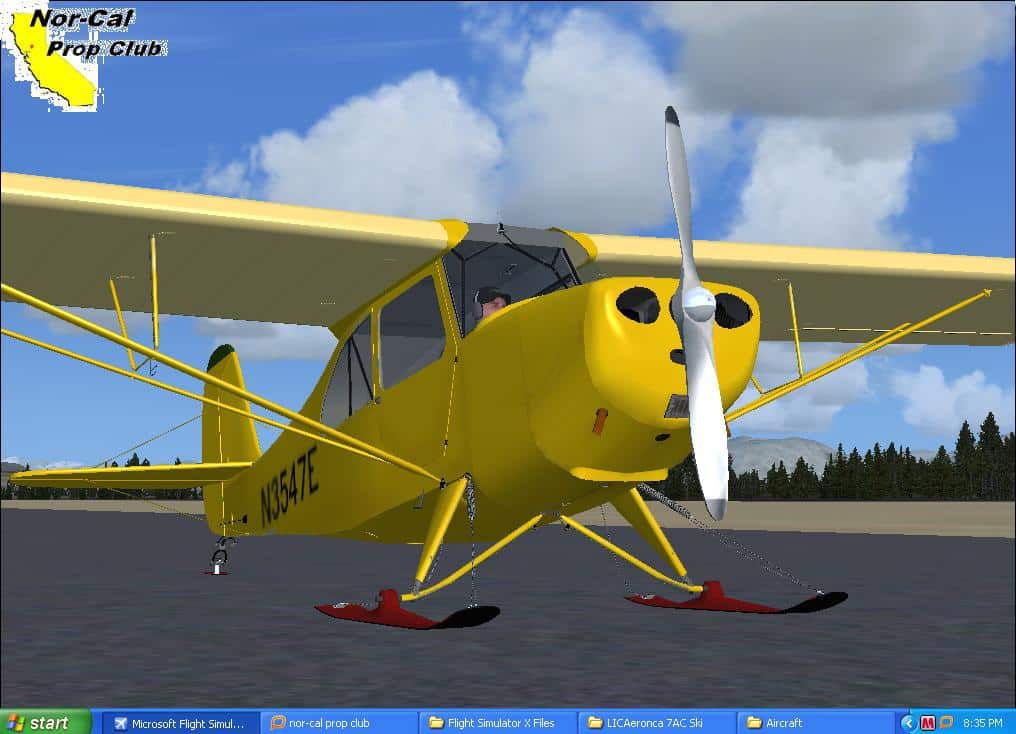
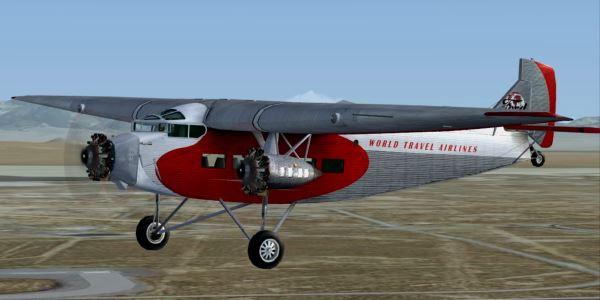
I am using ModelConverterX (MCX) to convert a couple of FSX models to 3D model objects to use as background scenery in an MSFS video. I have permission from the model developer to do so. MCX creates the 3D models OK, and I can import them into MSFS as scenery objects. But there is an issue I'm wondering if there is a solution for. I don't find a way to contact the developer on www.scenerydesign.org, so maybe somebody here has an answer.
The original FSX models are detailed. The simobjects folder in FSX is 804 MB on one plane, and 1.7 GB on the other plane. The 3D object file MCX creates from the larger one is 250 MB. Is there a practical/simple way to reduce the size of the 3D object out of MCX? Is there some kind of program code that can be eliminated (animation?) from the FSX source, since all I want is a "static display" 3D model of the exterior of the plane. If I delete all of the interior objects in a 3D model editor (like instruments, seats, structure) will it bring down the size of the 3D model significantly? What is causing the output from MCX to be so large, and is there a way to reduce it?
Thanks for whatever help you can provide.
The original FSX models are detailed. The simobjects folder in FSX is 804 MB on one plane, and 1.7 GB on the other plane. The 3D object file MCX creates from the larger one is 250 MB. Is there a practical/simple way to reduce the size of the 3D object out of MCX? Is there some kind of program code that can be eliminated (animation?) from the FSX source, since all I want is a "static display" 3D model of the exterior of the plane. If I delete all of the interior objects in a 3D model editor (like instruments, seats, structure) will it bring down the size of the 3D model significantly? What is causing the output from MCX to be so large, and is there a way to reduce it?
Thanks for whatever help you can provide.