I'd actually say it looks less modern than it did before. The current trend for UI styles is flat, clean, and simple. Gradients/glass are a thing of the past (more XP/Vista style). Since it looks like you're using Winforms, here's a pre-made set of controls I found that are already styled similarly to 'Modern UI,' in case you're interested:
https://github.com/viperneo/winforms-modernui
Also very important in UI design, be sure to align controls consistently. If, for example, textboxes are aligned with each other or surrounding controls, it can have a much cleaner and balanced look to the UI. Give meaning to the layout of the UI. Random placement never looks good (I'm not saying that's what you've done, just making a point, is all).
Here's a screenshot of a UI I developed (the settings page, in particular). It's inspired by Modern UI, but with my own personal twist to it (also to make it easier for development, since custom controls in C++ Winforms are a pain). As you can see, the three main tabs at the top of the page are all the same size, and the two columns of controls are divided directly down the center. All controls are evenly padded on all sides as well. While I designed a custom form border, this is by no means necessary.
I don't claim to be a UI expert, but I've learned a lot over the years, especially with how easy C# and WPF have made application and UI development. UI development can be a tedious job, but in the end, it can be one of the most rewarding parts of the program, as it's what everyone truly experiences when they use your program.


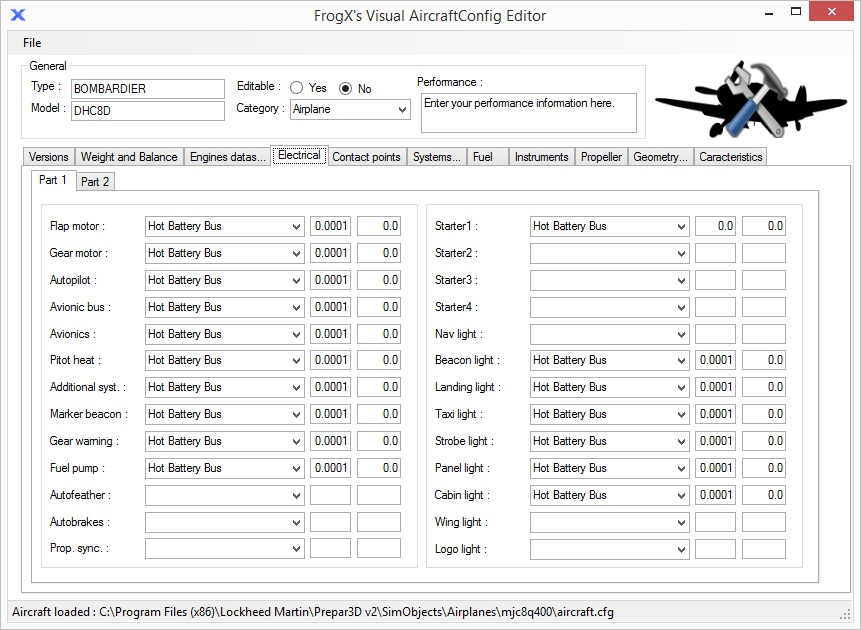

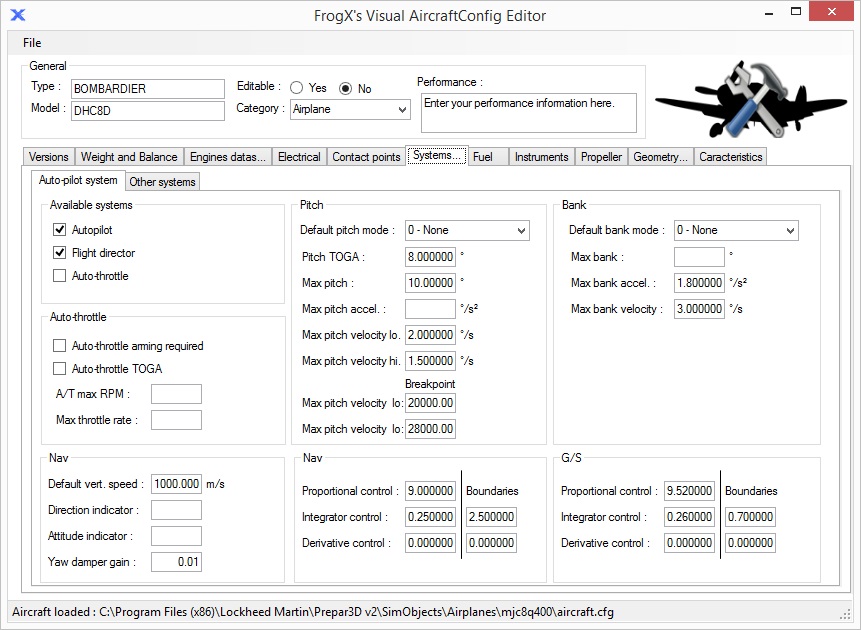


 )
) It's corrected. thanks


