- Messages
- 1,451
- Country

Hello
Nowadays, I am designing a Bell 429 originally in 3ds max. After months of learning how 3ds max and Gmax works, I finally get my basic mesh in Gmax with all its textures. I exported from 3ds max as 3ds mesh studio format, then piece by piece, start to weld the vertices created during the exporting process. Finally, updating the textures in targa format (1024x1024 pixel res.). Before to export to Gmax, I applied an Xform modifier to everything in the scene and collapsed all stacks.
Once in Gmax and before attempting any animation, I was trying to export the model to FS9 using a combination of middleman, ULE & makemdl.exe stand alone. I did it first without any texture and the model showed up in FS9 nicely. I was happy with such achievement, so I worked hard to give the model all textures to work. Using only materials with the channel "diffuse" in "blink" mode. I took care not to get to 60k polys with a single material
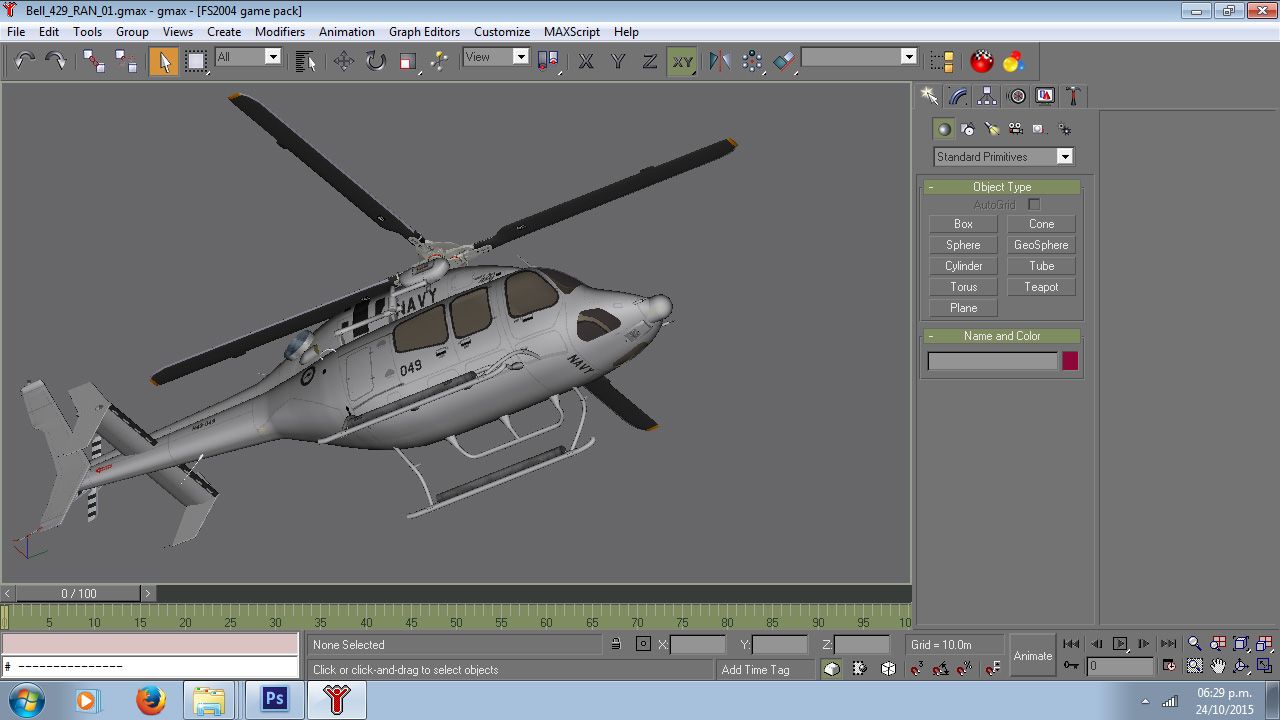
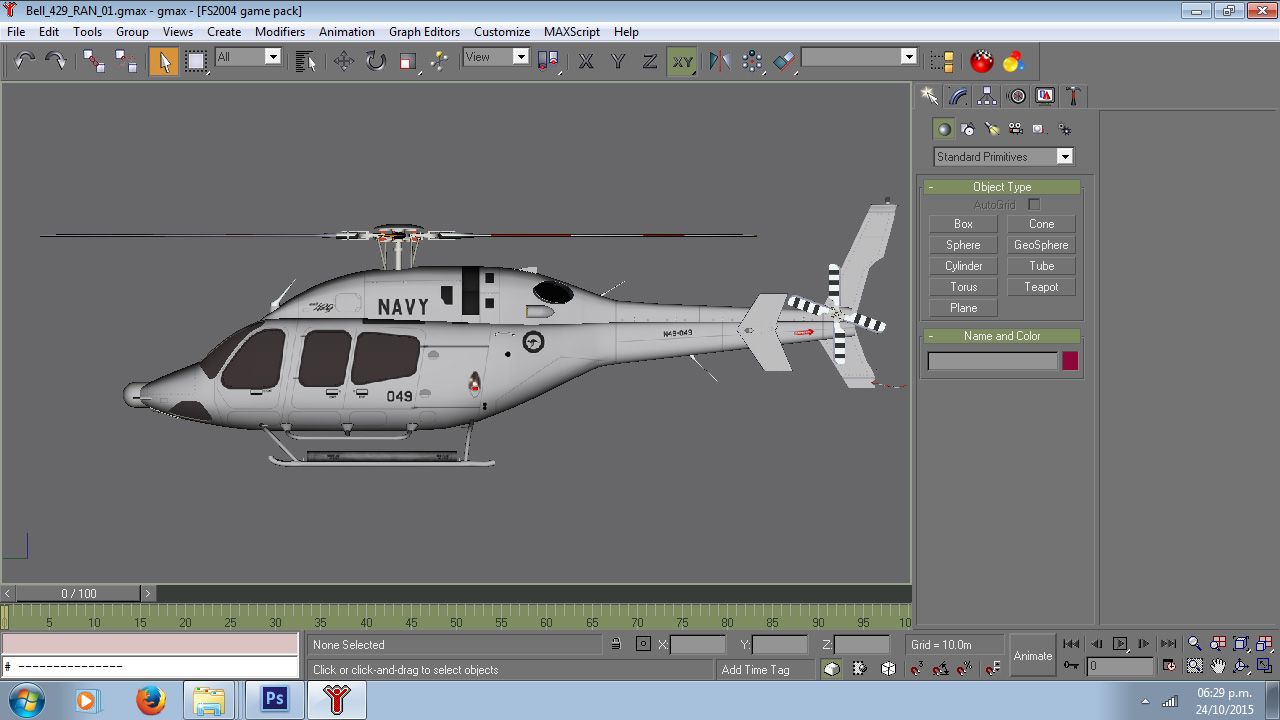
The disappointing truth came when I tried to export the first time with textures; the export in "chunks" was a failure. Just by adding textures, all went to the trash can; no matter if the model looks well in Gmax. Here are some pictures:
In Gmax:
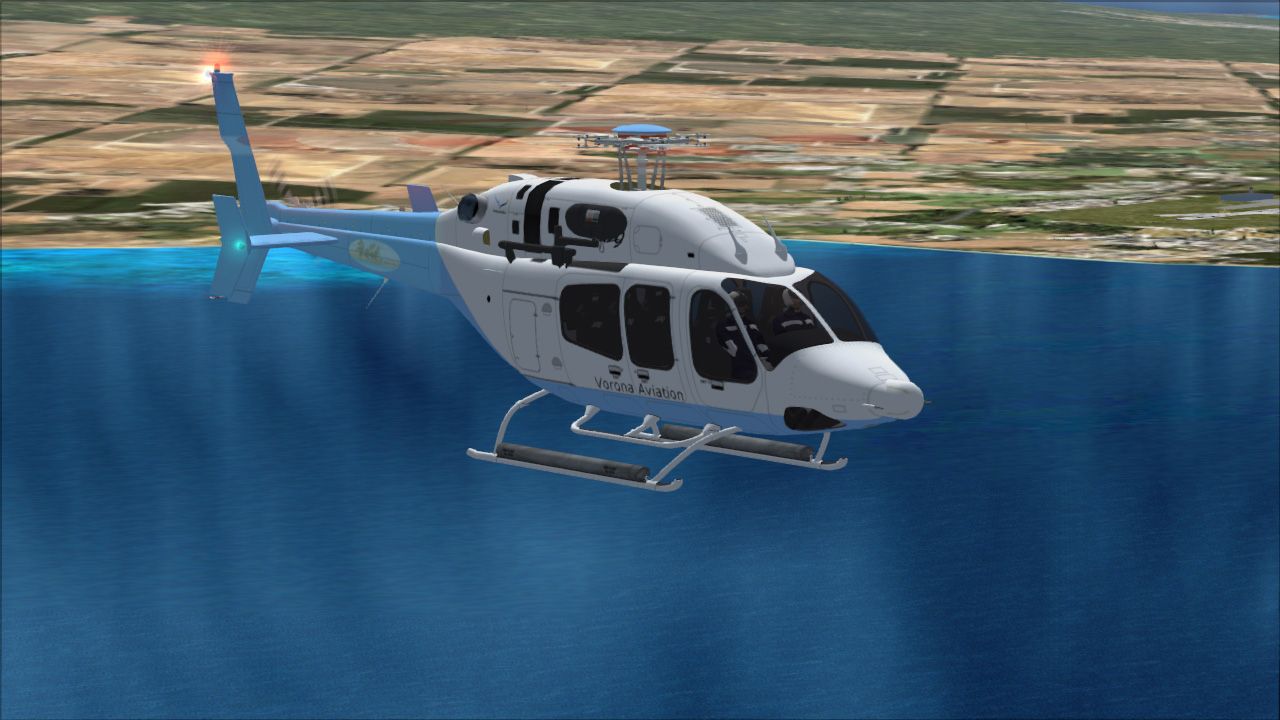
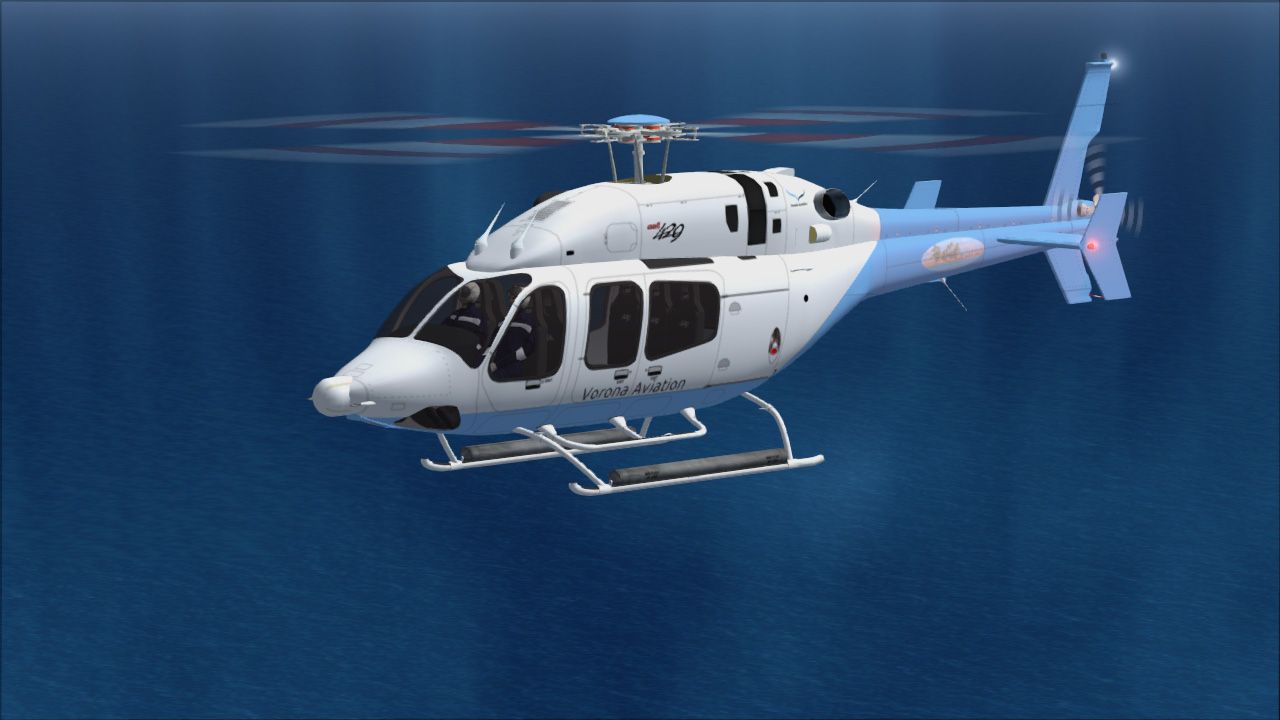
Now in Flight Simulator 2004 after being exported. I did not get any error message during the exporting process...
Look this weird windows...
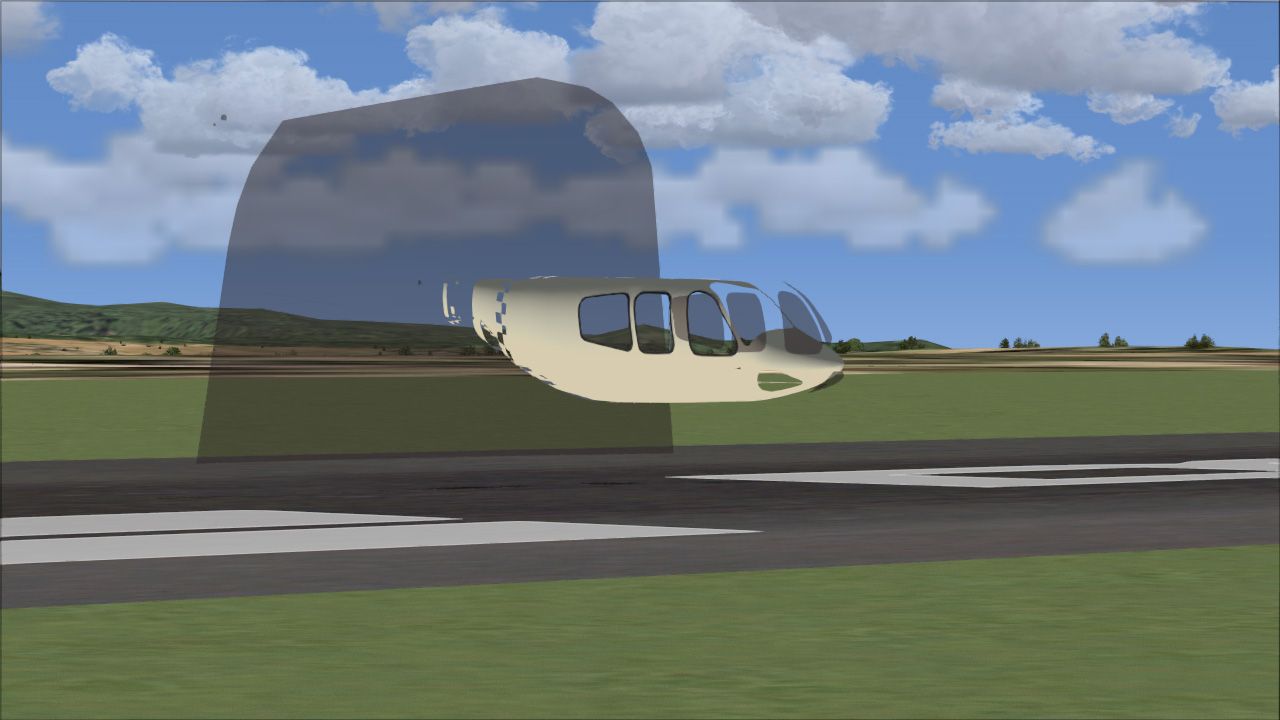


Any ideas?
In advance, thank you.
Sergio Kauffman.
P.S. By the way, I know the idea to put to work the rotors if they are oriented in the "y" axis; however, how would be the way to tell FS9 that another rotor is oriented differently. The helicopter has two different orientations and the tutorials regarding props are for FSX only... The FSX' version is a frame method and it is not like in FS9. In the pictures above, I did not tried or used any animation.
Nowadays, I am designing a Bell 429 originally in 3ds max. After months of learning how 3ds max and Gmax works, I finally get my basic mesh in Gmax with all its textures. I exported from 3ds max as 3ds mesh studio format, then piece by piece, start to weld the vertices created during the exporting process. Finally, updating the textures in targa format (1024x1024 pixel res.). Before to export to Gmax, I applied an Xform modifier to everything in the scene and collapsed all stacks.
Once in Gmax and before attempting any animation, I was trying to export the model to FS9 using a combination of middleman, ULE & makemdl.exe stand alone. I did it first without any texture and the model showed up in FS9 nicely. I was happy with such achievement, so I worked hard to give the model all textures to work. Using only materials with the channel "diffuse" in "blink" mode. I took care not to get to 60k polys with a single material
The disappointing truth came when I tried to export the first time with textures; the export in "chunks" was a failure. Just by adding textures, all went to the trash can; no matter if the model looks well in Gmax. Here are some pictures:
In Gmax:
Now in Flight Simulator 2004 after being exported. I did not get any error message during the exporting process...
Look this weird windows...
Any ideas?
In advance, thank you.
Sergio Kauffman.
P.S. By the way, I know the idea to put to work the rotors if they are oriented in the "y" axis; however, how would be the way to tell FS9 that another rotor is oriented differently. The helicopter has two different orientations and the tutorials regarding props are for FSX only... The FSX' version is a frame method and it is not like in FS9. In the pictures above, I did not tried or used any animation.


 ). In Gmax, I double checked all scales and transformations and everything was at 100%. No scaling issues at sight...