

I followed this video about animating the fabric cover over a control column (so it has to respond to two animations, control stick fore/aft and control stick left/right).
One thing I noticed though is that the animation of the bones only travels half the rotation distance that I have keyframed.
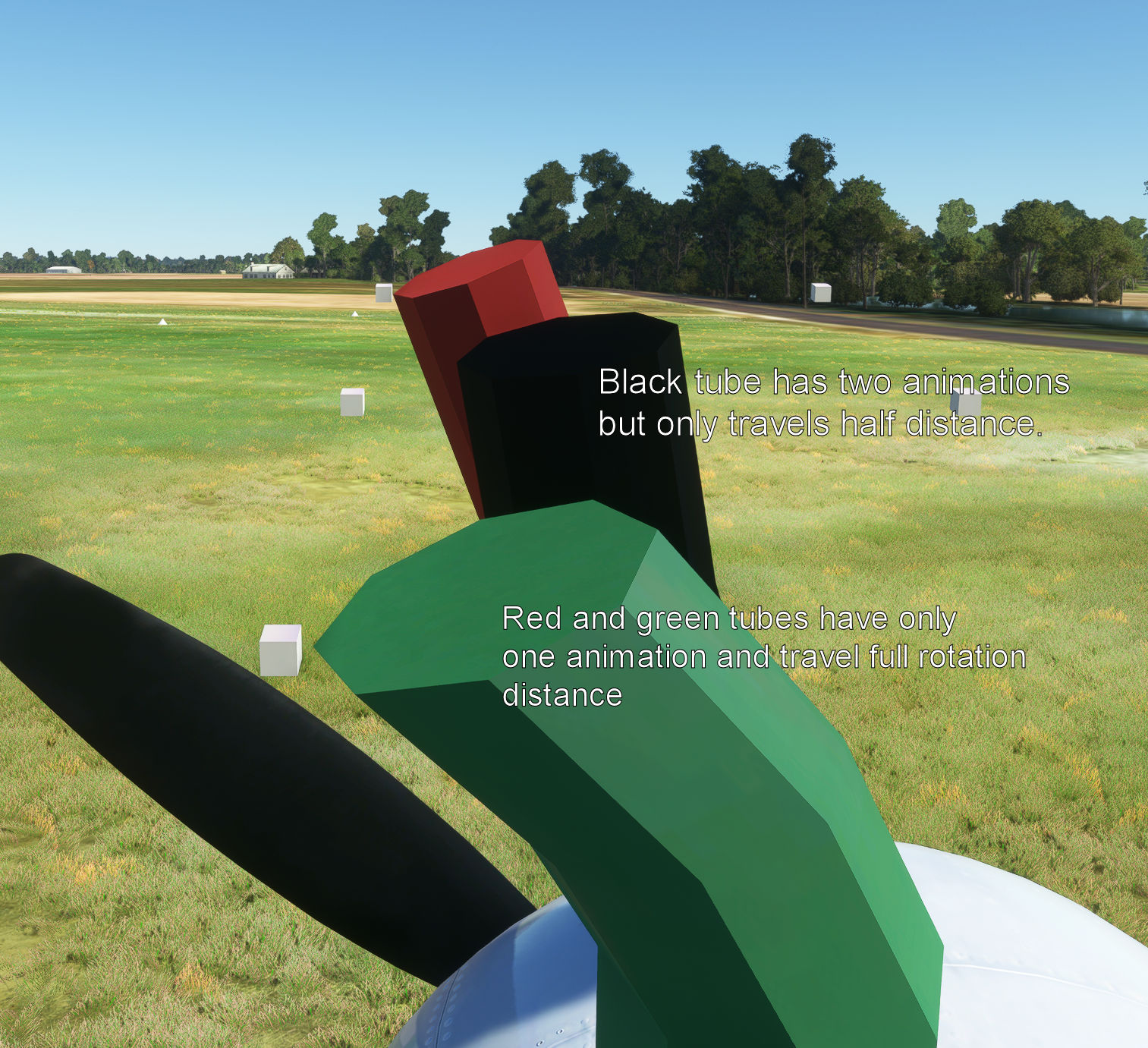
I made a little test to see if I wasn't imagining things. Here are 3 tubes, red, black and green. The red and green tubes have a single animation assigned to them (red tube is a single bone, green tube is two bones, a very very short base bone that doesn't move and a longer animated bone) while the black tube is set up like the control column with two animations (same two bone structure as the green tube). I placed little white boxes at the limits of the animation to help with checking. Each tube references the same animation code.
The green and red tubes animated as expected.
But the black tube doesn't reach it's little white cube. It's stopped half way short of it's expected range. It seems as though when you have more than one animation assigned to a bone that MSFS halves the effect of each animation.
Does anyone have any thoughts on this? Is this just a quirk of MSFS or is there a workaround? Perhaps an exporter update (it's been a while since I last updated the Asobo exporter for Blender)? Or will I just have to learn to deal with this quirk by doubling the range of any animations with two inputs?
One thing I noticed though is that the animation of the bones only travels half the rotation distance that I have keyframed.
I made a little test to see if I wasn't imagining things. Here are 3 tubes, red, black and green. The red and green tubes have a single animation assigned to them (red tube is a single bone, green tube is two bones, a very very short base bone that doesn't move and a longer animated bone) while the black tube is set up like the control column with two animations (same two bone structure as the green tube). I placed little white boxes at the limits of the animation to help with checking. Each tube references the same animation code.
The green and red tubes animated as expected.
But the black tube doesn't reach it's little white cube. It's stopped half way short of it's expected range. It seems as though when you have more than one animation assigned to a bone that MSFS halves the effect of each animation.
Does anyone have any thoughts on this? Is this just a quirk of MSFS or is there a workaround? Perhaps an exporter update (it's been a while since I last updated the Asobo exporter for Blender)? Or will I just have to learn to deal with this quirk by doubling the range of any animations with two inputs?


