
- Messages
- 7
- Country

Hello,
Where editing AFCADs in P3D used to be a piece of cake, in MSFS it's been quite a hassle. I've got the hang of it mostly now, but I've run into a problem I can't seem to fix.
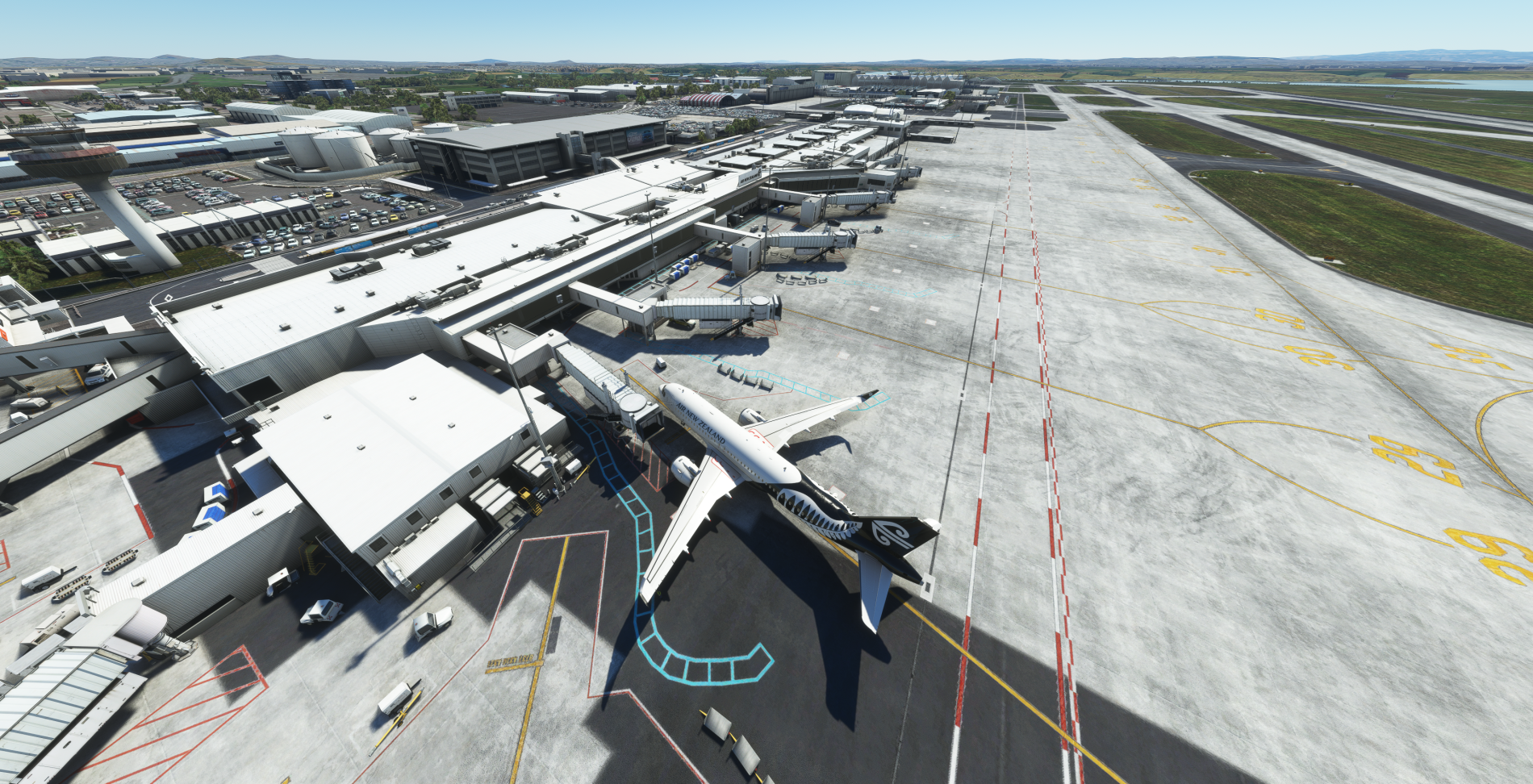
I'm editing Flightbeam NZAA. When I create a project from the BGL file and then use two-way editing to open the project, ground textures show up as they are supposed to as seen in the snap below.
However the moment I make one change and save the project, the ground texture disappears and I just get this satellite image as seen below as ground texture (presumably bing maps).

The same thing happens when I update the BGL in the NZAA package in the community folder.
Anyone an idea what might be causing this issue?
Thanks!
David
Where editing AFCADs in P3D used to be a piece of cake, in MSFS it's been quite a hassle. I've got the hang of it mostly now, but I've run into a problem I can't seem to fix.
I'm editing Flightbeam NZAA. When I create a project from the BGL file and then use two-way editing to open the project, ground textures show up as they are supposed to as seen in the snap below.
However the moment I make one change and save the project, the ground texture disappears and I just get this satellite image as seen below as ground texture (presumably bing maps).
The same thing happens when I update the BGL in the NZAA package in the community folder.
Anyone an idea what might be causing this issue?
Thanks!
David