• Which the release of FS2020 we see an explosition of activity on the forun and of course we are very happy to see this. But having all questions about FS2020 in one forum becomes a bit messy. So therefore we would like to ask you all to use the following guidelines when posting your questions:

    • Tag FS2020 specific questions with the MSFS2020 tag.
    • Questions about making 3D assets can be posted in the 3D asset design forum. Either post them in the subforum of the modelling tool you use or in the general forum if they are general.
    • Questions about aircraft design can be posted in the Aircraft design forum
    • Questions about airport design can be posted in the FS2020 airport design forum. Once airport development tools have been updated for FS2020 you can post tool speciifc questions in the subforums of those tools as well of course.
    • Questions about terrain design can be posted in the FS2020 terrain design forum.
    • Questions about SimConnect can be posted in the SimConnect forum.

    Any other question that is not specific to an aspect of development or tool can be posted in the General chat forum.

    By following these guidelines we make sure that the forums remain easy to read for everybody and also that the right people can find your post to answer it.

MSFS20 Help with a texture with BLEND settings

Messages
1,040
Country
ca-ontario
Hi everyone! I was wondering if anyone here can help me out with the following: I have a 3D scenery asset which uses a texture with alpha channel and BLEND setting. The effect I wanted to achieve was this crumbling 3D sidewalk blending into an asphalt ground polygon. It shows up great during the daytime:
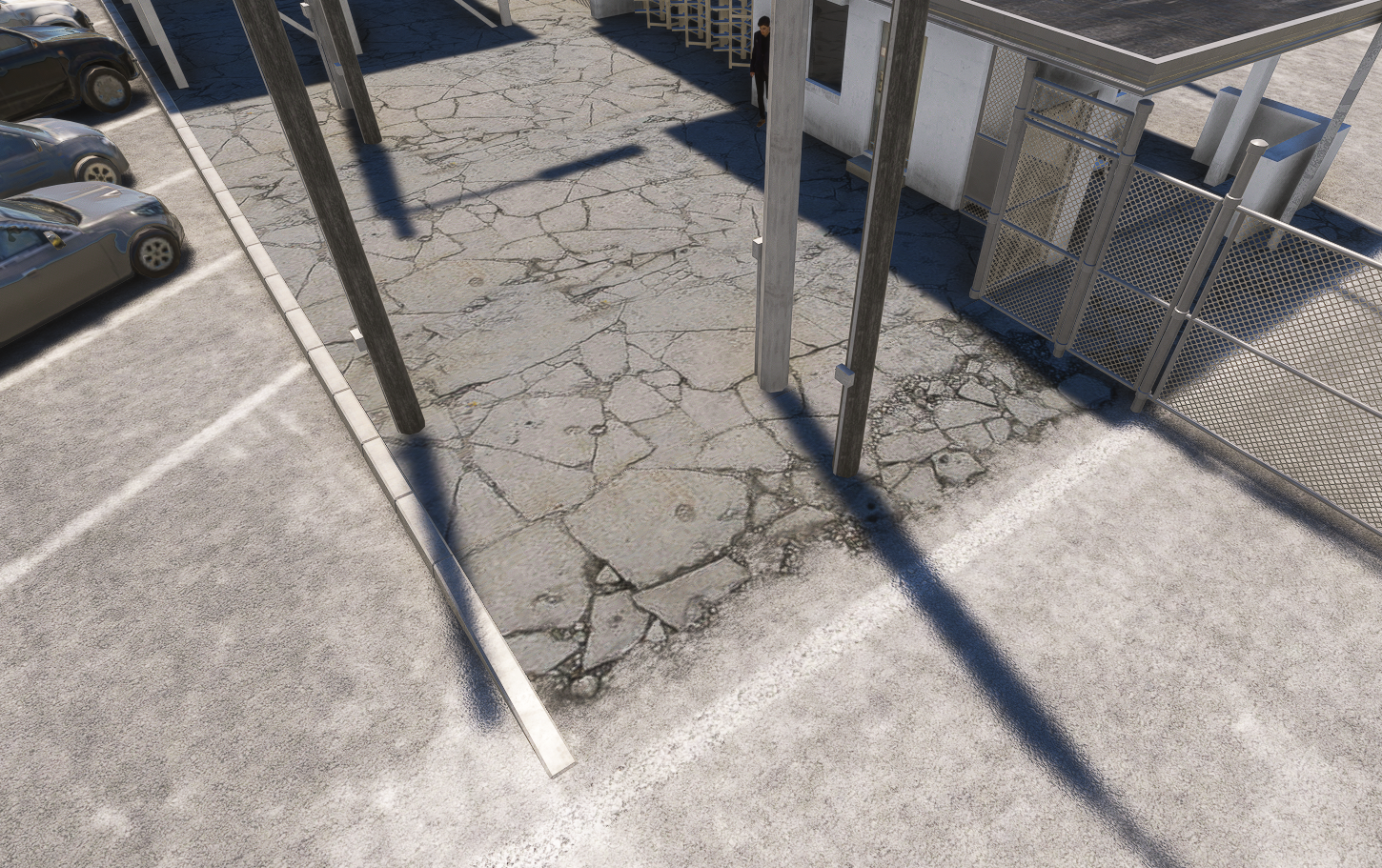
1727451891748.png


but it goes pitch black during the night:
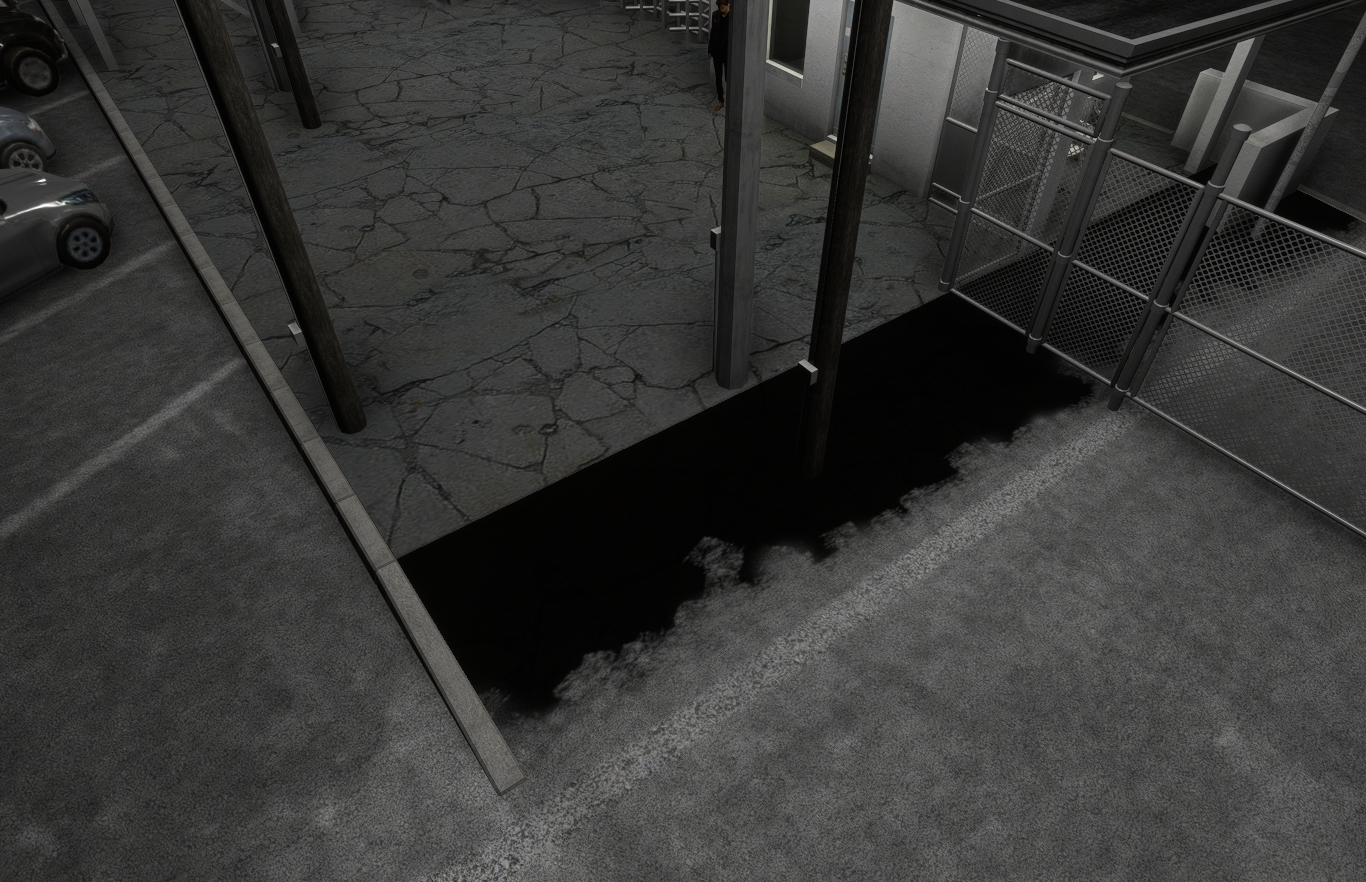
1727452037180.png


Any ideas on what may be going on in here? The material has a NORMAL map, but not COMP, which I set with values. I tried MASK setting and it works the way it should, but I like the BLEND effect much better.

Thanks,
 
No scenery expert here but a pitchblack spot where no direct light hits the surface makes me instantly think of a black AO map.
 
No scenery expert here but a pitchblack spot where no direct light hits the surface makes me instantly think of a black AO map.
Good call - I created a COMP texture, basically Yellow, Occlusion white, Roughness White, Metallic Black, but sadly, the same result.
 
Have you tried "decal" material?
However - I DID give DECAL parameter to BOTH materials and now it works, however, the pavement seems to have some kind of a sorting/transparency issue (you can see it around pole bases). I DID give them both a high drawing order priority.

1727478275023.png
 
Back
Top