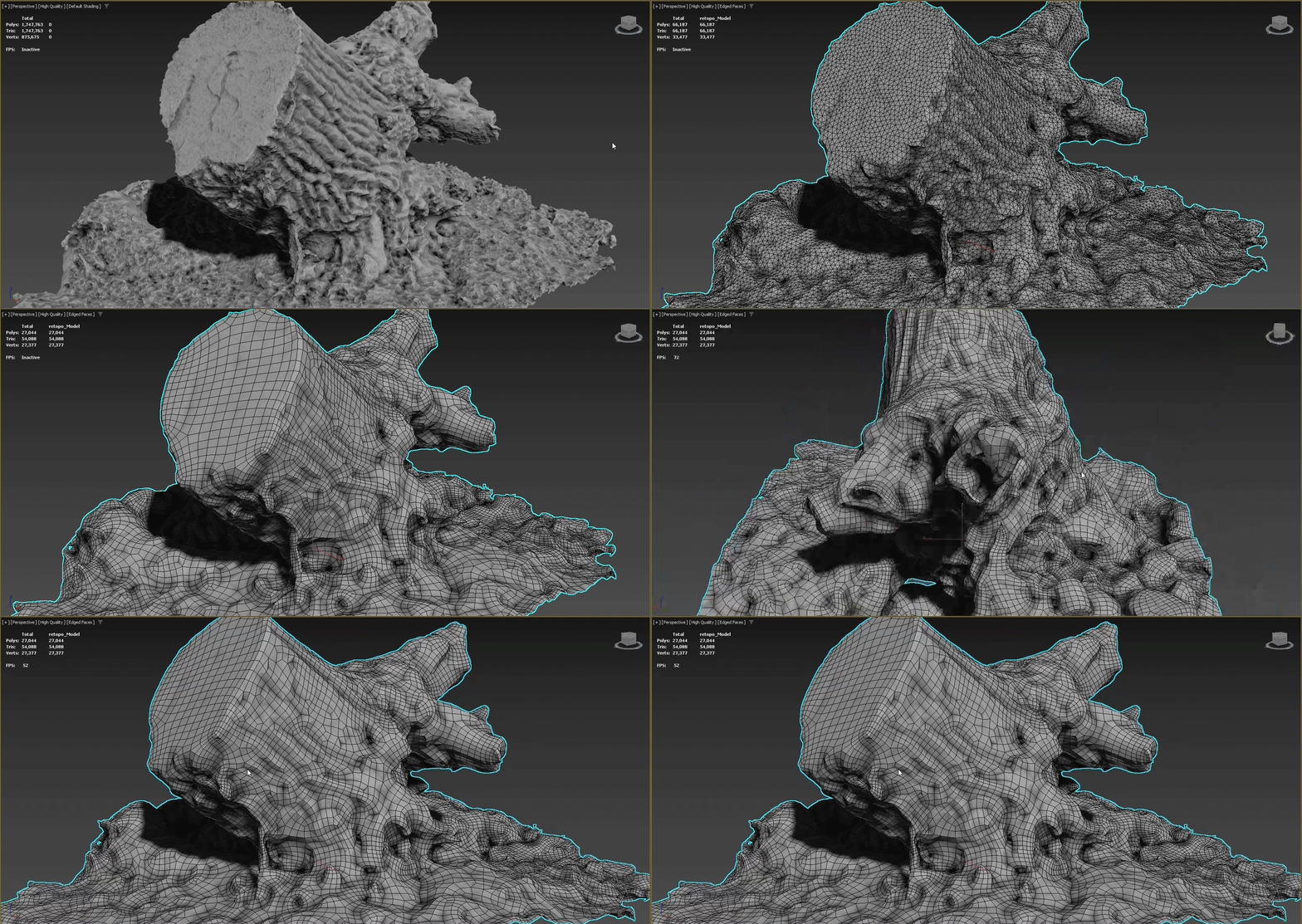
Pro Optimizer is not a reduction algorithm. In fact it quite often adds polygons by triangulating all geometry. The "optimization," is perfect geometry and not "perfect curves with minimal geometry." 3ds Max has tools that control polygon density but they are not simple modifiers. You'd have to go into edge edit mode at the poly or mesh editing level and work with individual poly edges or groups of them to add or remove.
A very quick and dirty way to edit model geometry density using only stack modifiers would be to deploy Reptology, it has a variable density output algorithm that adheres very closely to the total polygon count you set in the slider. You can define culling parameters and everything is completely reversible, I warn you that it will look like a spider built your model after, this is where you want to be very precise and very symmetric with your geometry, because when Retopology remeshes it, it will pick up and highlight every irregularity - and the process destroys texture mapping, of course.
A typical way to maximize the potential of Reptology is to take a 50k polygon model, first Pro Optimize, then Quadify and do not be afraid to make the quads as small as your system will handle, then over into TurboSmooth and again, maybe a million polys? I don't know how powerful your system, but whatever polygons you add to make a curve curvier, Retopology will strip in perfect mathematical precision, if by precision you do not mind reptile scales instead of neatly stacked squares and done right, your 50k mesh will look almost identical at or around 5k polys.
For 2022 you'll have to download Retopology Tools and without that process, the next most efficient decimator is the LOD tool in MCX, I'd guess you could lose 10 to 20% of your polygons before the holes become distracting and MCX preserves texture coordinates.