

Hi Guys,
I'm having a real issue with P3Dv5 Dynamic Lighting. I know that the dynamic light settings changed with P3Dv5 and I am editing the fx files from the visual editor in the SDK to get them working correctly but I cannot get the effects to show on the ground outside of the visual editor. Pictures show:
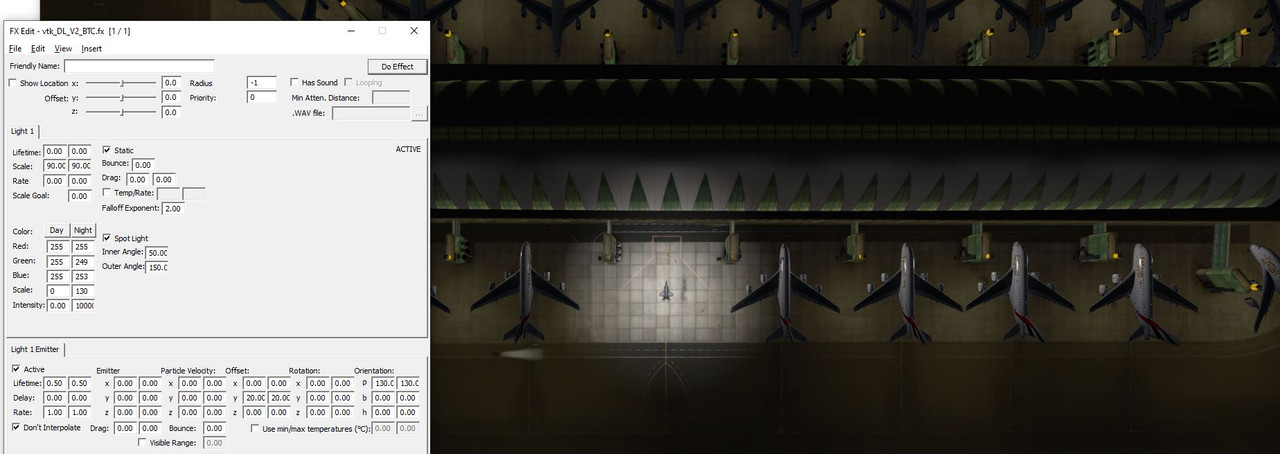
Full Dynamic Light shows from visual editor when clicking Do Effect
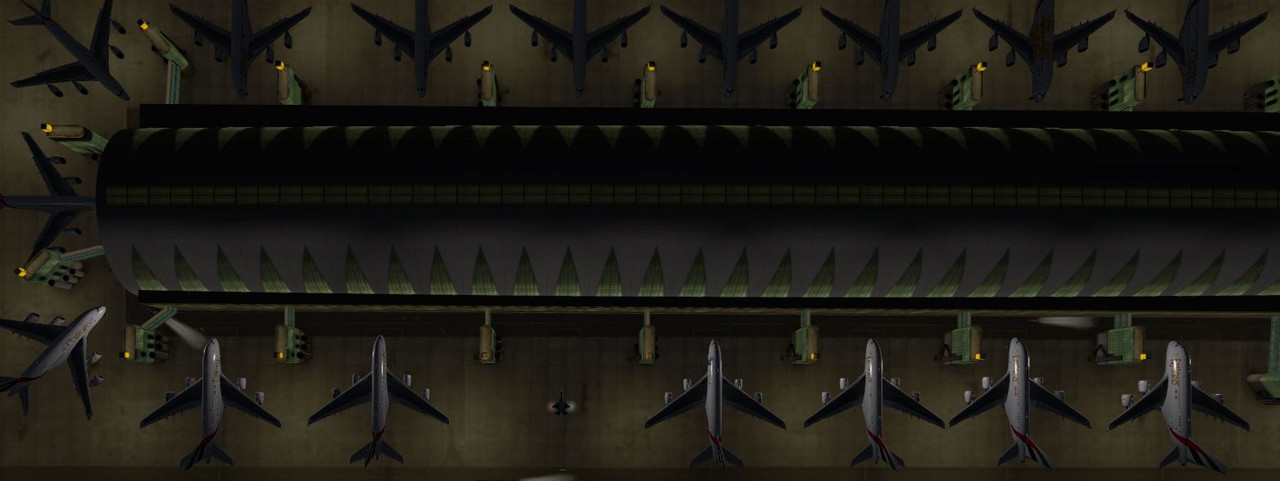
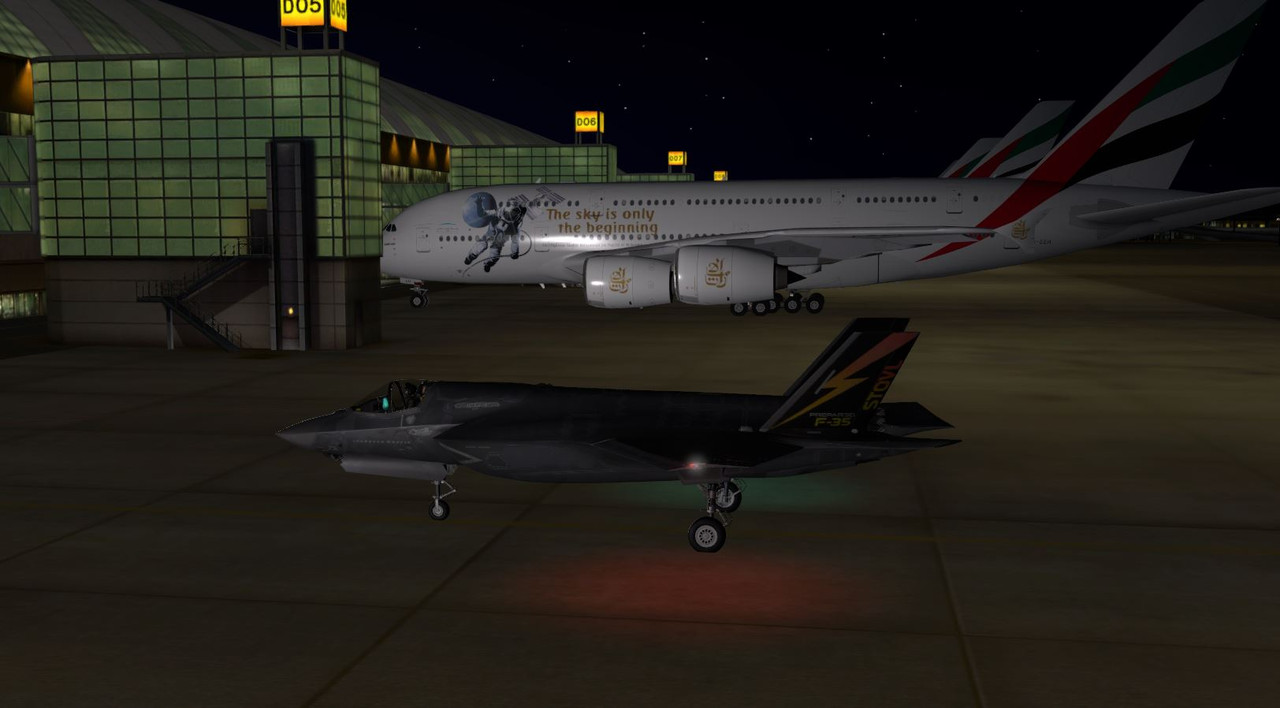
But when I reopen P3Dv5 the effect shows on surrounding aircraft but the light splash on the ground doesn't show.
This only happens when I am creating Dynamic Lighting files so I can presume there is something I am missing that allows the ground splash. Dynamic Lighting is enabled, fx files are placed using ADE and compiled as separate scenery objects to separate from the ADE.
Appreciate any help as I'm pulling my hair out trying to fix this!
Best Regards,
Tom
I'm having a real issue with P3Dv5 Dynamic Lighting. I know that the dynamic light settings changed with P3Dv5 and I am editing the fx files from the visual editor in the SDK to get them working correctly but I cannot get the effects to show on the ground outside of the visual editor. Pictures show:
Full Dynamic Light shows from visual editor when clicking Do Effect
But when I reopen P3Dv5 the effect shows on surrounding aircraft but the light splash on the ground doesn't show.
This only happens when I am creating Dynamic Lighting files so I can presume there is something I am missing that allows the ground splash. Dynamic Lighting is enabled, fx files are placed using ADE and compiled as separate scenery objects to separate from the ADE.
Appreciate any help as I'm pulling my hair out trying to fix this!
Best Regards,
Tom

