

- Messages
- 6,612
- Country

Just fooling around with python and SimConnect. This python code works for both MSFS2020 and MSFS2024. The 2024 SimConnect.dll is included in the zip, along with the python code, and a batchfile to convert the .py code into a windows executable. TCalc_Python
Edited...
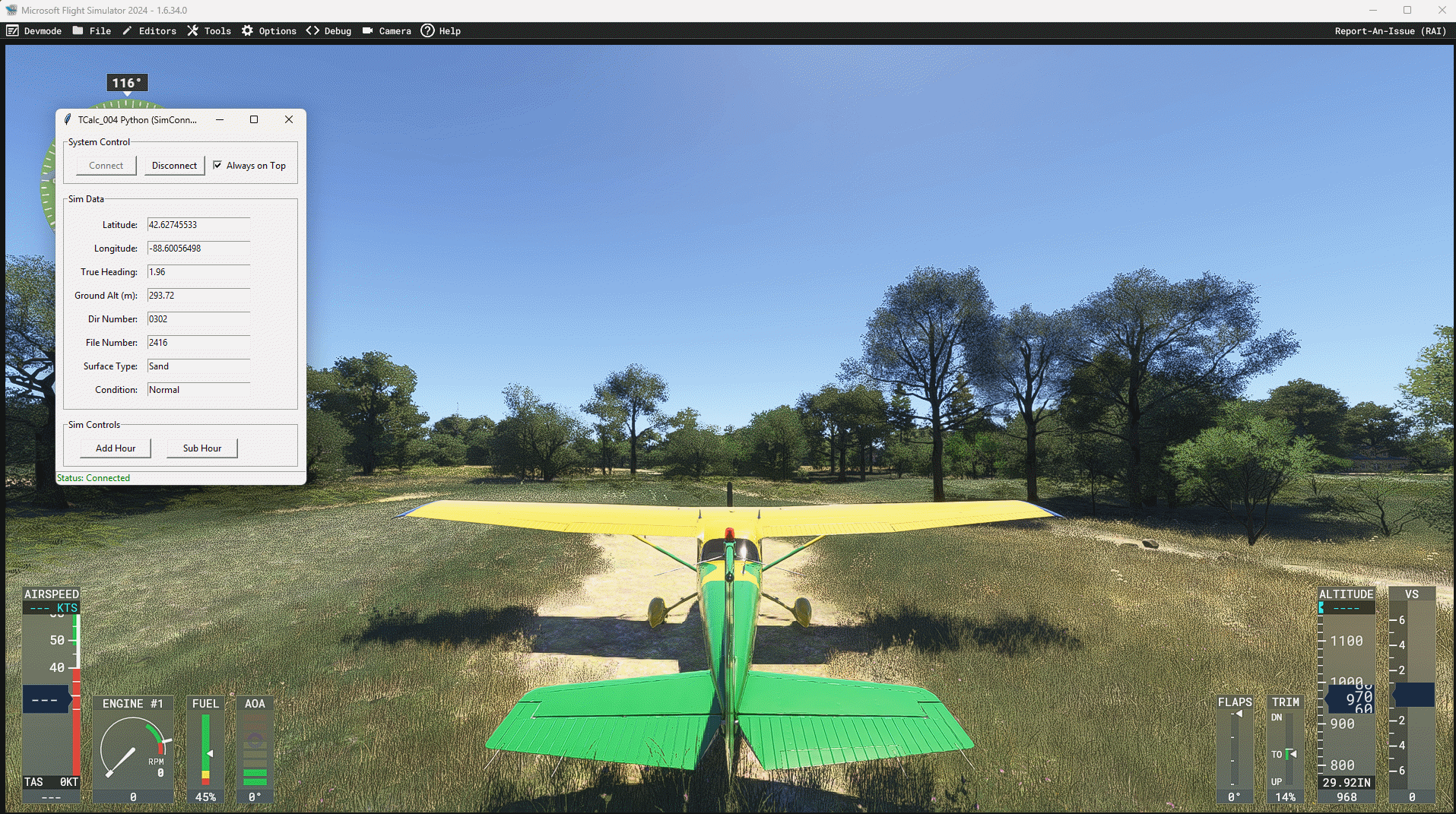
I added Surface Type and (surface)Condition. Sometimes the type or condition might get stuck if you change the weather... then just disconnect and reconnect, and it should correct.
This could be useful for detecting surface types that stubbornly refuse to change with polygons, allowing you to explore other surface materials. There was a bit of lag with the older version, but I have improved this. This is also an example of using AI to convert C# code to a working python code. This app works in MSFS 2024 and MSFS 2020. SimConnect.dll is internally stored in the executable along with everything else, so it just works.
Edited...
I added Surface Type and (surface)Condition. Sometimes the type or condition might get stuck if you change the weather... then just disconnect and reconnect, and it should correct.
This could be useful for detecting surface types that stubbornly refuse to change with polygons, allowing you to explore other surface materials. There was a bit of lag with the older version, but I have improved this. This is also an example of using AI to convert C# code to a working python code. This app works in MSFS 2024 and MSFS 2020. SimConnect.dll is internally stored in the executable along with everything else, so it just works.
Last edited: