

- Messages
- 1,636
- Country

This is an issue I just encountered that I don't believe I have seen for years. I created some ground imagery where the resulting .bgl is creating a single pixel-width black border on the right border side only. At further inspection the line is actually not black but water.

My process as follows:
1. Create GeoTIFFs using Global Mapper from USGS .sid files. The data completely covers areas where I am creating images
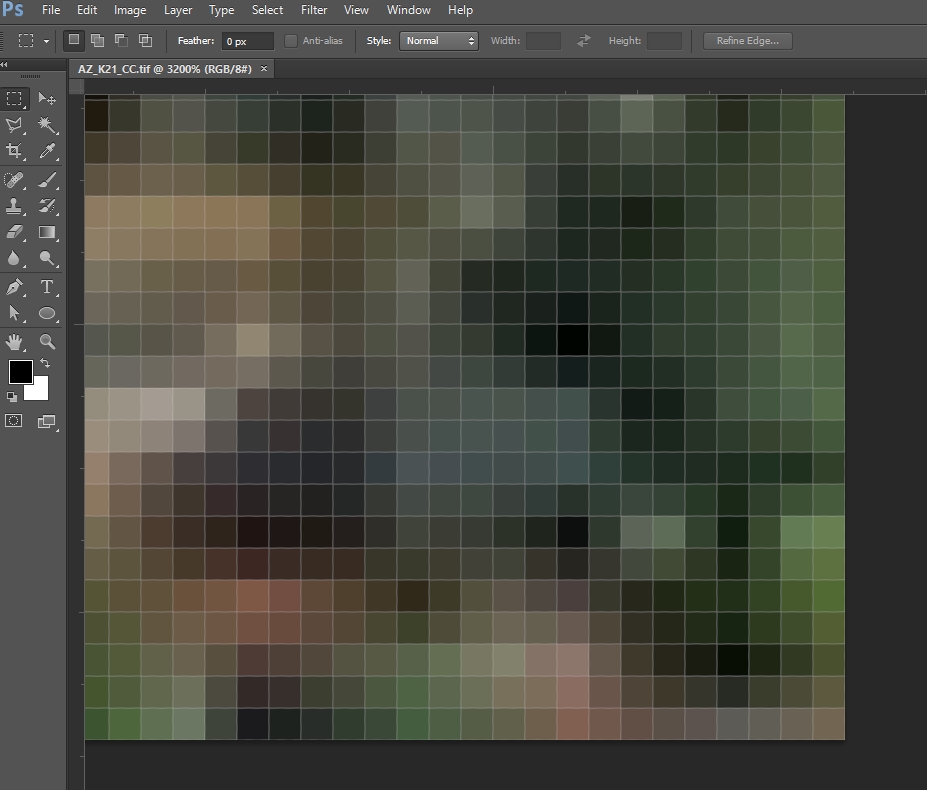
The resulting image very close up in photoshop of the lower right corner. All data there... no gaps. RGB image with no alpha.
2. Process the images using the following inf file. Very basic, no blendmask or watermask, just a simple day and night texture.
The resulting image very close up in photoshop of the lower right corner. All data there... no gaps. RGB image with no alpha.
Here is what the resampled .bgl file looks like in TMV. In the View tab if I select 'Show Missing Data Mask' you can then see a gray single pixel width line appear.

So I suppose the issue is resample is not seeing that last line of image data? If you look closely between the photoshop image the TMV image you can see the last column of pixels is literally missing in TMV. Been researching the forums for a similar issue but have only come across one without really a conclusion. Other posts talk about a red line but that does not appear to be the same issue.
I have tried using NULL VALUE = 0,0,0 and NULL VALUE = 255,255,255 and NULL VALUE = 128,128,128 in the INF but same results. Has anyone come across this before in their endeavors?
Thanks,
Marcus
My process as follows:
1. Create GeoTIFFs using Global Mapper from USGS .sid files. The data completely covers areas where I am creating images
The resulting image very close up in photoshop of the lower right corner. All data there... no gaps. RGB image with no alpha.
2. Process the images using the following inf file. Very basic, no blendmask or watermask, just a simple day and night texture.
Code:
[Source]
Type                             = MultiSource
NumberOfSources       = 2


[Source1]
Type                  = GeoTIFF
Layer                 = Imagery
SourceDir          = "P:\AZ\Section_23\Images"
SourceFile         = "AZ_K21_CC.tif"
Variation           = DAY

[Source2]
Type                     = GeoTIFF
Layer                    = Imagery
SourceDir             = "P:\AZ\Section_23\Images"
SourceFile            = "AZ_K21_LM.tif"
Variation             = Night

[Destination]
DestDir                            = "P:\2_Output\Section_23"
DestBaseFileName         = "AZ_K21"
DestFileType                   = BGL
LOD                                 = Auto
UseSourceDimensions   = 1
CompressionQuality      = 85
The resulting image very close up in photoshop of the lower right corner. All data there... no gaps. RGB image with no alpha.
Here is what the resampled .bgl file looks like in TMV. In the View tab if I select 'Show Missing Data Mask' you can then see a gray single pixel width line appear.
So I suppose the issue is resample is not seeing that last line of image data? If you look closely between the photoshop image the TMV image you can see the last column of pixels is literally missing in TMV. Been researching the forums for a similar issue but have only come across one without really a conclusion. Other posts talk about a red line but that does not appear to be the same issue.
I have tried using NULL VALUE = 0,0,0 and NULL VALUE = 255,255,255 and NULL VALUE = 128,128,128 in the INF but same results. Has anyone come across this before in their endeavors?
Thanks,
Marcus


