
D
Deleted member 20183
Guest
Hi everyone , so i wanted to make an animated beacon ( on top of ATC Tower that rotates) . I have the animation set from 0 to 100 frame of the beacon rotating . I was wondering if there is a guide / tutorial on how to select tags or the things to make the animation work in simulator .
I tried playing with the animation manager that comes in the P3D SDK Plugin for 3DS Max but i have no idea what to do in it , though i tried tagging myself without much knowledge i was able to do it . I tagged it to Prop0_slow , then i clicked create > i put 0 in start and
100 in end below the object anim box and clicked update sel , however when i import it in MCX and i click the animation button it doesnt do anything neither it lets me seek with the Slider next to the Play button in MCX .
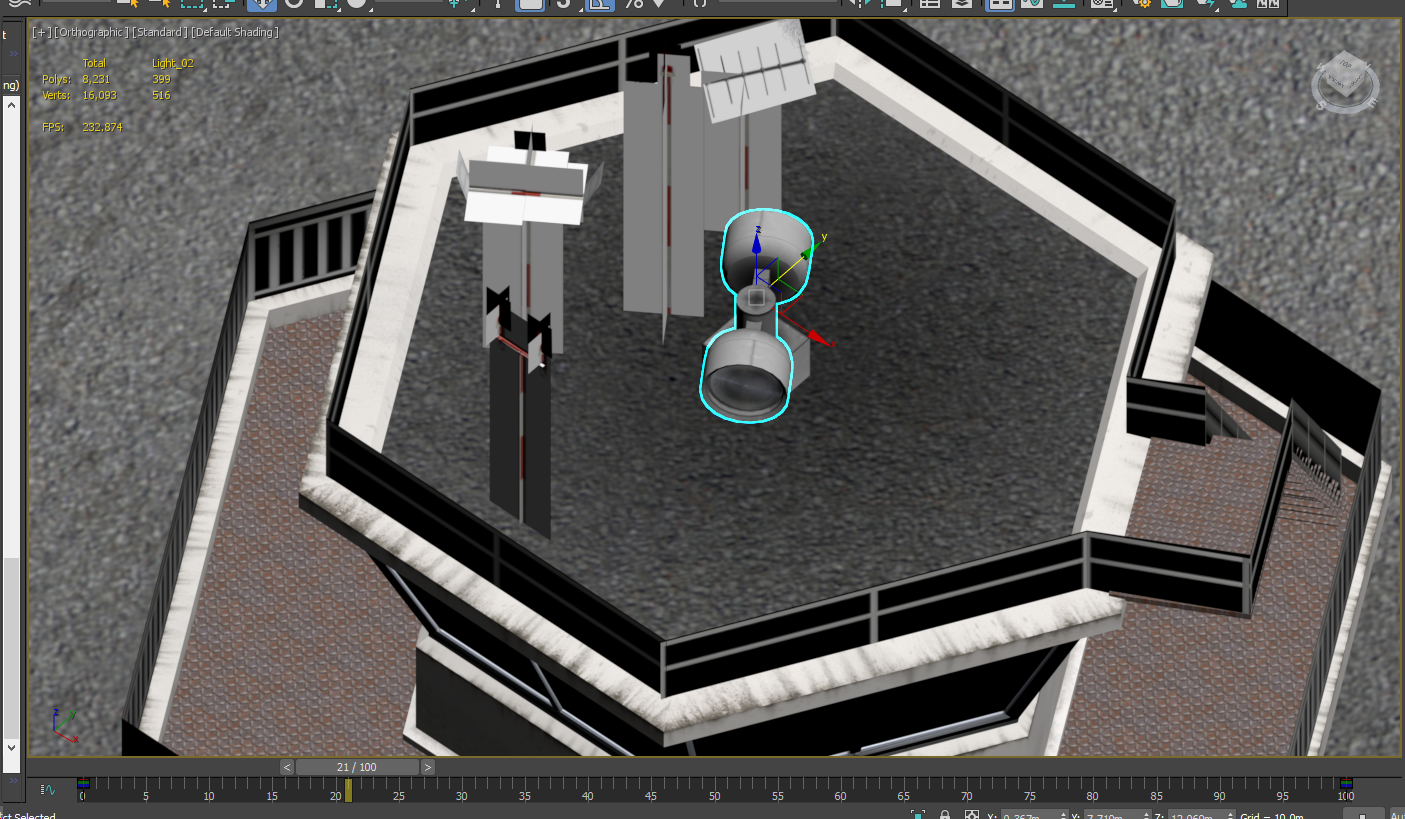

I tried playing with the animation manager that comes in the P3D SDK Plugin for 3DS Max but i have no idea what to do in it , though i tried tagging myself without much knowledge i was able to do it . I tagged it to Prop0_slow , then i clicked create > i put 0 in start and
100 in end below the object anim box and clicked update sel , however when i import it in MCX and i click the animation button it doesnt do anything neither it lets me seek with the Slider next to the Play button in MCX .


