• Which the release of FS2020 we see an explosition of activity on the forun and of course we are very happy to see this. But having all questions about FS2020 in one forum becomes a bit messy. So therefore we would like to ask you all to use the following guidelines when posting your questions:

    • Tag FS2020 specific questions with the MSFS2020 tag.
    • Questions about making 3D assets can be posted in the 3D asset design forum. Either post them in the subforum of the modelling tool you use or in the general forum if they are general.
    • Questions about aircraft design can be posted in the Aircraft design forum
    • Questions about airport design can be posted in the FS2020 airport design forum. Once airport development tools have been updated for FS2020 you can post tool speciifc questions in the subforums of those tools as well of course.
    • Questions about terrain design can be posted in the FS2020 terrain design forum.
    • Questions about SimConnect can be posted in the SimConnect forum.

    Any other question that is not specific to an aspect of development or tool can be posted in the General chat forum.

    By following these guidelines we make sure that the forums remain easy to read for everybody and also that the right people can find your post to answer it.

FSXA Default CRJ-700 VC rework

dave hoeffgen

Resource contributor
Messages
1,439
Country
germany
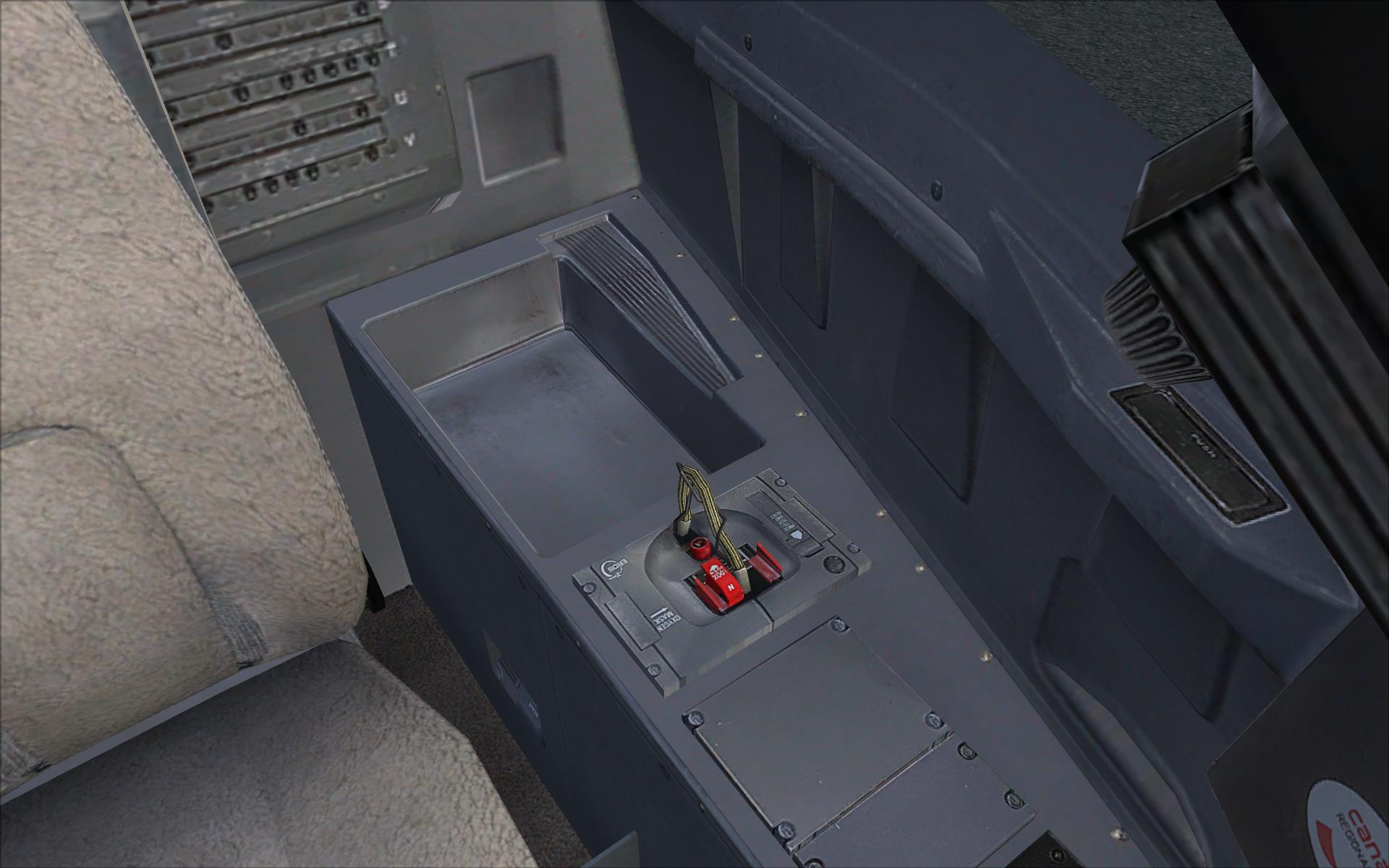
First the idea was to bring a working FMC into the CRJ Cockpit. So I ported the default model into Blender. But Animations and a lot of modeling to shading had to be redone anyway and slowly this project became sort of a playground for gauge writing and tweaking and coding new animations in modeldef.xml. Now it's been one and a half years of occasional work.

At the moment the Cockpit includes the following additional gauges:
  • independent Eicas and Navigation Displays (tweaked defaults),
  • The FMC by Garrett Smith,
  • The GPWS by Rob Barendregt,
  • A stick pusher and
  • an auto land routine (self coded)
...graphical features:
  • independent left and right wiper animations,
  • accordingly rain affected wind shields with wiper traces (WIP, if the wipers are moving of course),
  • sliding rudder pedals with animated toe brakes,
  • additional moving switches, such as the APU Hydraulics switch and the stick pusher switch
...a few functional enhanements like the red AP diconnect button made clickable and the lacking functionality of the MFD control panel made complete,
as well as some mapping errors and other issues fixed (this little knob is now actually moving with the yoke :D)

screenshot55.JPG


screenshot57.JPG


screenshot58.JPG


screenshot56.JPG


No outstanding vidual improvement here, this is rather focused on increased functionality.

A more edetailed demonstration of the reworked MFD may come soon.

What do you think? :)
 
Quite nice man! Are you planning to revamp the textures too?

ATM I don't have any plans for the textures. I made sure It's fully compatible with the default VC textures so it can combined with any independent texture mod existing or made in the future ;)
 
I love it.

I've wanted to do this since I starting developing. Hope to see it completed.:)
 
I love it.

I've wanted to do this since I starting developing. Hope to see it completed.:)

Hard to say what completed really means in this case. :p
Might be every time once a feature is done.

I'd still like to do the hydraulics displays as they are mainly dummy by default but I don't really have an idea about that.
 
ATM I don't have any plans for the textures. I made sure It's fully compatible with the default VC textures so it can combined with any independent texture mod existing or made in the future ;)

Well if you get those plans, my flight instructor is now a first officer on the CRJ-700, so I might be able to get some photos or even info on the hydraulics.
 
I think there was also a bug regarding one of the lights in the original VC. Check that every light works as it should.

And while you're at it, make sure to adjust the cockpit position for POSKY's CRJ-900 and CRJ-1000 models.


I'd still like to do the hydraulics displays as they are mainly dummy by default but I don't really have an idea about that.

Pretty sure you've seen this:
http://www.smartcockpit.com/aircraft-ressources/CRJ-00_and_00-Hydraulic_Power.html

Although FSX supports more than one hydraulic system, I'm not sure about the exact priorities. Judging from an aircraft add-on using the default systems, priority seems to be given to engine driven pumps, with the remaining systems powered by by electric pumps if so defined in the aircraft.cfg. The SDK documentation does not mention that you can have more than one hydraulic switch, but you can map as many as you like (I think).


Aircraft.cfg:
Code:
[hydraulic_system]
normal_pressure = 3000.0 //PSI
electric_pumps = 4 //number of electric pumps
engine_map = 1,1,0,0 //engine-driven pumps on Eng1,2

Switches (in case you have one for each pump/valve):
Code:
1 (>K:HYDRAULIC_SWITCH_TOGGLE)
...
6 (>K:HYDRAULIC_SWITCH_TOGGLE)

Readouts:
Code:
(A:ENG HYDRAULIC PRESSURE:1, psi)
...
(A:ENG HYDRAULIC PRESSURE:6, psi)


You'd have to go all L: var on the system if you want it done realistically though as FSX does not handle more than a single circuit.
If landing gear and flaps are defined as hydraulically powered in the aircraft.cfg, you can't use them if you run out of hydraulc pressure. Spoilers, nosewheel steering and other shenanigans will have to be hard blocked when no hydraulic power is available.
 
Well if you get those plans, my flight instructor is now a first officer on the CRJ-700, so I might be able to get some photos or even info on the hydraulics.

I even had the idea of modeling a HUD but gave up due to lack of photos. But you saying you might get some may possibly revive this? :scratchch
 
Well, of course I have to ask first and hope he is willing to take some pictures. And I have no idea if the CRJ he flies is equipped with a HUD. (I don't think that's a standard feature)

I can't promise you anything, but I can promise that I'll ask him.
 
Well, of course I have to ask first and hope he is willing to take some pictures. And I have no idea if the CRJ he flies is equipped with a HUD. (I don't think that's a standard feature)

I can't promise you anything, but I can promise that I'll ask him.
Thanks a lot! I hope I can take some time for this project to justify your effort. :)

As for the hydraulics: There are three different states represented in the gauge.
hyd.png

Sadly these bitmaps are laid over each other statically.
I just want these to get some appropriate display conditions before stepping too deep into the systems.
 
Nice! I'm really quite fond of the default CRJ and look forward to these improvements.

I've been fantasizing for a while about doing a similar project with the default learjet but I'm not at that level yet. I'm currently rebuilding the FSX AI cherokee as a flyable model, that's all I can handle for now.
 
I just want these to get some appropriate display conditions before stepping too deep into the systems.

Left: (A:GENERAL ENG COMBUSTION:1, bool) ! (A:HYDRAULIC SWITCH:1, bool) ! and
Center: (A:GENERAL ENG COMBUSTION:1, bool) (A:HYDRAULIC SWITCH:1, bool) ! and
Right: (A:GENERAL ENG COMBUSTION:1, bool) (A:HYDRAULIC SWITCH:1, bool) and
 
Left: (A:GENERAL ENG COMBUSTION:1, bool) ! (A:HYDRAULIC SWITCH:1, bool) ! and
Center: (A:GENERAL ENG COMBUSTION:1, bool) (A:HYDRAULIC SWITCH:1, bool) ! and
Right: (A:GENERAL ENG COMBUSTION:1, bool) (A:HYDRAULIC SWITCH:1, bool) and
Thanks for that tip. There just seems to be one missing. I might have to add an image for the case the engine is off but the hyd switch is still on.
 
Back
Top