• Which the release of FS2020 we see an explosition of activity on the forun and of course we are very happy to see this. But having all questions about FS2020 in one forum becomes a bit messy. So therefore we would like to ask you all to use the following guidelines when posting your questions:

    • Tag FS2020 specific questions with the MSFS2020 tag.
    • Questions about making 3D assets can be posted in the 3D asset design forum. Either post them in the subforum of the modelling tool you use or in the general forum if they are general.
    • Questions about aircraft design can be posted in the Aircraft design forum
    • Questions about airport design can be posted in the FS2020 airport design forum. Once airport development tools have been updated for FS2020 you can post tool speciifc questions in the subforums of those tools as well of course.
    • Questions about terrain design can be posted in the FS2020 terrain design forum.
    • Questions about SimConnect can be posted in the SimConnect forum.

    Any other question that is not specific to an aspect of development or tool can be posted in the General chat forum.

    By following these guidelines we make sure that the forums remain easy to read for everybody and also that the right people can find your post to answer it.

Not compiling..

Messages
45
Country
unitedstates
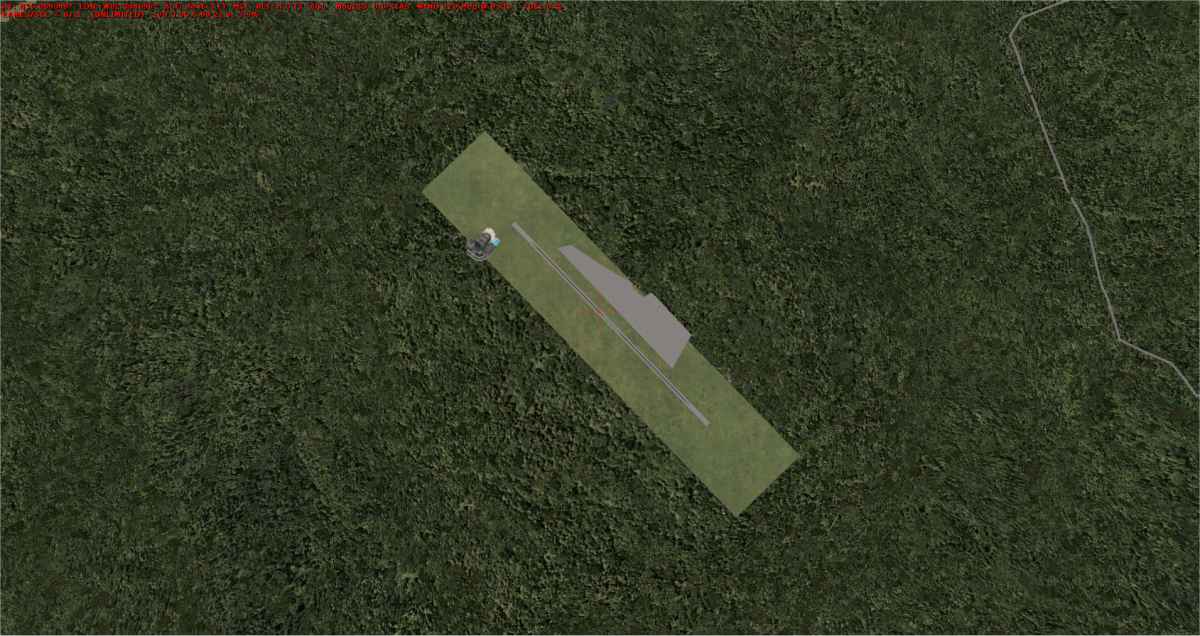
I've been away for a while so it may be me. But I found a little mountain top airport in North Carolina (2NCO which is actually a resort (Mountain Air) with a golf course.

So I thought I'd work with it to reflect some of what an aerial from Google Earth shows. Just started with adding a couple of buildings, an apron, and some vehicles to the stock airport. Saved, compiled but nothing shows in the sim?

mountainair.jpg
 
Perhaps you can attach your project file here for us to look at? Also what version of ADE are you using and what version sim is this?
 
After compiling, you ned to place the ouput bgl(s) in an active scenery area:

2NC0.jpg


Note. I do not have photo-scenery for this area.
 
Not if you compile with FSX running.

Check that the file(s) exist in the addon\scenery folder.
 
Last edited by a moderator:
Not if you compile with FSX running.

Check that the file(s) exist in the addon\scenery folder.

Okay, I got something but I don't know what it is? Anyway, on compiling, the window that pops when you compile has a "more options" button and the add to add on scenery wasn't selected. Mission accomplished thanks.
 
Sort of...think I'll forget about 2NCO. Gotta believe there's a problem with the stock airport

My last effort, wouldn't know which runway to land on. Thanks for the help anyway.:)

mountain.jpg
 
Back
Top