

- Messages
- 3,371
- Country

Let me summarize what I am doing...
1. I have created an island with SBuilderX
2. I have placed several airports on this island
3. I have compiled these airports with the respective ADE version and the respective SDKs for P3Dv3, P3Dv4 and P3Dv5
4. There is no issue in P3Dv3 and P3Dv4
These are the two issues I have in P3Dv5 only:
1. Depending on your viewpoint height the white markings on runways vanish at certain levels
2. While slewing over the airport, some straight lines appear (like parts of rectangles) and vanish again after a moment
Examples for runway marking
1. Close, markings visible
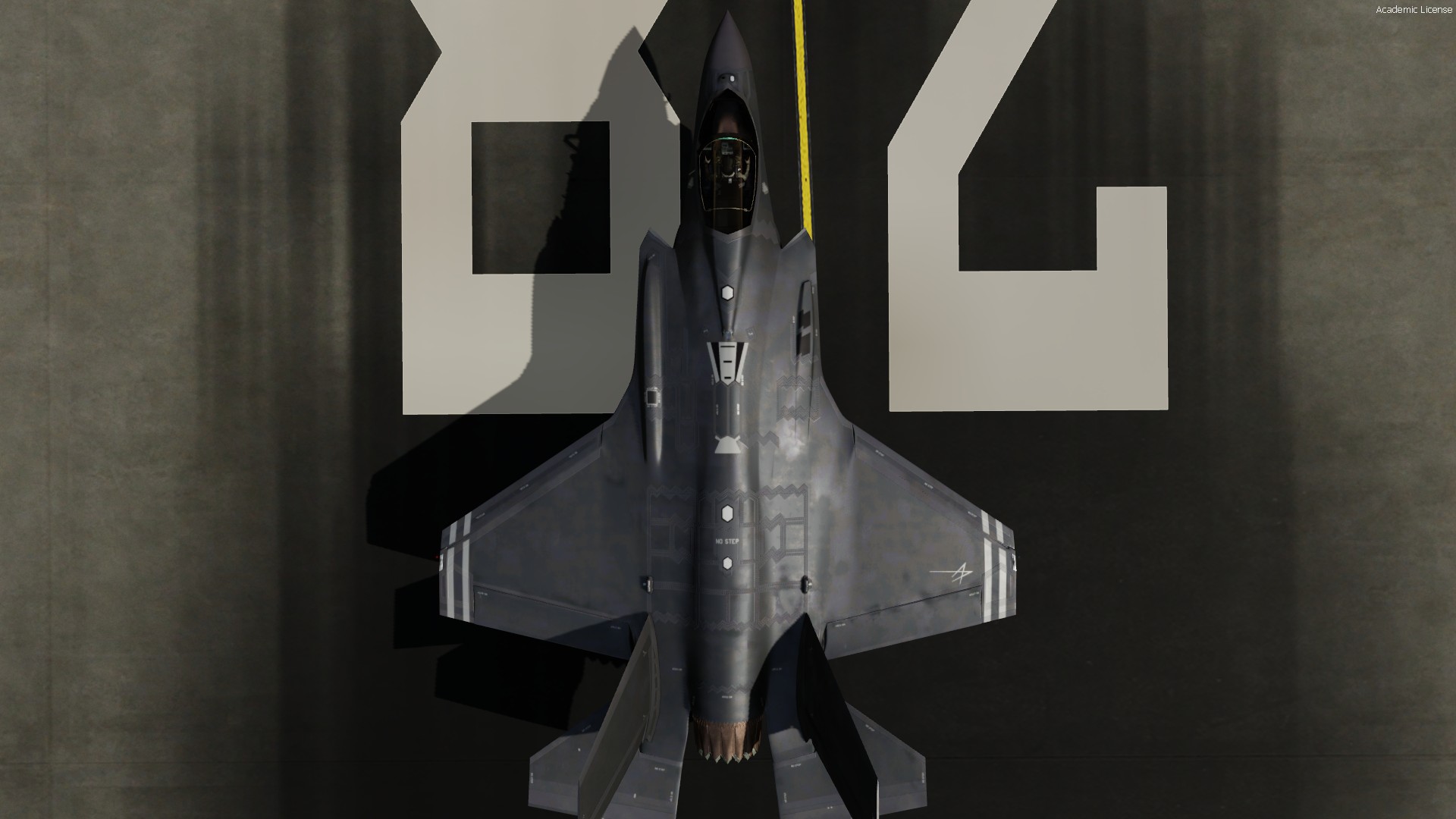
2. Zoomed out, markings still visible
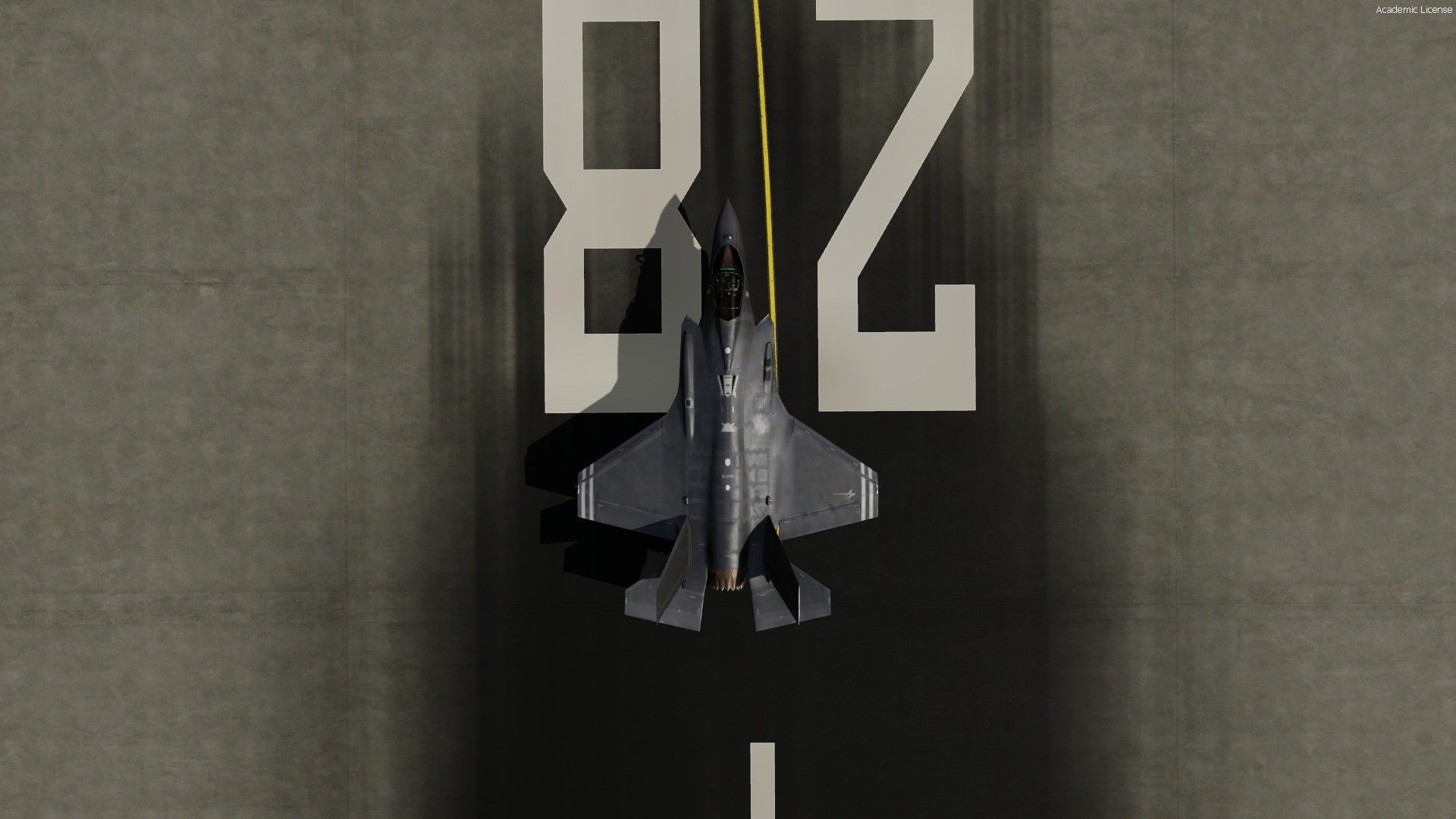
3. Zoomed out further, markings still visible
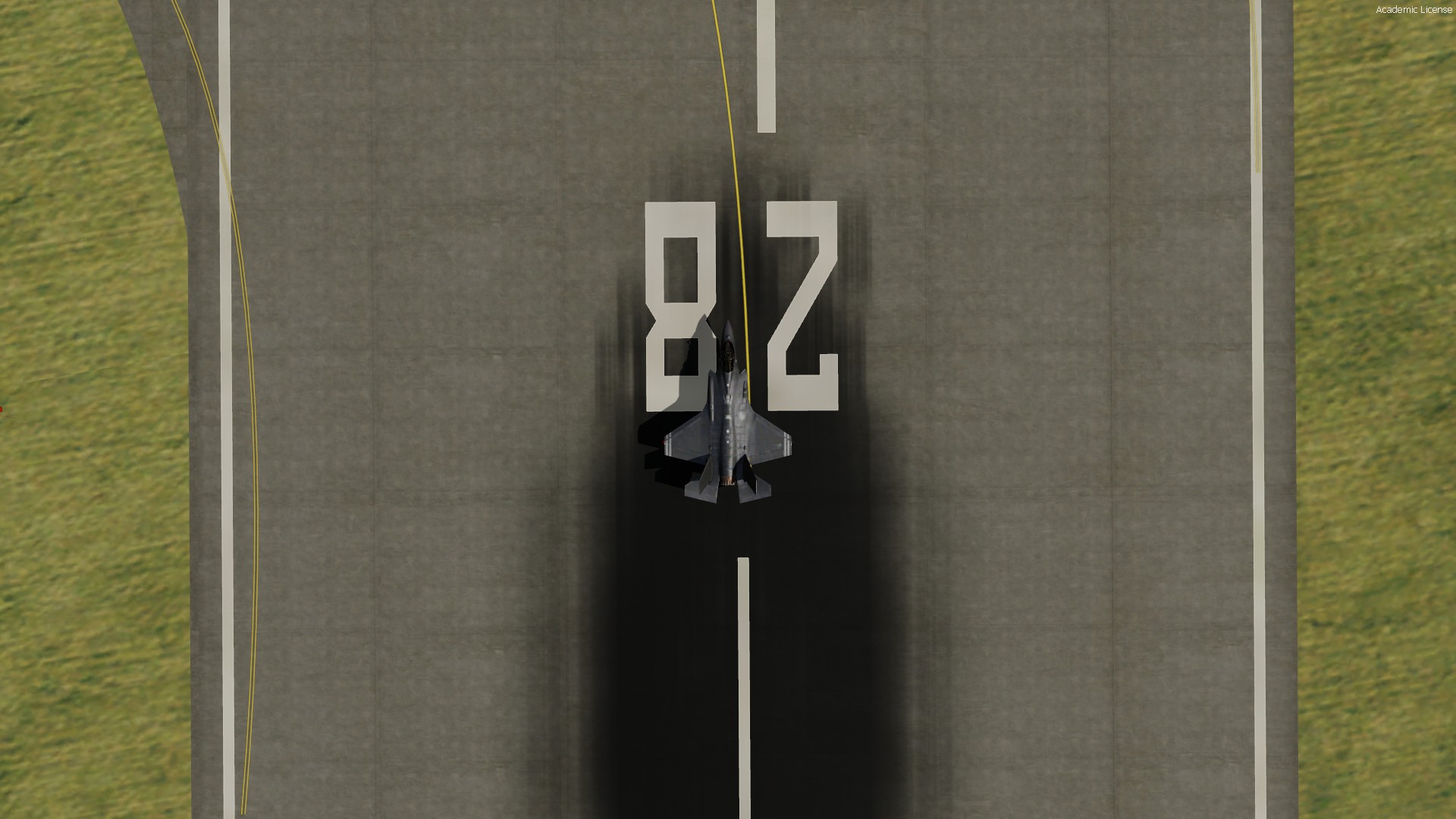
4. Zoomed out further, markings gone
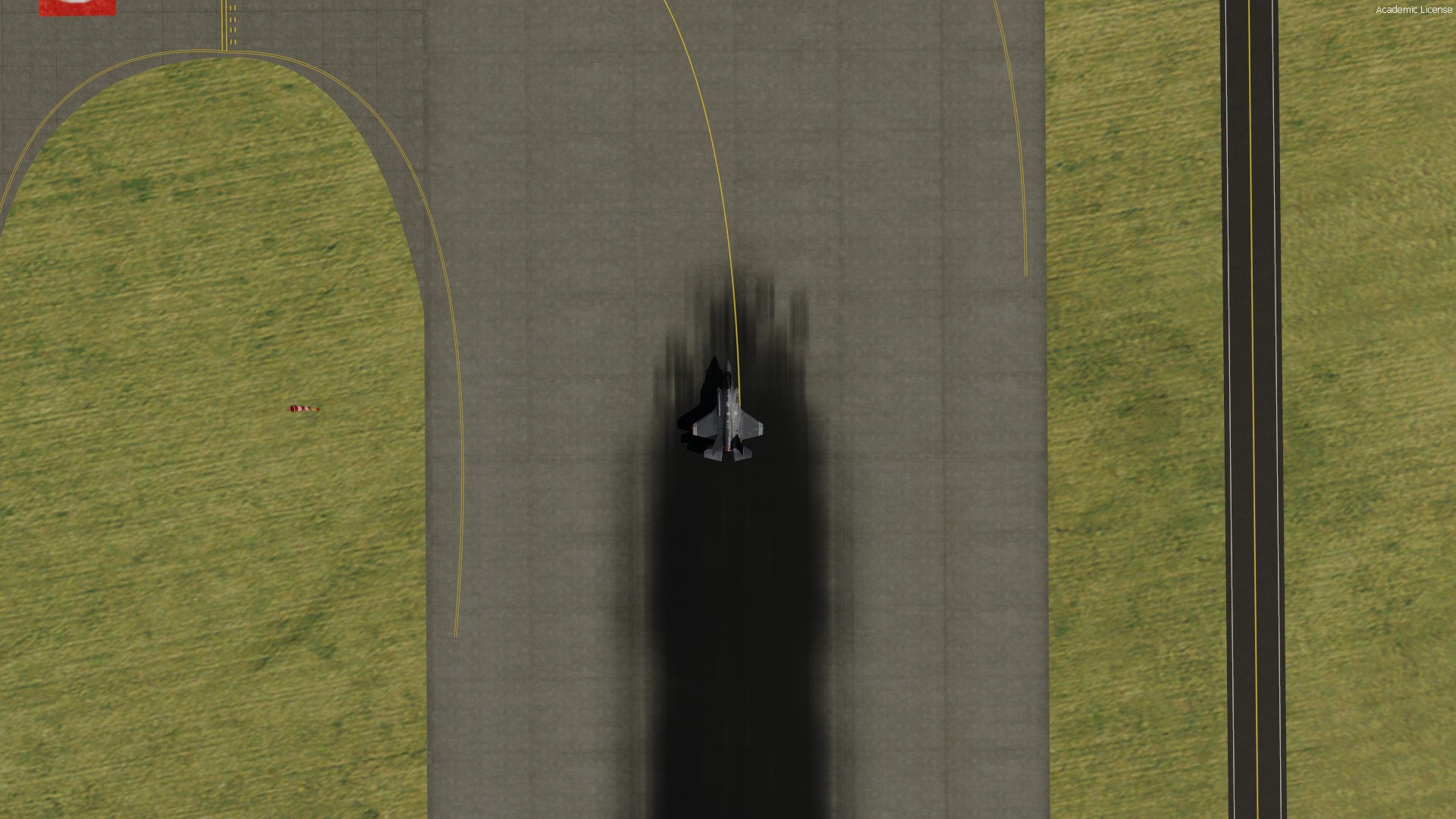
5. Zoomed out further, markings gone

6. Zoomed out further, markings gone
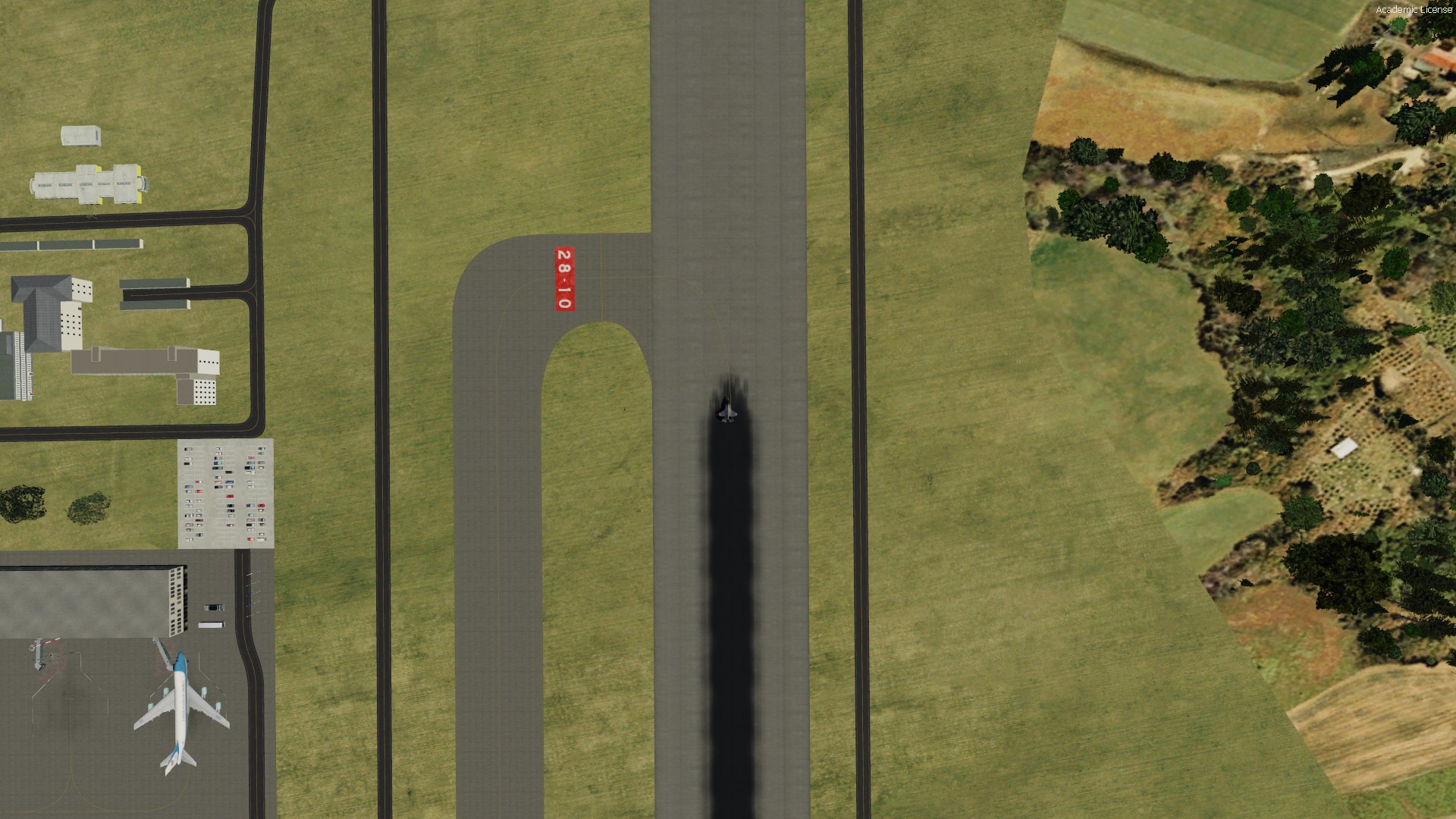
7. Zoomed out further, markings visible again
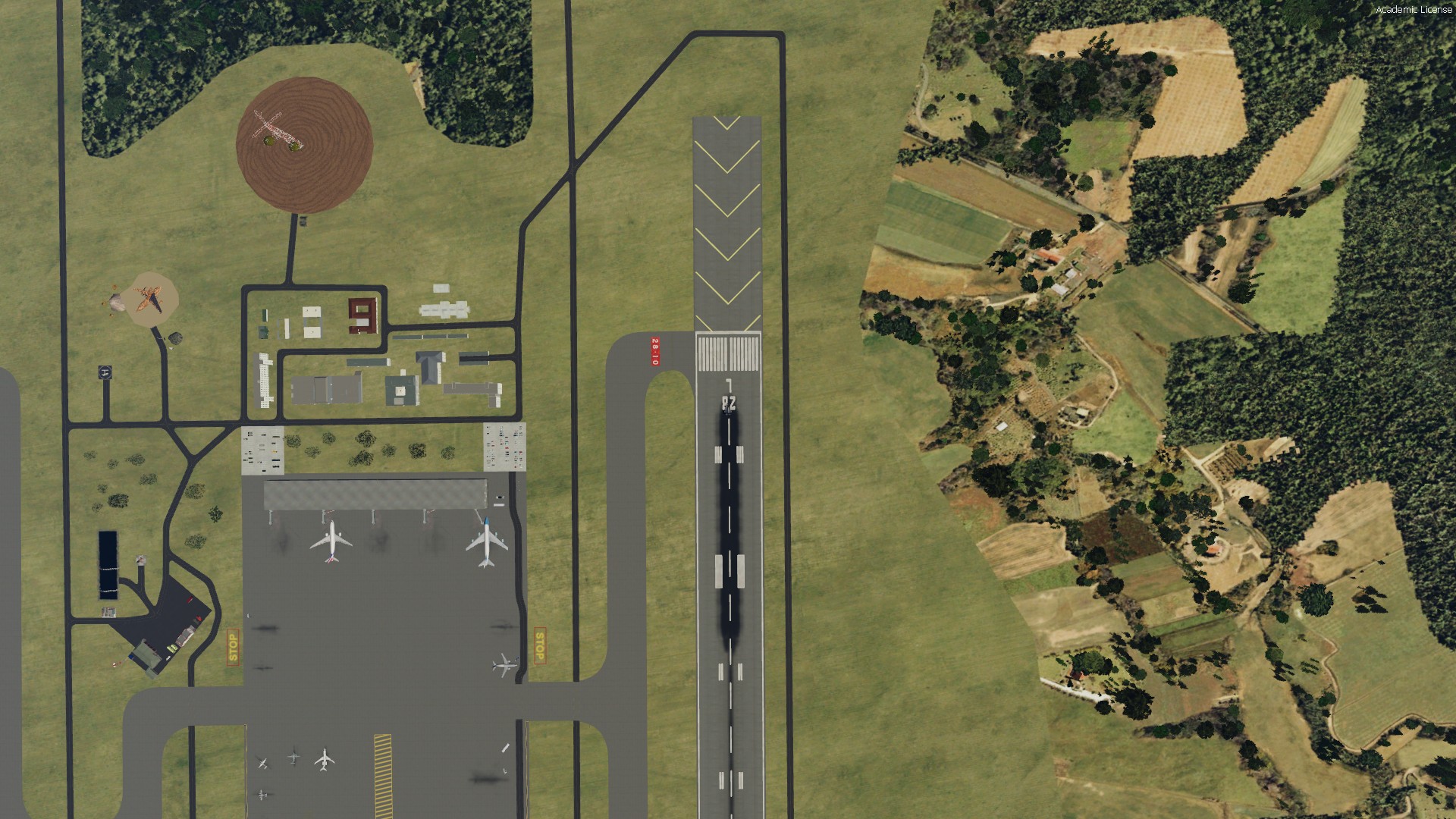
8. Zoomed out further, markings visible still
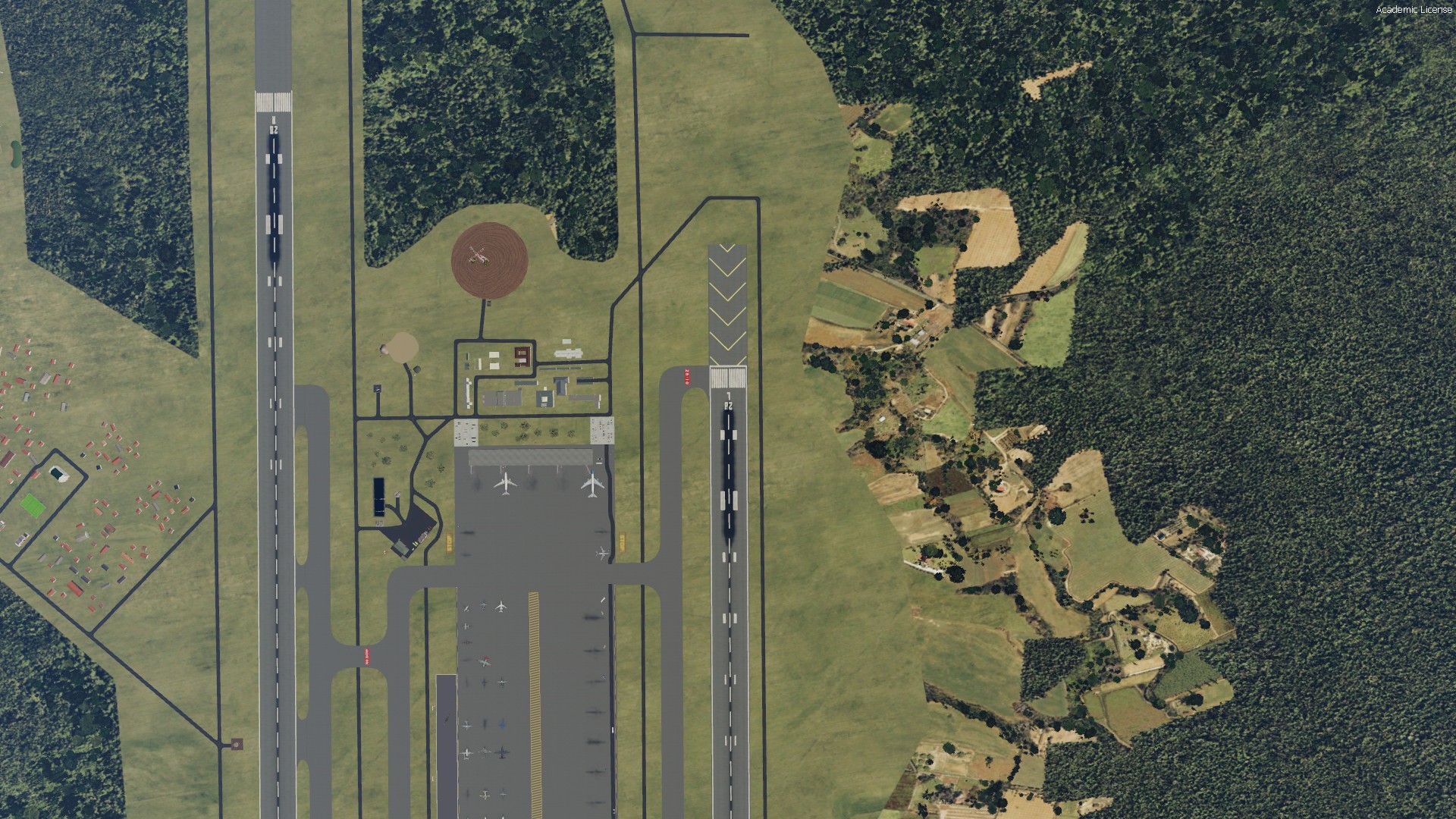
9. Zoomed out further, markings visible still
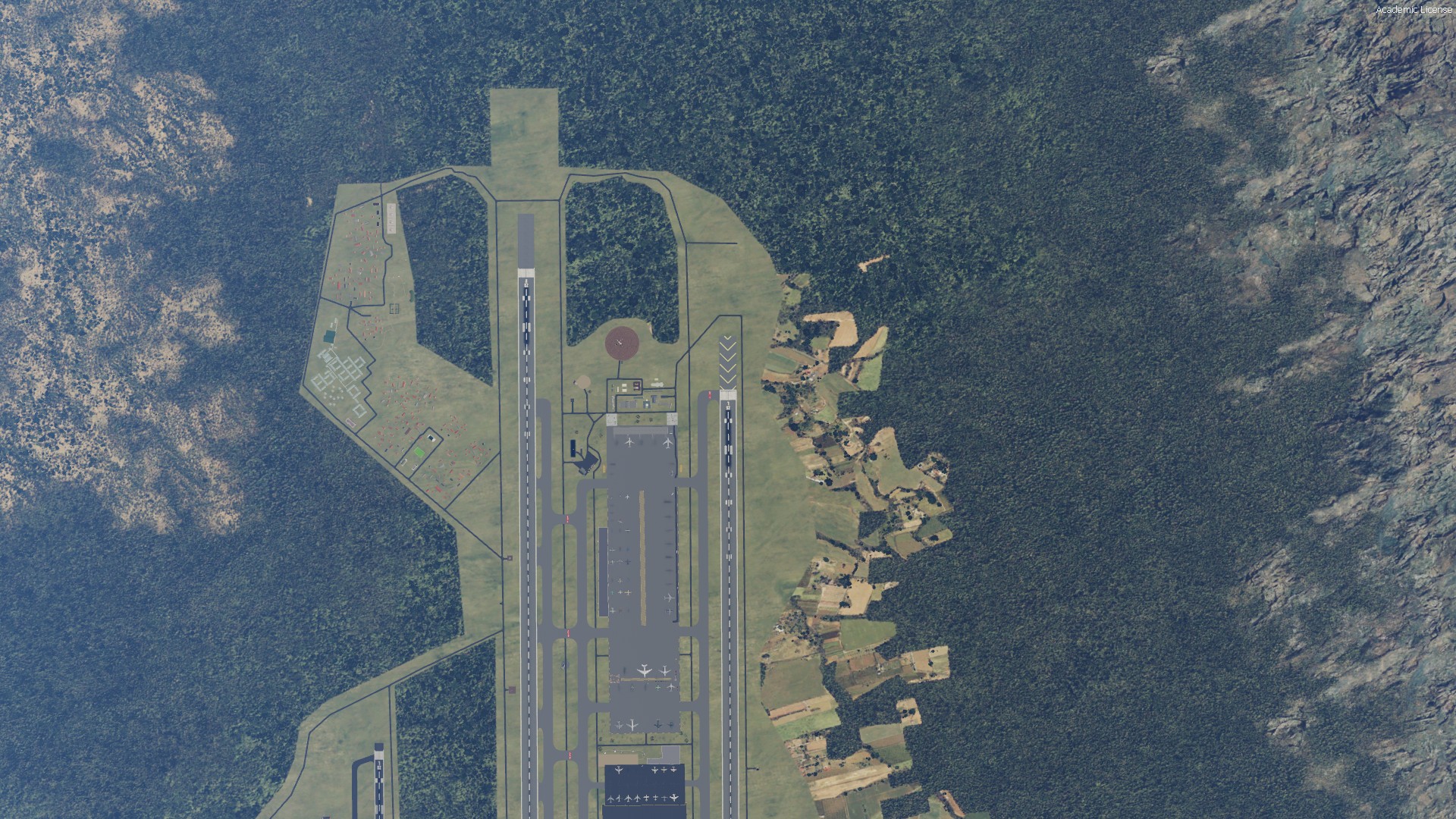
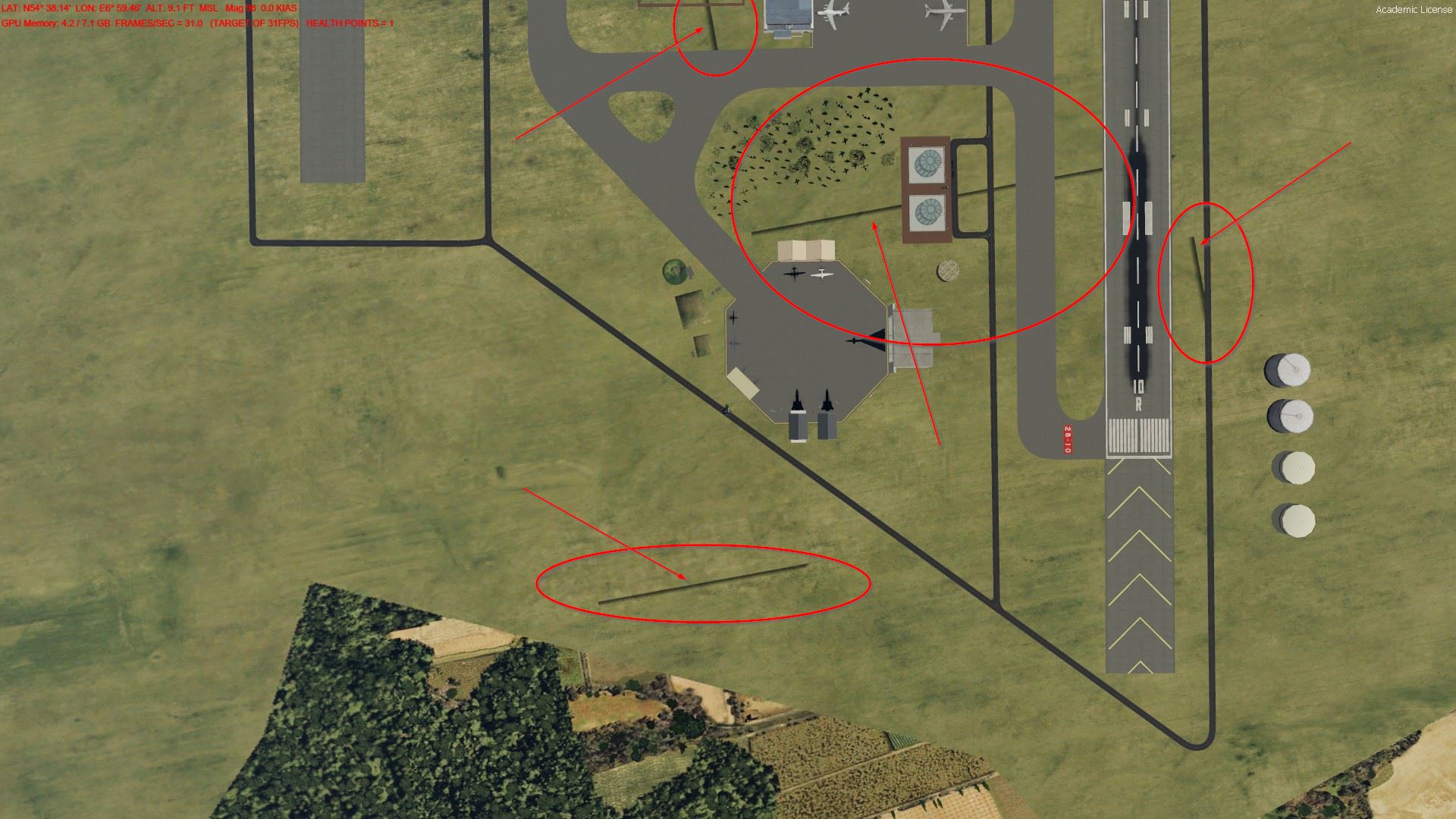
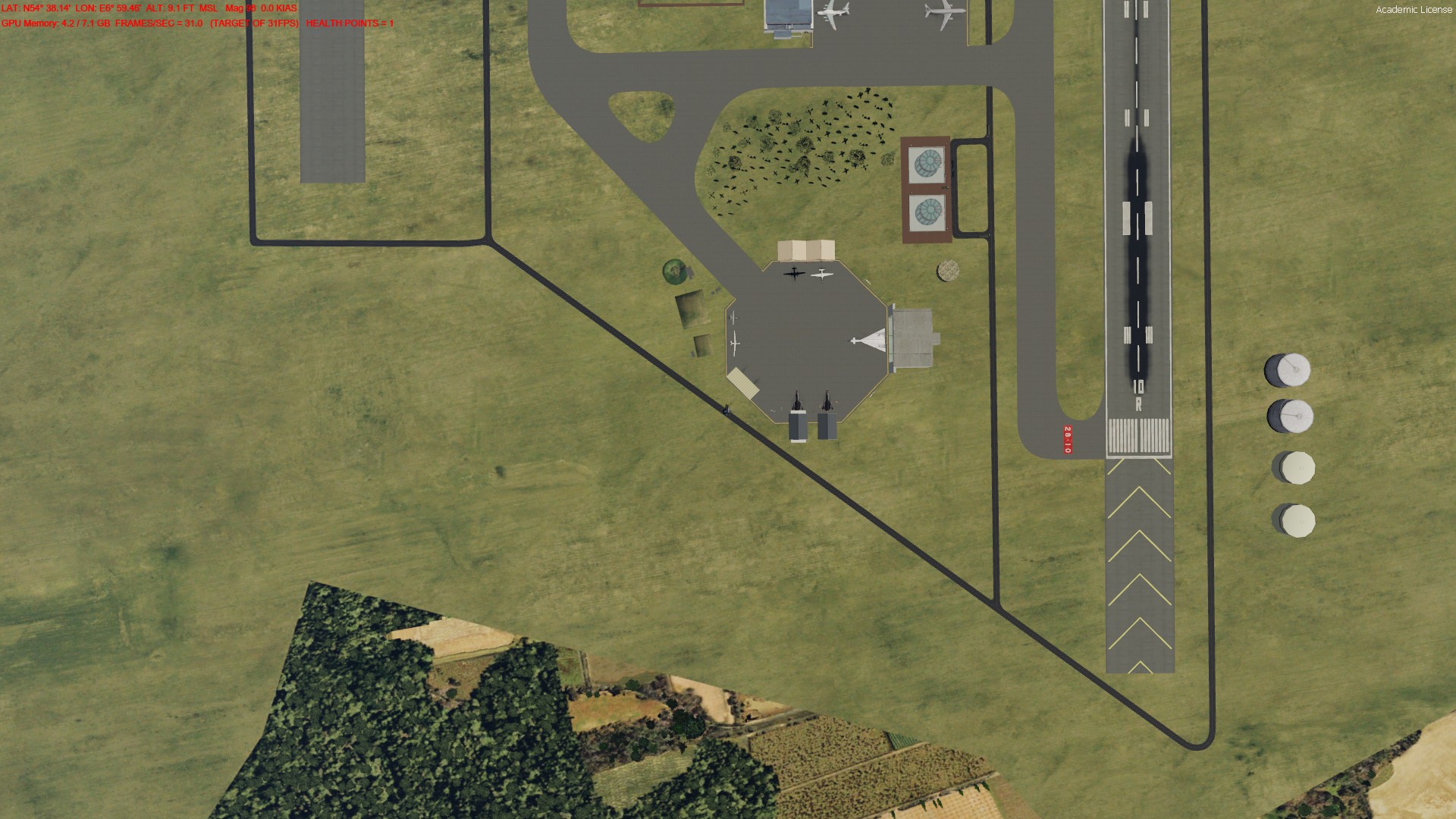
Below the examples for the second issue. I moved to the position in slew mode. When I stopped, these marked lines kind of crawled up from the ground. 2-3 seconds later they are gone, not to reappear.
1. Lines visible
2. Lines no longer visible
I experimented with the airport & airport flatten height and countless things, but nothing worked. Has anybody an idea, please?
Many thanks in advance
Martin
1. I have created an island with SBuilderX
2. I have placed several airports on this island
3. I have compiled these airports with the respective ADE version and the respective SDKs for P3Dv3, P3Dv4 and P3Dv5
4. There is no issue in P3Dv3 and P3Dv4
These are the two issues I have in P3Dv5 only:
1. Depending on your viewpoint height the white markings on runways vanish at certain levels
2. While slewing over the airport, some straight lines appear (like parts of rectangles) and vanish again after a moment
Examples for runway marking
1. Close, markings visible
2. Zoomed out, markings still visible
3. Zoomed out further, markings still visible
4. Zoomed out further, markings gone
5. Zoomed out further, markings gone
6. Zoomed out further, markings gone
7. Zoomed out further, markings visible again
8. Zoomed out further, markings visible still
9. Zoomed out further, markings visible still
Below the examples for the second issue. I moved to the position in slew mode. When I stopped, these marked lines kind of crawled up from the ground. 2-3 seconds later they are gone, not to reappear.
1. Lines visible
2. Lines no longer visible
I experimented with the airport & airport flatten height and countless things, but nothing worked. Has anybody an idea, please?
Many thanks in advance
Martin


