• Which the release of FS2020 we see an explosition of activity on the forun and of course we are very happy to see this. But having all questions about FS2020 in one forum becomes a bit messy. So therefore we would like to ask you all to use the following guidelines when posting your questions:

    • Tag FS2020 specific questions with the MSFS2020 tag.
    • Questions about making 3D assets can be posted in the 3D asset design forum. Either post them in the subforum of the modelling tool you use or in the general forum if they are general.
    • Questions about aircraft design can be posted in the Aircraft design forum
    • Questions about airport design can be posted in the FS2020 airport design forum. Once airport development tools have been updated for FS2020 you can post tool speciifc questions in the subforums of those tools as well of course.
    • Questions about terrain design can be posted in the FS2020 terrain design forum.
    • Questions about SimConnect can be posted in the SimConnect forum.

    Any other question that is not specific to an aspect of development or tool can be posted in the General chat forum.

    By following these guidelines we make sure that the forums remain easy to read for everybody and also that the right people can find your post to answer it.

Best way to create ground polygons for MSFS

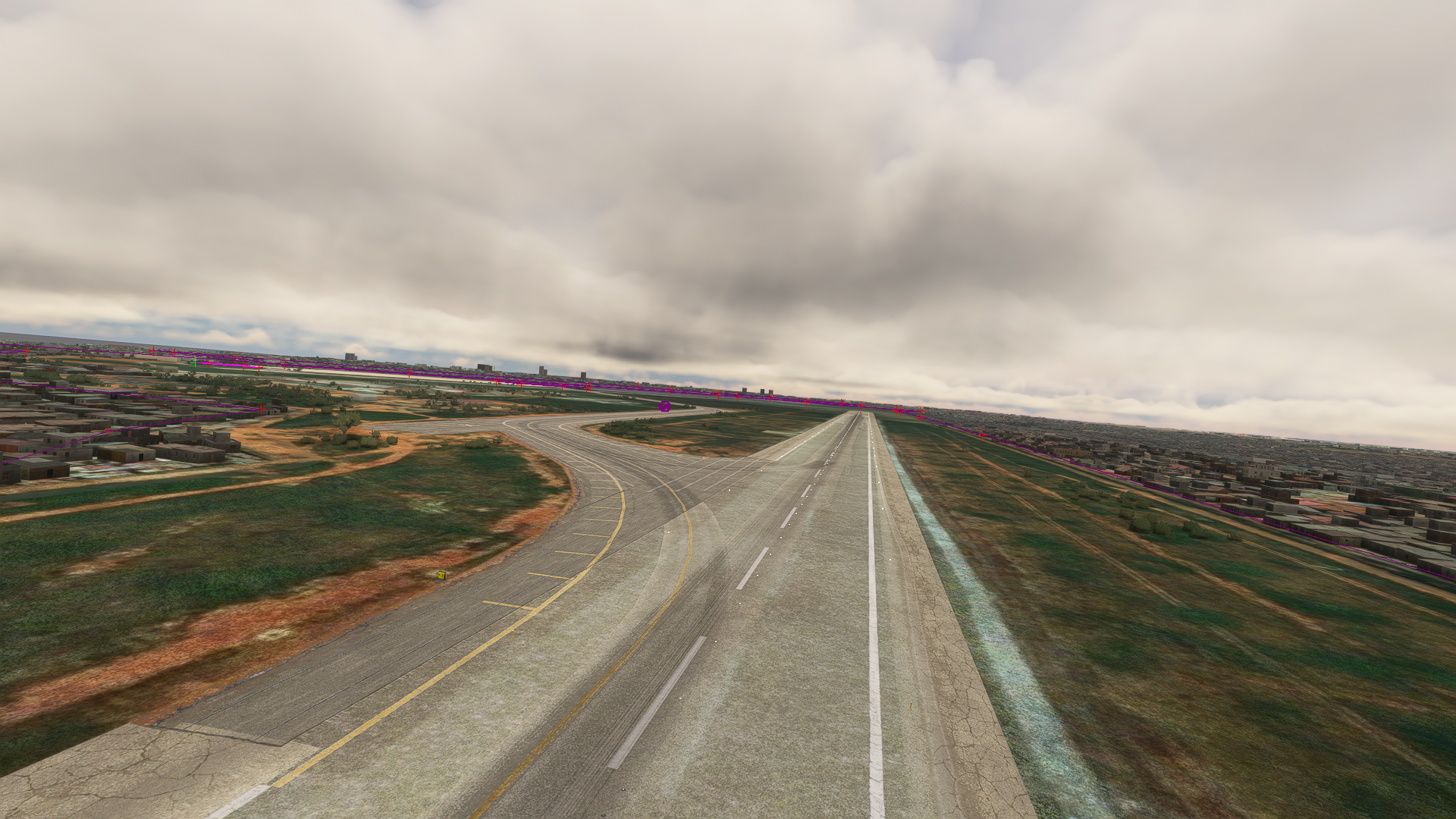
Thanks for the additional responses! Based on this I went ahead and as a test converted an older poly I made for P3D for MSFS. It's still rudimentary because I just put in a flatten to see what would come out, but overall I'm very pleased. Definitely a million times easier than it was in P3D:
Test2-231221.PNG.PNG
Test1-231221.PNG
 
I am the OP and I have mostly switched to Projected Meshes. I can work in blender for hours without having to worry about the buggy SDK interface. Some things I still add via SDK, mostly aprons.

I just wish the parameters of the material will work on PMs. If I change the albedo color, opacity, etc on blender, it does not affect the Mesh. I would have to change that in the png directly and that is when creating aprons is a little easier.

The best quality for the materials is seen by setting terrain LOD to 400. That is how I capture the screenshots for my products, but it compromises performance. I don't think to date, there is a PC powerful enough to run Terrain LOD at 400.
What's " The OP"? Optimus Prime? like, I'm the real OG, you better look out! lol

I'm pretty new at all this. Been making custom, PBR textured buildings in blender, but I've only ever used the default aprons and played around with material libraries a little for the lettering. Sorry for the naivete of this question but are both PMs and ground polys considered planes made in 3D software like blender?

I think my workflow is more suited to peacefarm's method with layered aprons except, where on earth do you guys find appropriate textures? Most of the texture sites I go to are geared towards architectual interior design. I'm having a hard time finding cracked runways, asphalt, concrete, etc. Also, has anyone shared a good runway marking texture set?

Thanks for any help that can be provided on resources.
 
OP (original poster/used to refer to the person who started the topic in forums or discussion boards)

PMs are basically the same as Ground Polys. I believe it's just terminology differences between simulators. They can be modeled in blender as planes.

Texture heaven, CG Axis, texture can, are examples of websites where you can find textures. Some are payware. I use Google to look for specifics then go from there. For example, I search "Asphalt PBR"
 
Thank you OP!

Do you or anyone else know of a good resource for ground markings, e.g. thresholds, numbers, touchdown, etc. , or do most make those themselves in photoshop?
 
Thank you OP!

Do you or anyone else know of a good resource for ground markings, e.g. thresholds, numbers, touchdown, etc. , or do most make those themselves in photoshop?
We make ours ourselves since we make payware products.

I believe flightsim.to has freeware libraries to use with freeware addons
 
OP, when you're making runway markings, are you still using sources like ariel views from Shutterstock/GettyImages? Curious if you're still using sources or literally starting with a blank canvas in photoshop and have some advanced skills there as a texture artist as well.
 
Last edited:
I make ground polygons in blender. I import an aerial view with blenderGIS to use as reference and start adding planes with textures we have made in Photoshop, illustrator or GIMP. (Numbers, signs, colors, etc)
 
Thank you OP. I had just came to the same conclusion and am trying it out for the first time now. Man, blenderGIS sure takes a lifetime to download tiles when you cover an entire airport, Lock it, then zoom in to maximize the detail. Thank you for your direction. projected mesh seems like the way to go!
 
Back
Top