• Which the release of FS2020 we see an explosition of activity on the forun and of course we are very happy to see this. But having all questions about FS2020 in one forum becomes a bit messy. So therefore we would like to ask you all to use the following guidelines when posting your questions:

    • Tag FS2020 specific questions with the MSFS2020 tag.
    • Questions about making 3D assets can be posted in the 3D asset design forum. Either post them in the subforum of the modelling tool you use or in the general forum if they are general.
    • Questions about aircraft design can be posted in the Aircraft design forum
    • Questions about airport design can be posted in the FS2020 airport design forum. Once airport development tools have been updated for FS2020 you can post tool speciifc questions in the subforums of those tools as well of course.
    • Questions about terrain design can be posted in the FS2020 terrain design forum.
    • Questions about SimConnect can be posted in the SimConnect forum.

    Any other question that is not specific to an aspect of development or tool can be posted in the General chat forum.

    By following these guidelines we make sure that the forums remain easy to read for everybody and also that the right people can find your post to answer it.

Dictionary key error

What should I do about the long name problem?
Let me have a look first and get back to you. Please tell me the name of a model that demonstrates this problem.
Check out the MAIW_HTAI_Beechcraft C12 NAS Patuxent River folder from the library I linked you to previously. It makes all Pose Options available but the only ones I can get to do anything are Gear Up and Engine(s) Running. And then even with those checked you'll notice the rear door remains open.
Re the View issue, I hope Arno is "listening". It would probably help if you gave us a set of specific steps to reproduce the probelm
Save any (FS9) aircraft as an FSX aircraft and then open up the MCX preview. You won't see an aircraft and will have to click the Reset View button to show it. Then change a pose or something and re-save the MDL. The MCX view will refresh but you'll have no camera control until you click the Reset View button. This doesn't affect saving FS9 and FSX models without conversion
Looks like you are the beta tester I was looking for a month or so ago.
I know people were talking about using SAMM over on the MAIW forums so I wonder if they just gave up when they had these issues rather than report them? Whatever, glad to help make a good tool even better
 
What should I do about the long name problem?
I've just fixed that problem. I should have an update out later today.

Check out the MAIW_HTAI_Beechcraft C12 NAS Patuxent River folder from the library I linked you to previously.
Will do!

Save any (FS9) aircraft as an FSX aircraft and then open up the MCX preview. You won't see an aircraft and will have to click the Reset View button to show it. Then change a pose or something and re-save the MDL. The MCX view will refresh but you'll have no camera control until you click the Reset View button. This doesn't affect saving FS9 and FSX models without conversion
Arno and I have just isolated the root cause of the textures issue (in SAMM). Let me get that fixed first and then see if the Viewer issues remain.

Don
 
Hi,

I am still listening. Not sure what is going on with the viewer. Normally it should automatically reset the view once a new model is loaded (in the viewer). That's the same as press the reset button.
 
Since the remaining fixes are likely to take a while, I thought I should make the "name too long" fixed available now. Please download and use SAMM 2.1.00(c), available as the SAMM Development Release from http://stuff4fs.com.

Don
 
Re the "missing poses", the dictionary for the model you highlighted includes more information than most other models. As SAMM interprets it, the aircraft appears to have a "concorde nose" as well as a host of other features - which is why all those pose options are enabled on the SAMM Main Panel.

The only animations (of interest) in the model are wheels and engines - which is what you are seeing.

At this point, I don't know whether the issue is a model error or a SAMM deficiency. Either way, I've got to make SAMM "smarter" re the dictionary.

Don
 
Okay I converted all the models I could to FSX using the latest dev build which let me try the two models I couldn't complete last night. Found two instances of a dictionary key error keeping me from converting:

In this library the folder "MAIW_PAI_C-17 AMC East Coast" contains three models, and the one or two I couldn't get to convert use the following textures:

MAIW_PAI_C17A_RCH_6_04-4128
MAIW_PAI_C17A_RCH_6_04-4129
MAIW_PAI_C17A_RCH_6_04-4135
MAIW_PAI_C17A_RCH_6_04-4136
MAIW_PAI_C17A_RCH_6_04-4137
MAIW_PAI_C17A_RCH_16_96-0001

Then in this library is the folder "MAIW_NBAI_F-18E-F_NAS Lemoore" that contains several models, the ones using the following textures could not be converted:

MAIW_NBAI_FA18F_USN_NH_VFA-41_166849
MAIW_NBAI_FA18F_USN_NH_VFA-41_166850

In all instances of generating a model I used no pose options, selected night textures (when available) and used no ground shadow.

Library exported, loading up objects into FSX now to see how they all look
 
I am still listening. Not sure what is going on with the viewer. Normally it should automatically reset the view once a new model is loaded (in the viewer). That's the same as press the reset button.
Yea Arno it's not a HUGE deal since it works every time I hit the reset button so not like anythings broke to the point of being unusable just wanted to make you guys aware
 
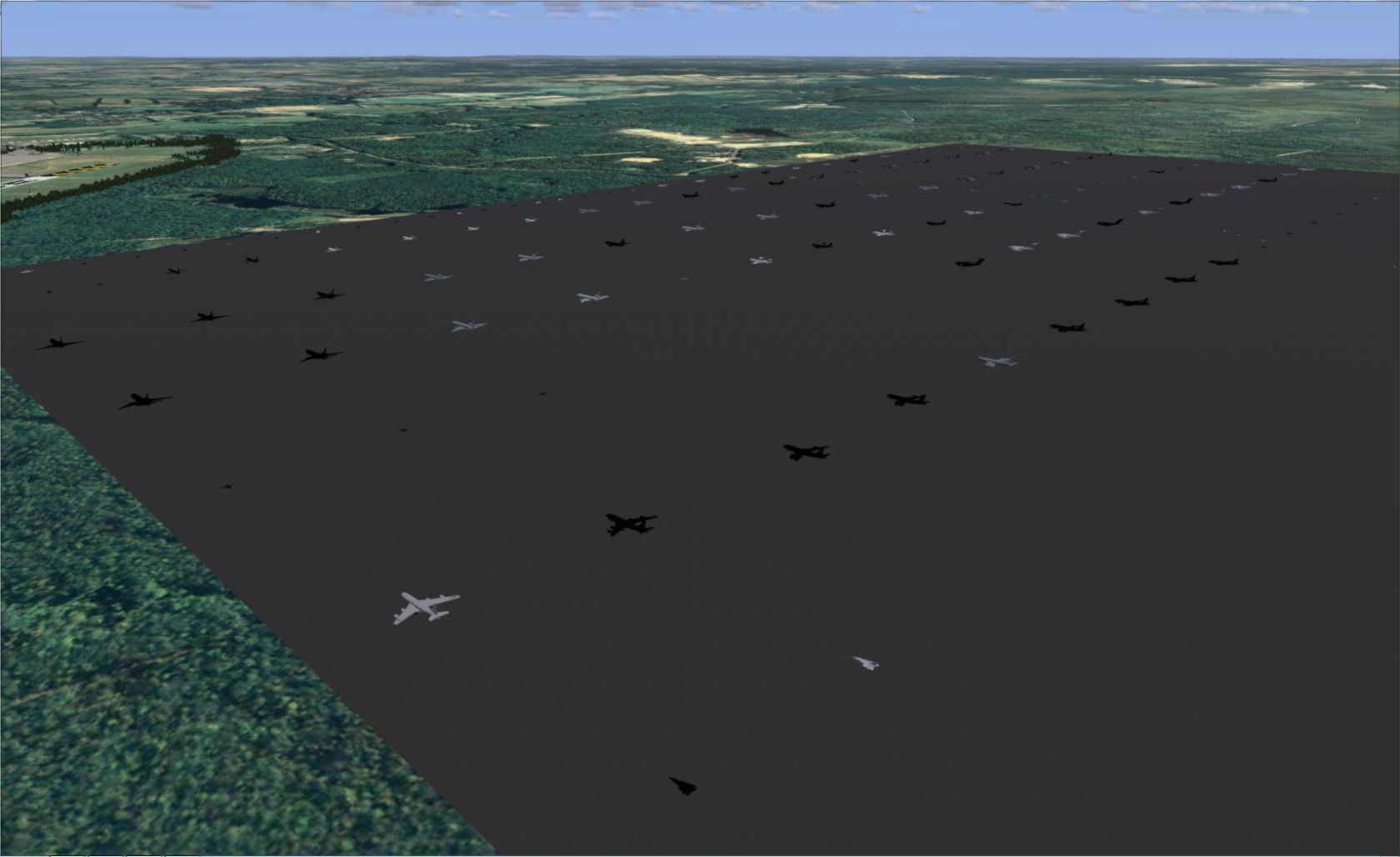
Alright here's the result from the first library export of all the FSX models (128 of em - no I don't plan to use them all but wanted to test as many as possible):


Not sure why some models are textured fine and a lot of others threw the "missing texture" error when I first panned the view over to look at them. I'm using the All Textures folder and I made sure to check to include all the texture files in the same folder when I created the library.

I've been tracking what I've noticed with the various models I've been using in this text file - you'll see the directory of the model and a list of all the textures used by aircraft flying in to KWRI. If the model has a (tex error) note that's one that throws that missing textures error on conversion. If the texture name has a ! next to it that's a model that would not convert to FSX. If the texture name has a * next to it that was a texture that loaded properly in the sim

All the model libraries I'm using can be obtained from this page under KWRI
 
Thanks for the report, Drew. I'm sure there's an easy explanation for those missing textures (and a fix for SAMM where necessary).

SAMM Development Release 2.1.00(d) is now available from http://stuff4fs.com. It fixes the "too many animations" issue demonstrated by the C12. SAMM actually had the "smarts" to detect which of the animations included in the dictionary were actually used. However, I wasn't using that info. I now am.

Regarding the open door on the C12, there is no animation in the model to close it. When you use the aircraft as AI is the door open or closed? If closed, there must be some other mechanism (unknown to me) in the aircraft.mdl that closes it. Arno, can you shed any light on this?

Re the "missing textures" messages and failure to convert to FSX ion your report below, there are still a couple of issues in SAMM I've got to fix. Why don't you take a rest while I do that.

Don
 
Last edited:
Thanks for the report, Drew. I'm sure there's an easy explanation for those missing textures (and a fix for SAMM where necessary).
Cool, let me know if you need any additional info. There's definitely something hinky going on here - I just re-exported the library after carefully selecting only the models I saw textured in the previous export. I just loaded them all up in the sim and again about half show up with texture missing errors and half show up fine.
Regarding the open door on the C12, there is no animation in the model to close it. When you use the aircraft as AI is the door open or closed? If closed, there must be some other mechanism (unknown to me) in the aircraft.mdl that closes it. Arno, can you shed any light on this?
I've seen the AI at work in the sim it's pretty cool they have "tie down" states - some animate. For example some of the F-16s will raise their canopies when they park and then when they are ready to taxi again they will lower them. Some of the cargo aircraft show ramps down w/ cargo under their tails and then switch straight to flight ready (no anim) before taxi.
 
Last edited:
I've seen the AI at work in the sim it's pretty cool they have "tie down" states - some animate. For example some of the F-16s will raise their canopies when they park and then when they are ready to taxi again they will lower them. Some of the cargo aircraft show ramps down w/ cargo under their tails and then switch straight to flight ready (no anim) before taxi.
Yes, I know. But, usually there's an animation "tied" to a "switch" in the model. In this case, I don't see any animation of the door in the model.

Anyway, this issue is well down my list of priorities at the moment, given that we're talking about static models for use on the ground.

Don
 
I've just posted SAMM 2.1.00(e) as the SAMM Development Release at http://stuff4fs.com.

To the best of my knowledge, it fixes all reported issues except for the compile error on the C5.

Please run it on a few aircraft to see if anything else pops-up.

Don
 
I'll check that door of the C12.

Send from my phone using Tapatalk, so excuse the short sentences and possible typos
 
Almost there...

Ok so I tested the latest dev build with the aircraft from MAIW_PAI_C-17 AMC East Coast. I still got the missing texture error for each model when I compiled them but I was able to compile all the models this time through. However when I exported them and placed them in ADE and then loaded up the sim I still got missing texture errors for half of the models - exactly half in fact:


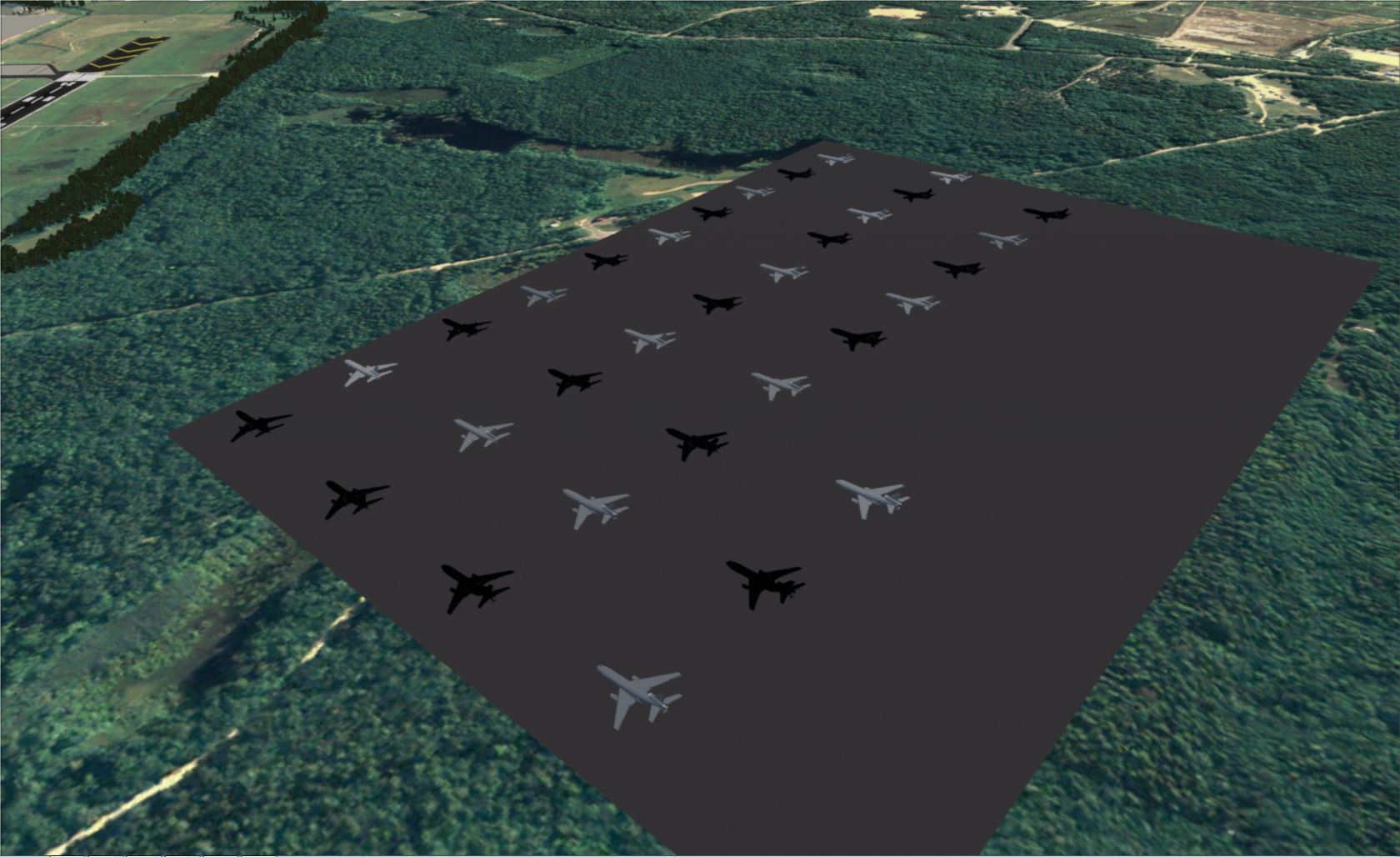
I did some more testing as well for the missing texture problem. First up I quit and reloaded the sim to see if the same aircraft showed up with missing textures. They did, so I deleted and re-compiled the library to see if that would change anything. It didn't, so I went with a larger library, the MAIW_CDAI_KC-10 GLANG2 of which I use 32 textures. The aircraft all converted fine and the library compiled fine and when I loaded up the sim this was the result:


Definitely more of a pattern here. Also I checked the textures that showed up and some of them were not visible in the last screenshot I included in an earlier post with all the models. I updated the models.txt file under the KC-10 GLANG2 listing to have a * prior to the texture if it was visible in the above screenshot and kept the * after the model name if it was visible in the first models screenshot in the earlier post.

As a final test I selected a KC-10 texture which had not shown up both times so far (MAIW_CDAI_KC10A_RCH_2_86-0035) and exported it out as a single-object library, placed it in ADE and loaded up the sim - it showed up fine. Have to step away from the computer again for a bit but if no response by the time I'm back in a few hours I'll add more aircraft one at a time to see where things break.

Also, why does the shadow selection reset to default when I select a new texture instead of remaining on the option I selected (like how Night Textures always stays checked between texture selection changes)

Oh also I tested the F/A-18 model that wouldn't compile last time and it worked so as of now all the models I'm using convert properly
 
Last edited:
Yea ok it only took a second addition to the library to break things and cause textures to go missing. I created two texture versions of the KC-10 GLANG2 model in a single library and one showed up black. There are no textures being stored in the ALL folders in the FS9 model folder or the individual model folders. I've also tried creating the library with FS9 models and got the same results. So far all the models I've tested worked fine... on their own...
 
Where can I find that model with the door problem? Would like to take a look at it.
 
OK, got it. Going to check the model now.
 
Hi,

The door is not animated, but it has a condition. It is controlled by the lightState variable. So I guess it is connected to the lights being on or not.
 
Drew, re your first test with the new development release, did you reprocess all models with that release or just re-create the library. If the latter, I wouldn't have expected anything to change.

Also, why does the shadow selection reset to default when I select a new texture instead of remaining on the option I selected
The answer is simple. As far as SAMM is concerned, it's a new model. But, I agree, the shadow setting should be preserved - and will be.

I created two texture versions of the KC-10 GLANG2 model in a single library and one showed up black. There are no textures being stored in the ALL folders in the FS9 model folder or the individual model folders.
Curious, I just compiled the same model. The two required textures were saved in the model texture folder. There is nothing saved to the "All" folder because the aircraft does not use common textures.

Re all the missing textures and messages, have you confirmed that the textures are actually missing. The textures required for each model are listed in the respective model folder. Are any of these textures missing from the FSX texture folder? [If you checked Save textures to the main texture folder and did not also check Save library to Add-on Scenery folder, then you (or the placement utility) have to manually copy all the textures - not the folders - into the destination texture folder later.(I seldom use the library method and appreciate how clumsy this procesude is. In future, when Save textures to the main texture folder is checked, SAMM will generate a texture folder containg just the textures.]

Don
 
Back
Top