

- Messages
- 195
- Country

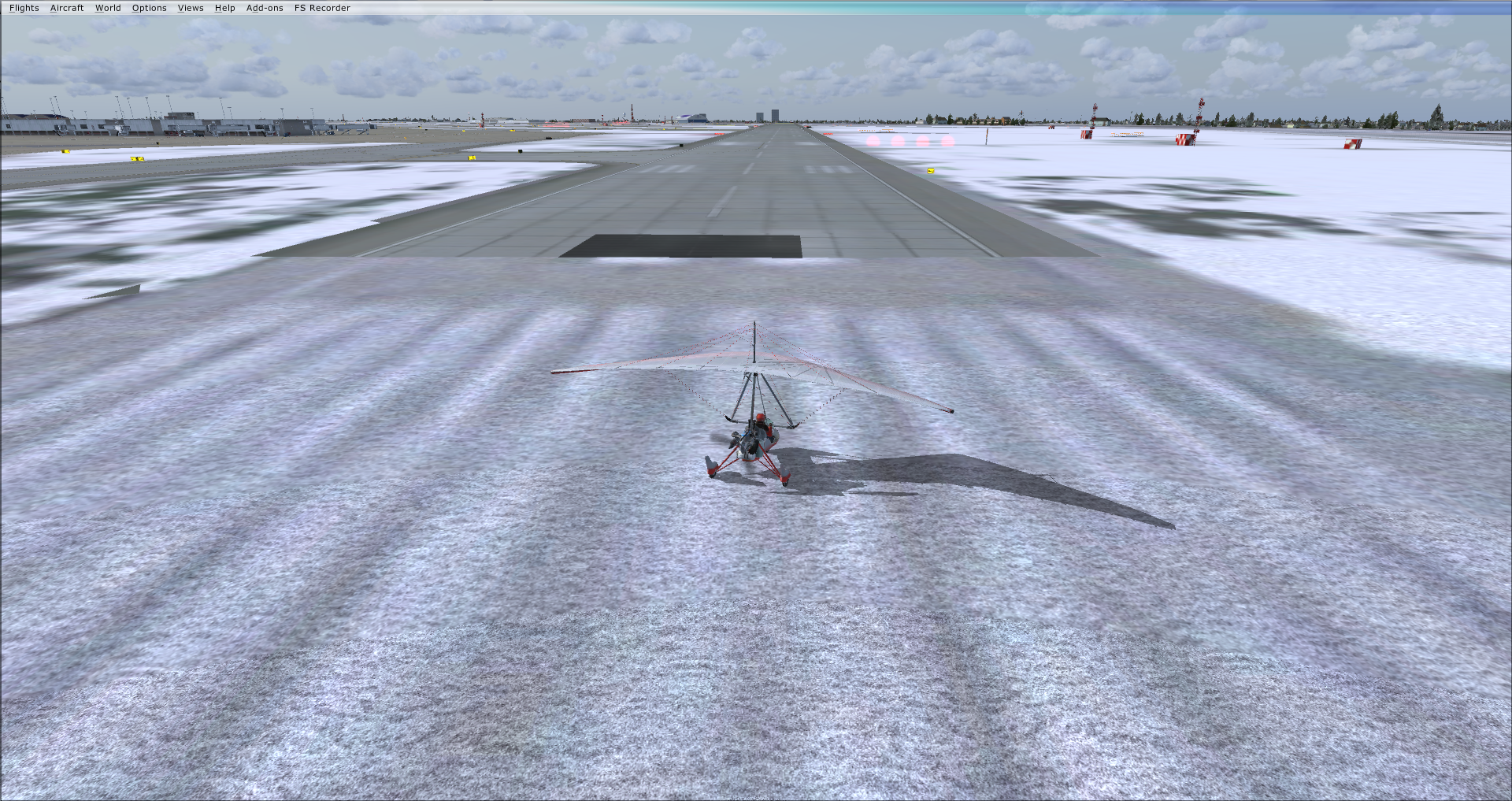
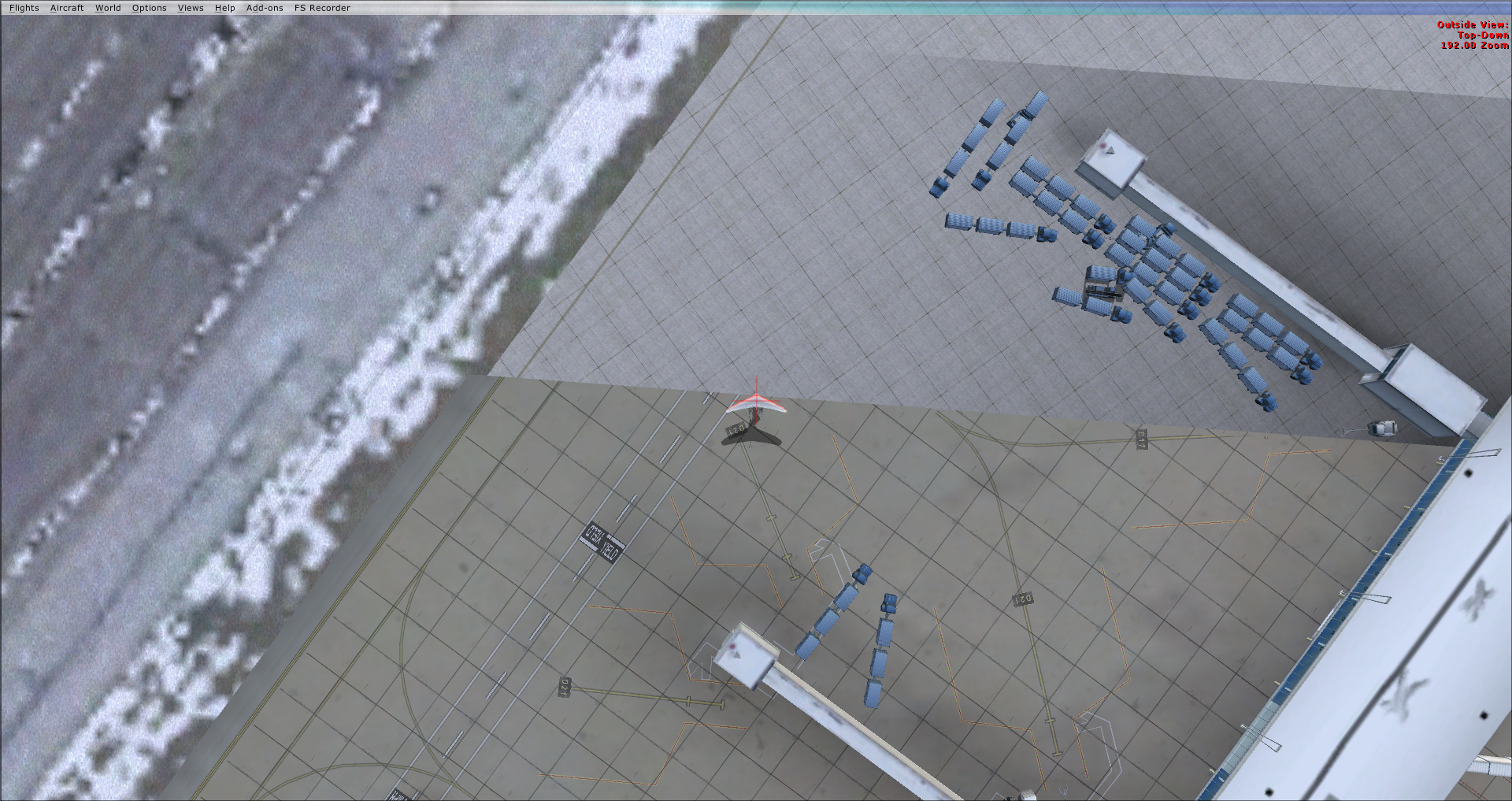
I created the ground poly in Blender and exported it via ModelConverterX Ground Polygon Wizard. At certain areas of the airport, the ground polys dip below the ground and disappear- I'm assuming this is because of the curvature.
What I've tried:
-I've tried cutting and grouping the polygons option in MCX when exporting. I've also tried leaving those options unticked. Either way, the ground poly dips below the ground but at different spots.
-I've tried moving all of the textures to the highest layer possible. Did not fix the issue.
-I've tried moving the ground poly a centimeter above the elevation of the airport. Although this reduces the area of disappearing ground polys, I also need to move the SCASM lights higher which creates little "ridges" next to runways and sometimes causes issues when crash settings are enabled.
What I've tried:
-I've tried cutting and grouping the polygons option in MCX when exporting. I've also tried leaving those options unticked. Either way, the ground poly dips below the ground but at different spots.
-I've tried moving all of the textures to the highest layer possible. Did not fix the issue.
-I've tried moving the ground poly a centimeter above the elevation of the airport. Although this reduces the area of disappearing ground polys, I also need to move the SCASM lights higher which creates little "ridges" next to runways and sometimes causes issues when crash settings are enabled.