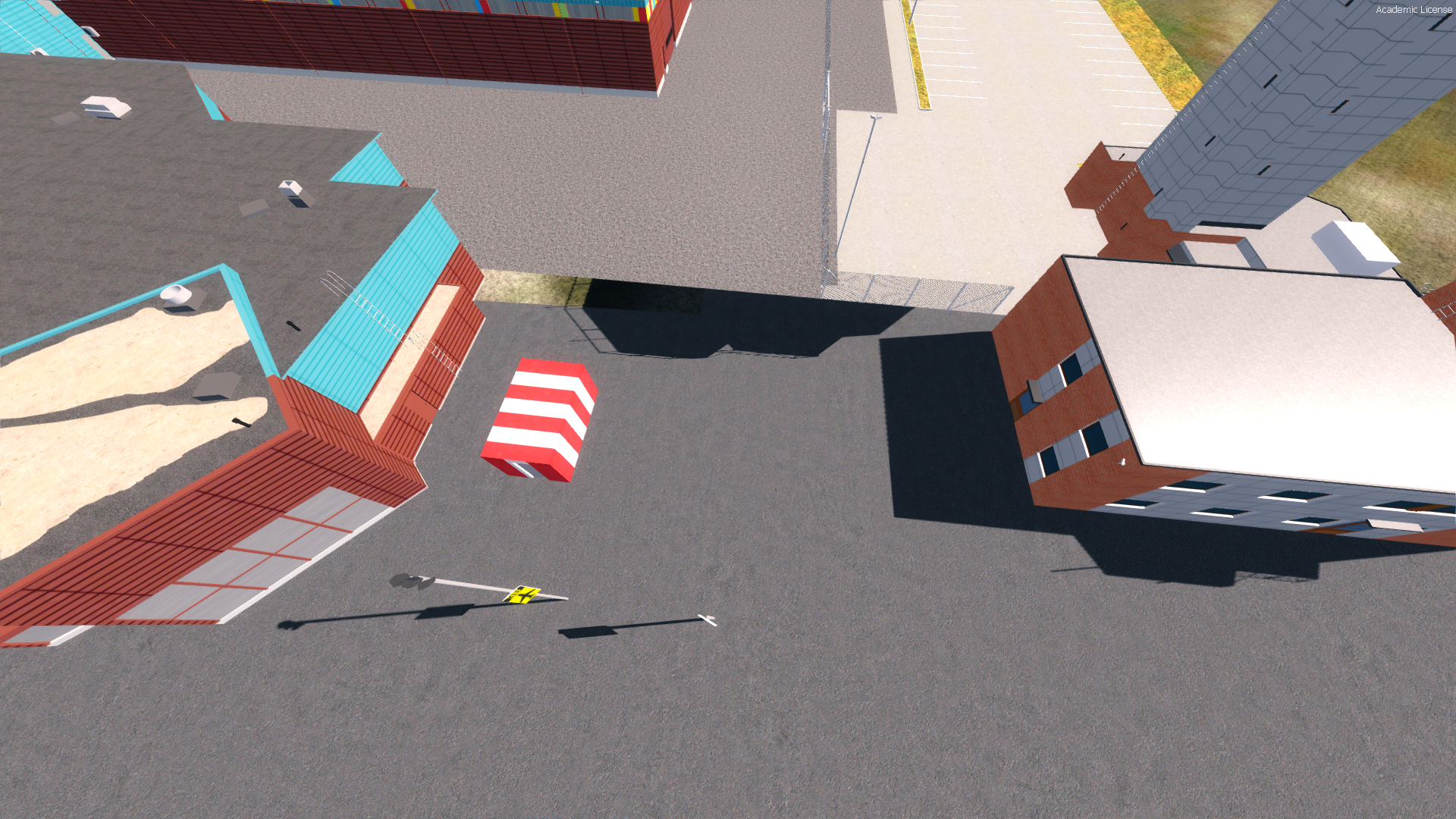
• Which the release of FS2020 we see an explosition of activity on the forun and of course we are very happy to see this. But having all questions about FS2020 in one forum becomes a bit messy. So therefore we would like to ask you all to use the following guidelines when posting your questions:

    • Tag FS2020 specific questions with the MSFS2020 tag.
    • Questions about making 3D assets can be posted in the 3D asset design forum. Either post them in the subforum of the modelling tool you use or in the general forum if they are general.
    • Questions about aircraft design can be posted in the Aircraft design forum
    • Questions about airport design can be posted in the FS2020 airport design forum. Once airport development tools have been updated for FS2020 you can post tool speciifc questions in the subforums of those tools as well of course.
    • Questions about terrain design can be posted in the FS2020 terrain design forum.
    • Questions about SimConnect can be posted in the SimConnect forum.

    Any other question that is not specific to an aspect of development or tool can be posted in the General chat forum.

    By following these guidelines we make sure that the forums remain easy to read for everybody and also that the right people can find your post to answer it.

P3D v4 Shadow issue

Messages
9
Country
france
Hello ! :)

I'm making my first airport with Sketchup and MCX, everything is going well exept one thing ..
One of my buildings (of course, the biggest .. xD) doesn't cast or receive ANY shadow but in sketchup and in MCX I'm able to see the shadows, so I don't know where does it come from !
This is the only buildings that have this issue, the tower and all the others works fine and I export them with the same settings.

Here are some screenshots of the problem :

2018-6-5_18-58-42-257.png

2018-6-5_18-58-59-869.png


Oh and by the way ! This is Ivalo Airport in Finland (EFIV) and yeah I know there is still a lot of work to put in this airport but for a first one I'm pretty happy with it haha

Hope someone will be able to help me !

Thanks ! ;)
 
By default objects only cast a shadow on the ground, not on themselves. If you want that you need to enable the volumetric shadow in the material settings.
 
Are you sure it isn't your settings within Prepar3d? Set buildings and simulator objects to cast/receive.
 
Are you sure it isn't your settings within Prepar3d? Set buildings and simulator objects to cast/receive.

Of course both cast and receive are on haha You can see it on the 2nd screenshot, there is the shadow of the tower :)
 
By default objects only cast a shadow on the ground, not on themselves. If you want that you need to enable the volumetric shadow in the material settings.

I didn't find this option in MCX :/
And the building is not casting shadow on the ground too, no just on itself
 
I would check your face orientation. It is easy to arbitrarily assign inside/outside faces in Sketchup and reversed faces can cause reflection/shadow issues. In Sketchup, default color for outside faces is white and inside faces is pale blue.
 
I would check your face orientation. It is easy to arbitrarily assign inside/outside faces in Sketchup and reversed faces can cause reflection/shadow issues. In Sketchup, default color for outside faces is white and inside faces is pale blue.

Yup I've already done that ;) I have the solid inspector in Sketchup so I've checked everything ! This issue is really annoying...
 
It 's (some of) your groundpoly that do not receive shadow. Check your layers numbers and are they negative? How did you make your groundpoly? Maybe some more things are wrong but not sure.
 
It 's (some of) your groundpoly that do not receive shadow. Check your layers numbers and are they negative? How did you make your groundpoly? Maybe some more things are wrong but not sure.

Every groundpolys are made with ADE, and the issue is just with the terminal not with the others buildings, so the groundpolys are working fine (I suppose) :)
 
From your screenshots I can see that the tower is only partly casting shadow on the ground.

Oh yeah, sorry ! This is because it's not casting on the terminal, the part that is not receiving shadow is the same file than the terminal. Everything is made with Sketchup for the part that is not receiving and casting shadows
 
Then the ground is not a groundpoly.
Did you place the terminal as a library object with ADE as well? In that case is the flag 'no shadow' unchecked?
 
Then the ground is not a groundpoly.
Did you place the terminal as a library object with ADE as well? In that case is the flag 'no shadow' unchecked?

I've placed it with MCX, and all the buildings have the same parameters so I don't really know where does it come from... And also if you know how to allow the object to receive it's own shadows it can really help me, thanks ! :)
 
Oh!
I never placed anything with MCX except groundpolys with the Ground Poly Wizard. So I am afraid I cannot tell you if there is something to be done in there as I see no options for shadows in the convert and place wizard.
 
With Prepar3d there isn't so much which can go wrong with shadows, so any problems are normally to do with the settings...
That's a nice looking airport!
 
Back
Top