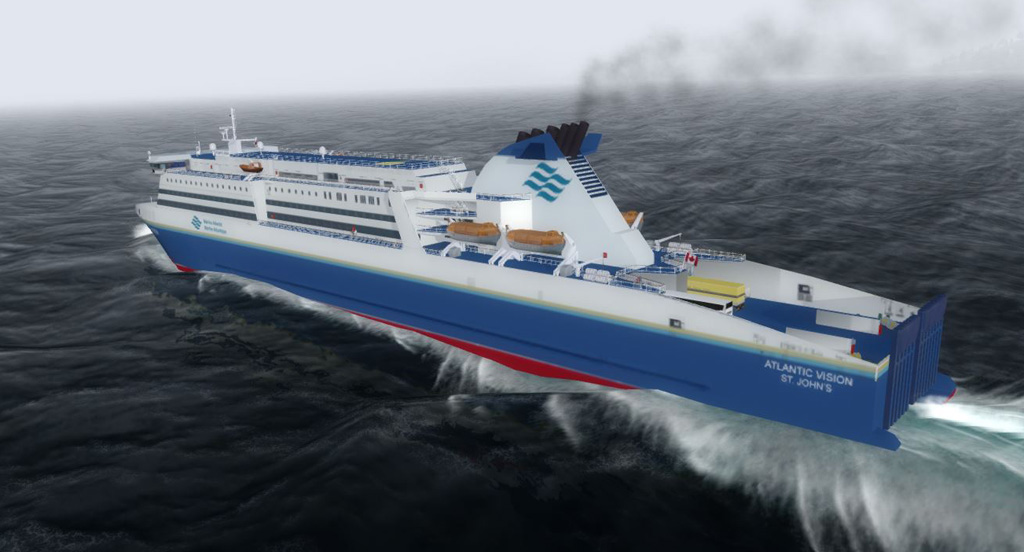
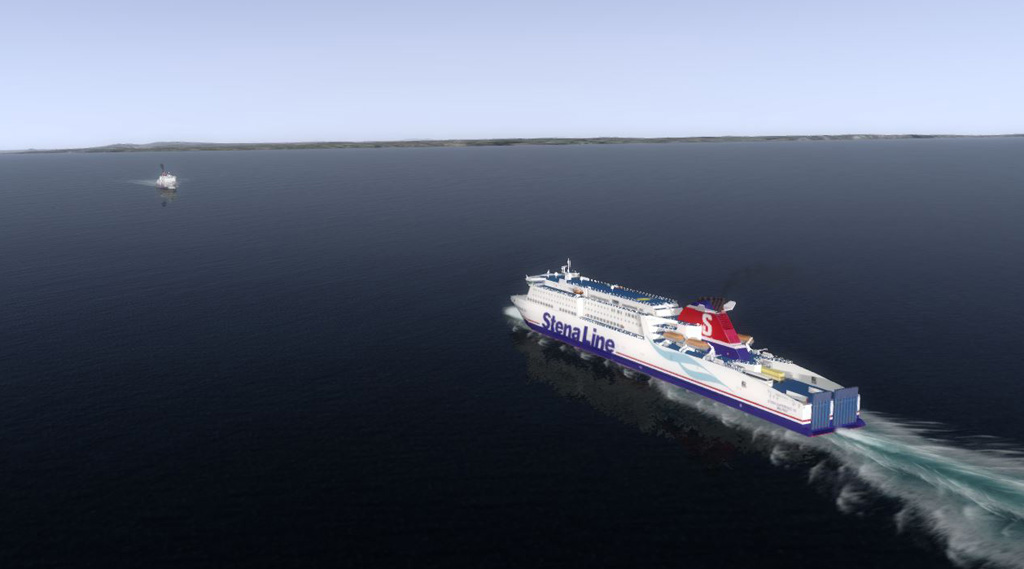
-
Which the release of FS2020 we see an explosition of activity on the forun and of course we are very happy to see this. But having all questions about FS2020 in one forum becomes a bit messy. So therefore we would like to ask you all to use the following guidelines when posting your questions:
- Tag FS2020 specific questions with the MSFS2020 tag.
- Questions about making 3D assets can be posted in the 3D asset design forum. Either post them in the subforum of the modelling tool you use or in the general forum if they are general.
- Questions about aircraft design can be posted in the Aircraft design forum
- Questions about airport design can be posted in the FS2020 airport design forum. Once airport development tools have been updated for FS2020 you can post tool speciifc questions in the subforums of those tools as well of course.
- Questions about terrain design can be posted in the FS2020 terrain design forum.
- Questions about SimConnect can be posted in the SimConnect forum.
Any other question that is not specific to an aspect of development or tool can be posted in the General chat forum.
By following these guidelines we make sure that the forums remain easy to read for everybody and also that the right people can find your post to answer it.
You are using an out of date browser. It may not display this or other websites correctly.
You should upgrade or use an alternative browser.
You should upgrade or use an alternative browser.
Creating a Global AI Shipping Package for FSX
- Thread starter KL791
- Start date


- Messages
- 934
- Country

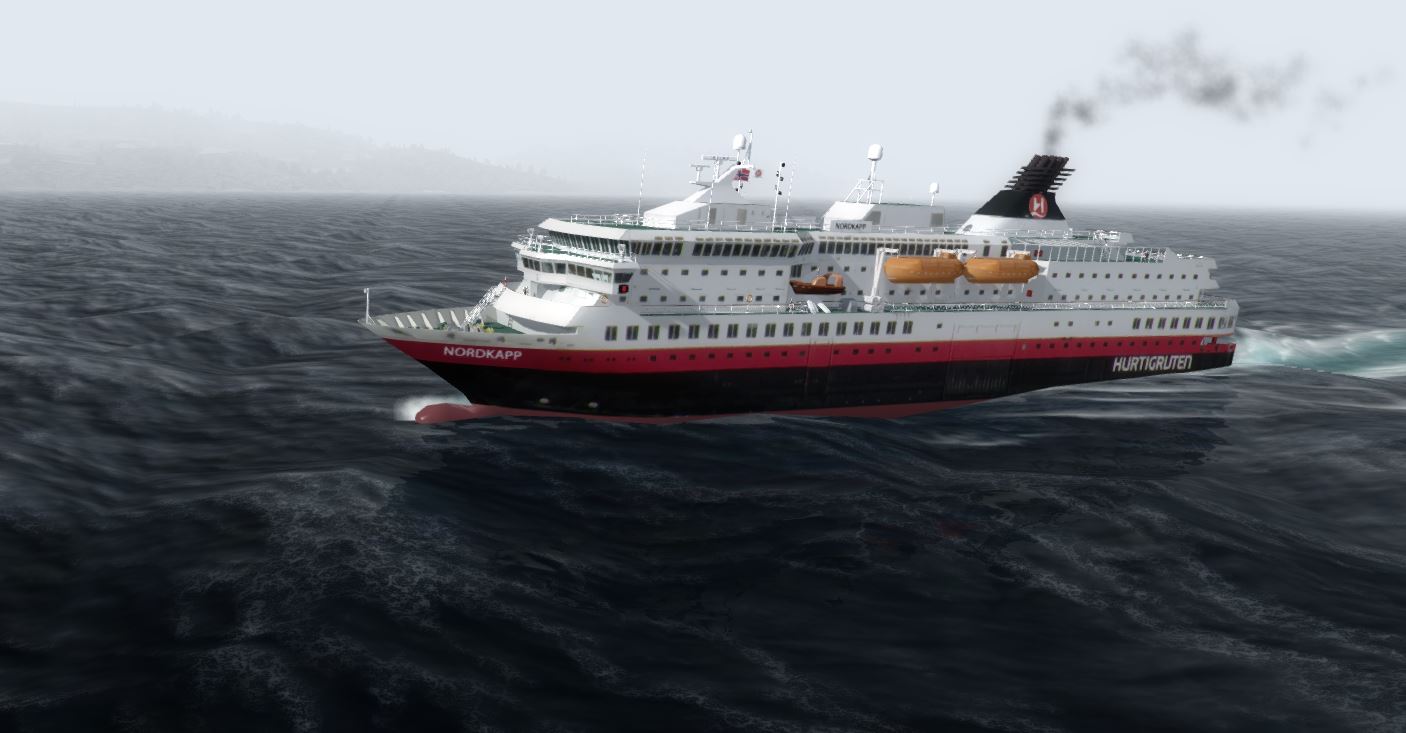
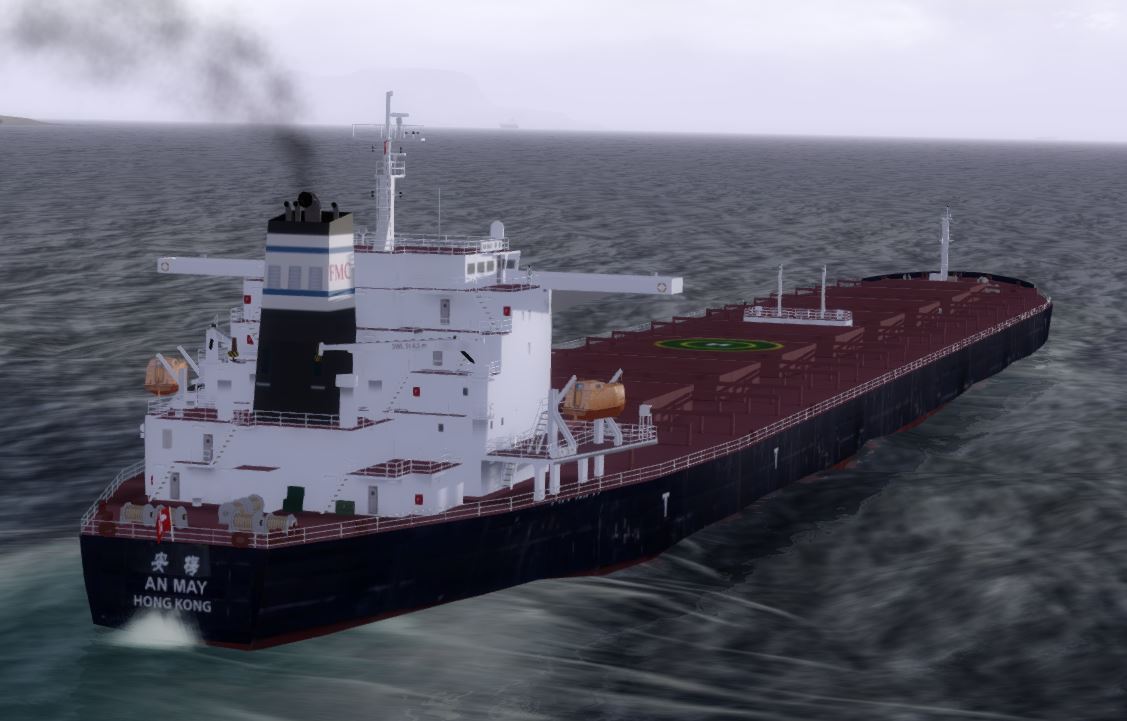
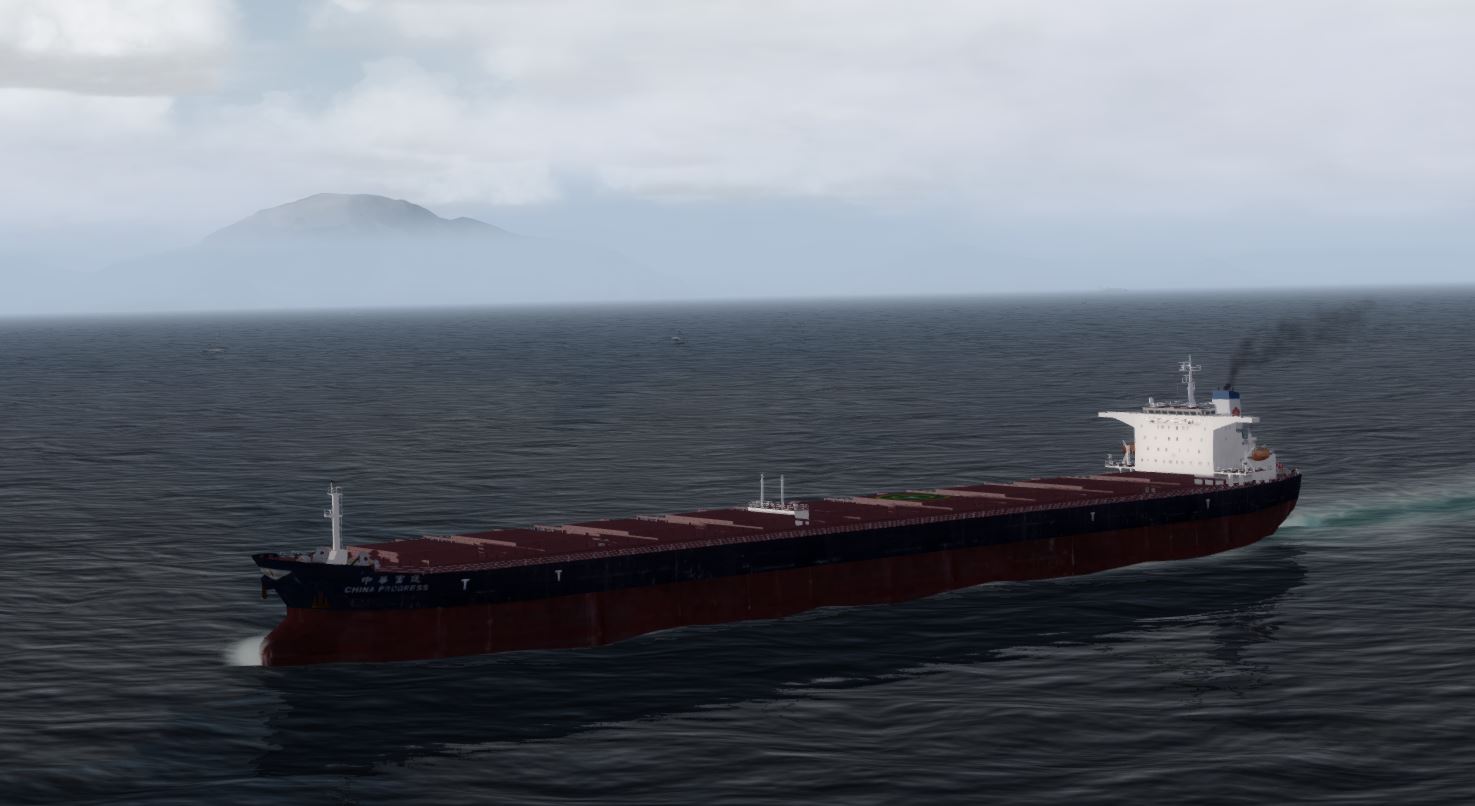
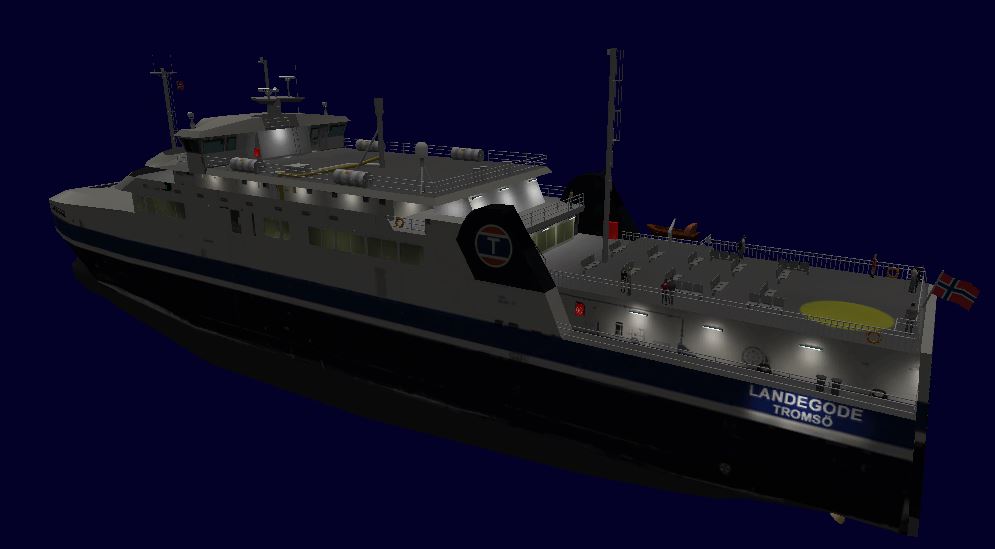
Time for a small update as the testing of the new models has started in P3Dv3.1 - generally it looks very well with the new waves. I do have some minor issues with the white color on night textures getting pixelated, when I use photorealistic textures as starting point- it is quite visible on the Cinderella below. If anybody has good suggestions they are welcome, but I guess I have to add another layer in my PSD files with just white.
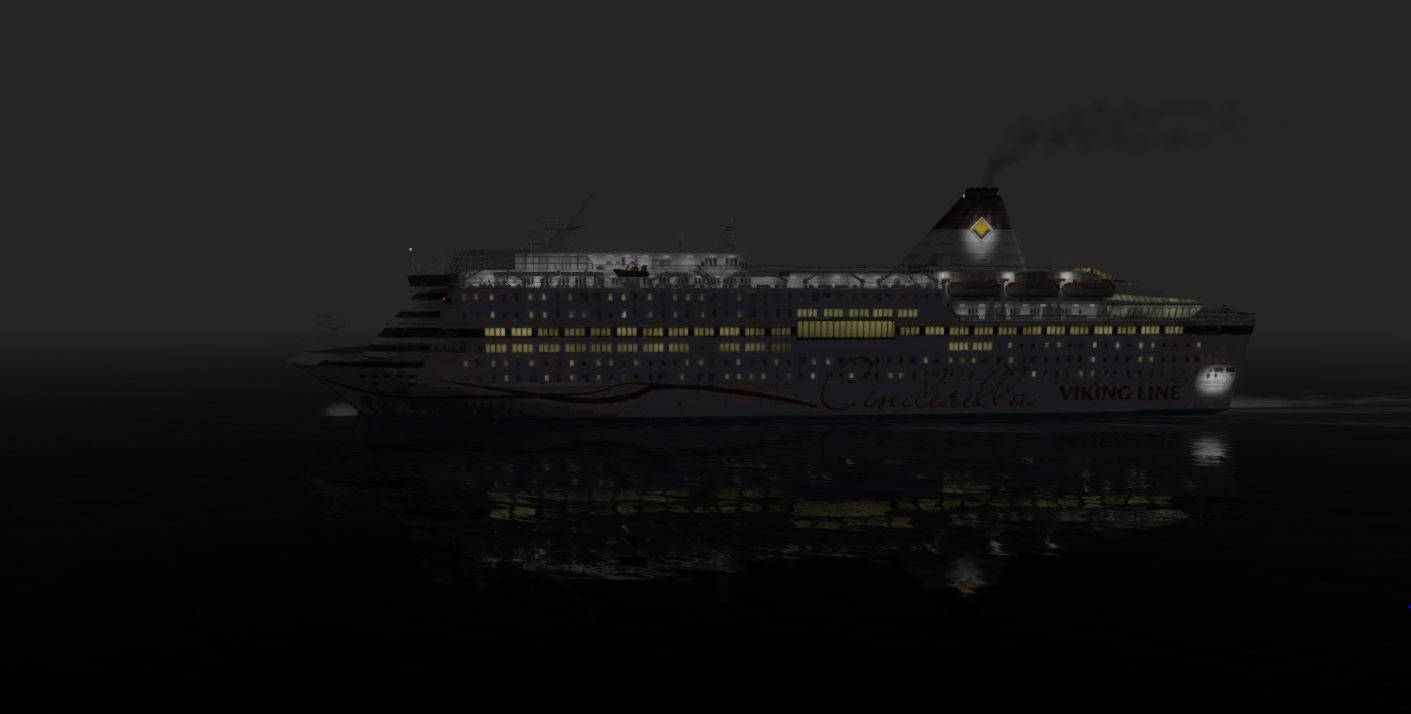
But for the rest it looks good
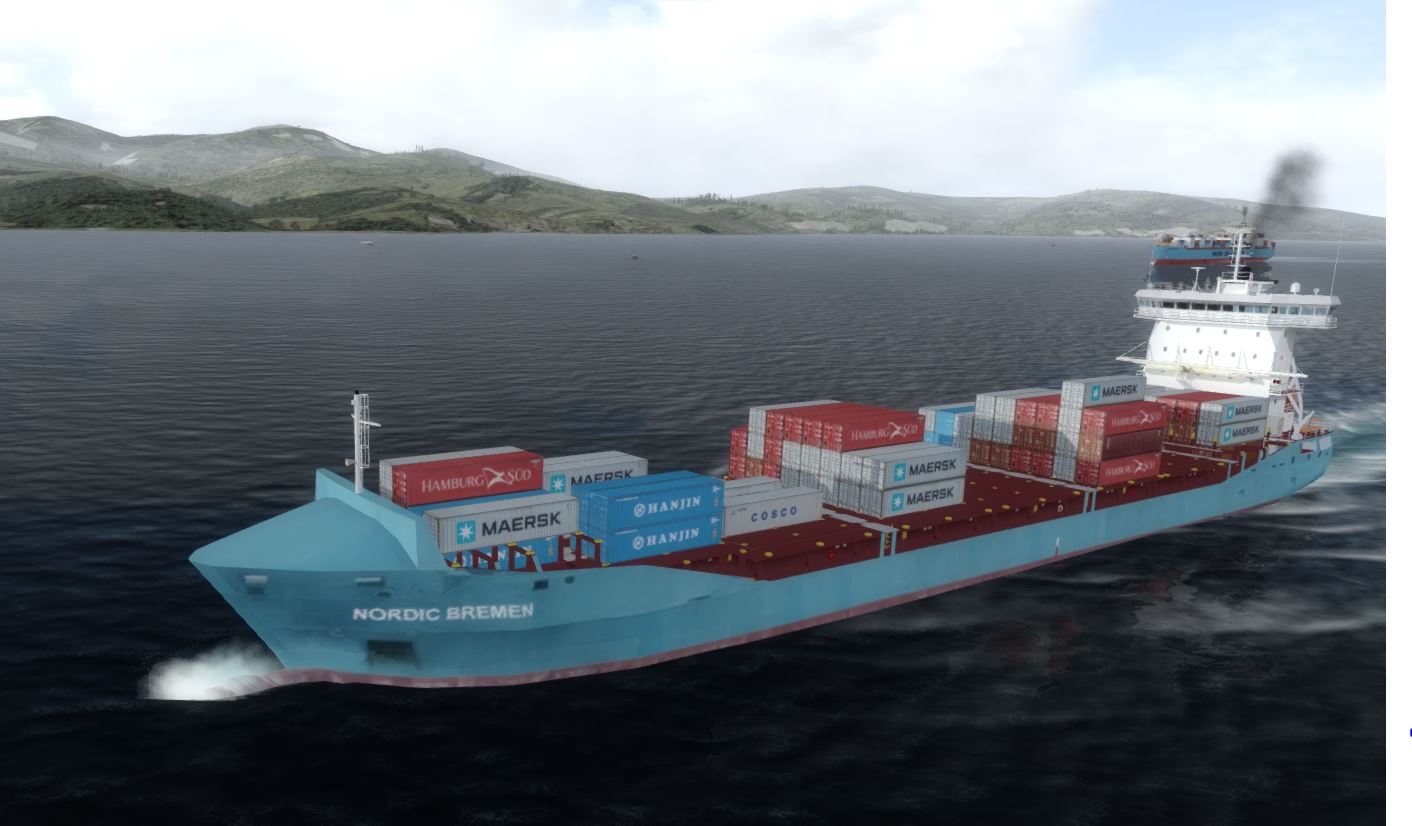
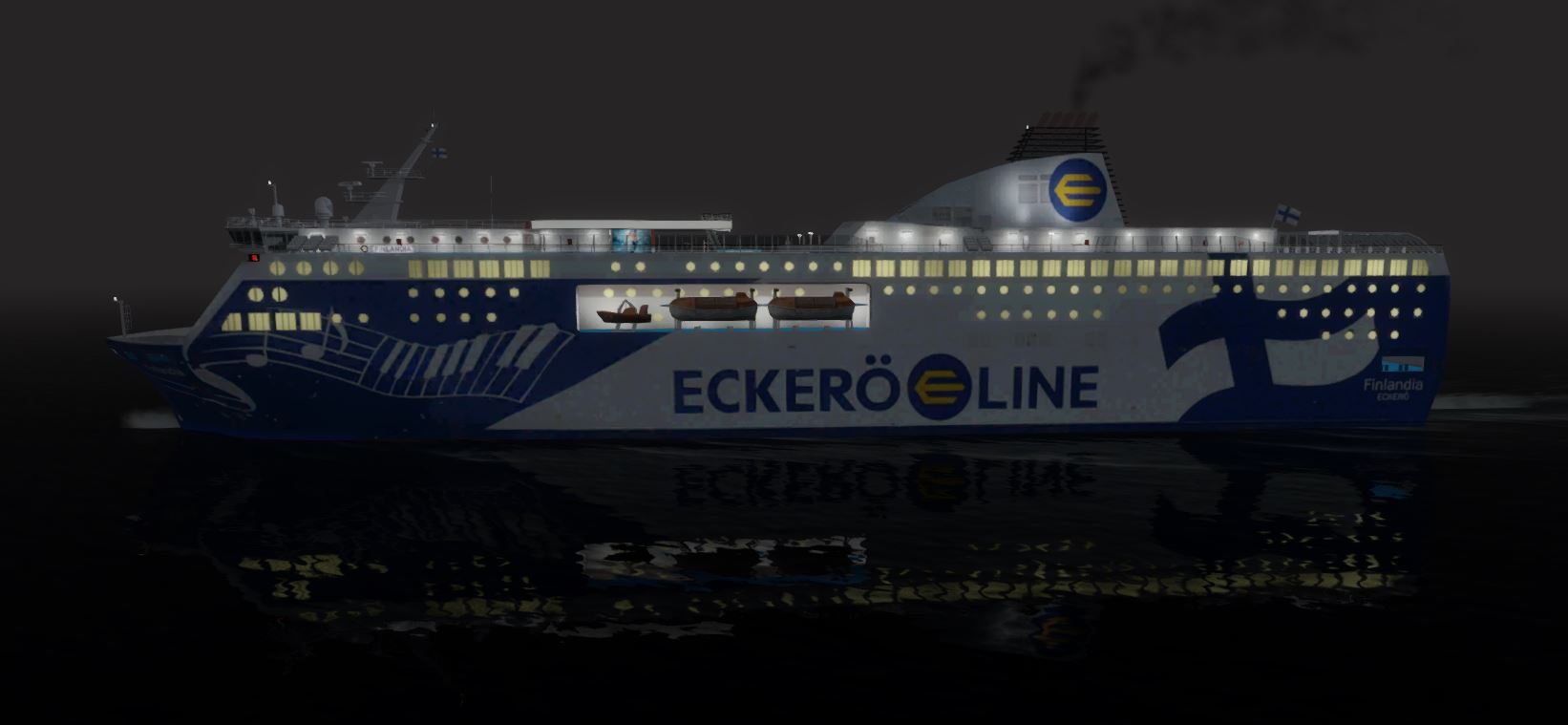
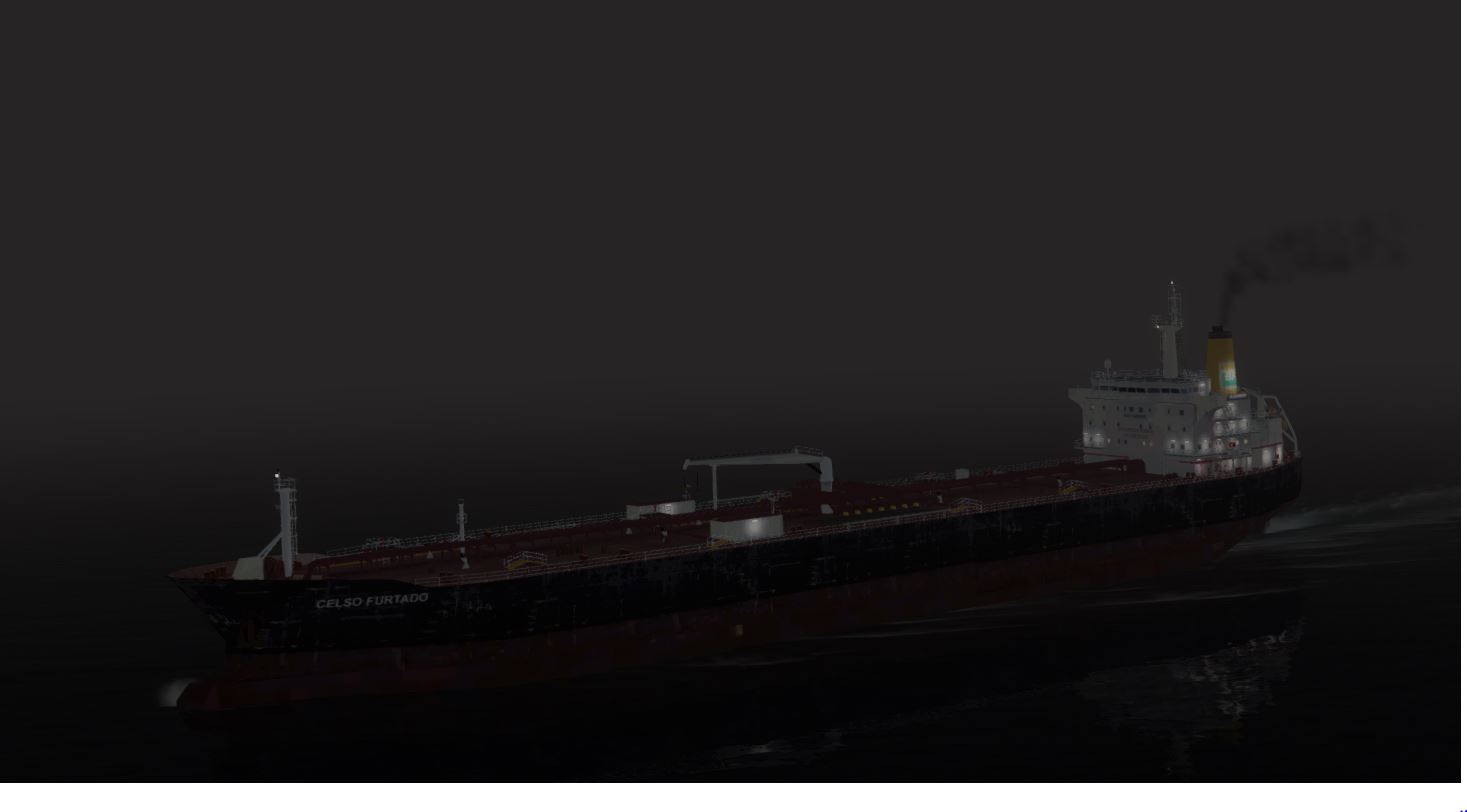
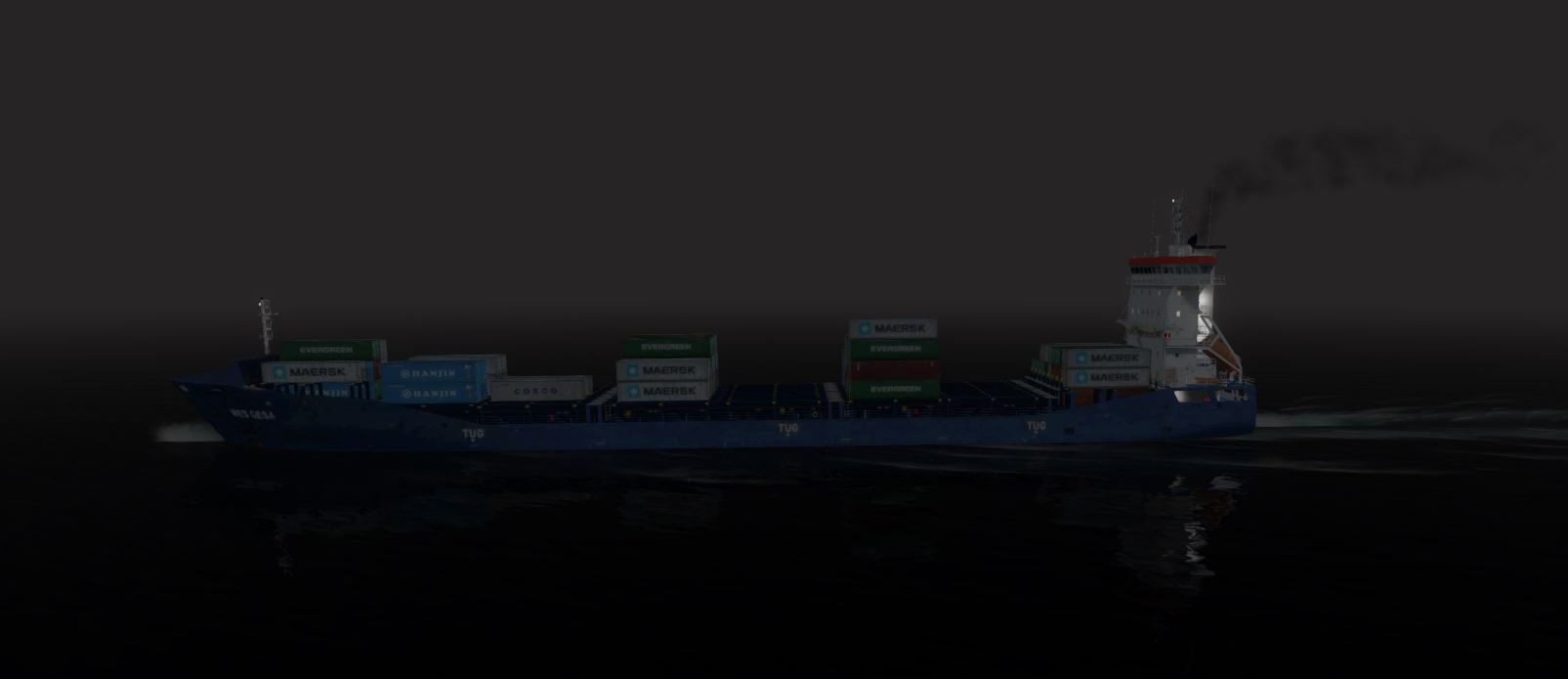
But for the rest it looks good

- Messages
- 12,244
- Country

Here are a few that I found today.Hi George,
That should not be so if you have the updates installed correctly in the right order - there is a complete guide in the support thread at avsim - quite a few people have been through the whole thing. If you find something particular missing please say so.
Br
Henrik
AI_SednaD:
crochetgrue.bmp
feuBlanc.bmp
feuBlanc_LM.bmp
feuRouge.bmp
feuRouge_LM.bmp
feuVert.bmp
feuVert_LM.bmp
zodiacTimon.bmp
zodiaccadrans.bmp
I was able to find most of them in other ships, but I needed to create invisible textures for crochetgrue.bmp and zodiaccadrans.bmp.


- Messages
- 12,244
- Country
But they are not in the AI_SednaD texture folder.feuBlanc, feuRouge and feuVert (and there _LM version) are the same for all my ships.
I now have them all in .dds format.
Can I suggest that you add "ShowMissingTextureAlert=1" to the [SCENERY] section of your FSX.CFG and FSX will tell you when it can't find textures.
- Messages
- 12,244
- Country
It only checks those which need to be loaded. Go to the position of AI_SednaD and if the textures are missing, you will get a pop-up.

You will get a pop-up for each texture it cannot find.
Even easier, load the .mdl file into ModelConverterX and it will list all missing textures.
You will get a pop-up for each texture it cannot find.
Even easier, load the .mdl file into ModelConverterX and it will list all missing textures.

- Messages
- 1,361
- Country

Hi Gents
The following scenario might address your mutual experiences.
My apologies,
I'd long forgotten to update FSDeveloper's Wiki's 'Missing Textures' article.
Its not a file extension related issue.
The existence of any/all texture calls
can easily be checked by viewing the .mdl in an Hex-Editor.
Not sure if the following occurs in GMax created models,
but it certainly is an issue with FSDS created models.
re: Scenario -
If a source model originally utilised a texture, (or set of textures),
and that model is then reworked, re-mapped, renamed,
and now uses a differently named texture, (or set of textures), (or subset thereof).
When the new derivative model is then compiled,
it's resulting .mdl file
still contains calls to that original, no-longer utilised texture, (or set/subset of textures),
plus,
calls to those of differently named texture, (or set of textures).
re: FSX -
When FSX loads this new, derivative model,
FSX reads all texture references from this new, derivative model,
and FSX expecting all those texture resources to be available,
FSX searches for all those referenced textures on the disk,
(whether, or not, they're currently actually mapped onto the model).
Hence in FSX,
with the "ShowMissingTextureAlert" active,
if those original, no-longer utilised texture, (or set/subset of textures), are not present,
FSX will display the 'not found' error dialog.
re: MCX -
Don't know how MCX currently handles the above specific situation,
(IIRC MCX back then was only an early beta).
re: Fix for above -
re:FSDS - I personally don't know how to.
Ask FSDS oriented developers,
or specifically Rick Piper, re: His Hawk model,
how they'd removed references to any no-longer-mapped textures.
HTH
ATB
Paul
The following scenario might address your mutual experiences.
My apologies,
I'd long forgotten to update FSDeveloper's Wiki's 'Missing Textures' article.
Its not a file extension related issue.
The existence of any/all texture calls
can easily be checked by viewing the .mdl in an Hex-Editor.
Not sure if the following occurs in GMax created models,
but it certainly is an issue with FSDS created models.
re: Scenario -
If a source model originally utilised a texture, (or set of textures),
and that model is then reworked, re-mapped, renamed,
and now uses a differently named texture, (or set of textures), (or subset thereof).
When the new derivative model is then compiled,
it's resulting .mdl file
still contains calls to that original, no-longer utilised texture, (or set/subset of textures),
plus,
calls to those of differently named texture, (or set of textures).
re: FSX -
When FSX loads this new, derivative model,
FSX reads all texture references from this new, derivative model,
and FSX expecting all those texture resources to be available,
FSX searches for all those referenced textures on the disk,
(whether, or not, they're currently actually mapped onto the model).
Hence in FSX,
with the "ShowMissingTextureAlert" active,
if those original, no-longer utilised texture, (or set/subset of textures), are not present,
FSX will display the 'not found' error dialog.
re: MCX -
Don't know how MCX currently handles the above specific situation,
(IIRC MCX back then was only an early beta).
re: Fix for above -
re:FSDS - I personally don't know how to.
Ask FSDS oriented developers,
or specifically Rick Piper, re: His Hawk model,
how they'd removed references to any no-longer-mapped textures.
HTH
ATB
Paul
- Messages
- 12,244
- Country
Yes, but you may have omitted some in the uploaded zip.I always use MDX to check my MDL (and their textures).
- Messages
- 934
- Country
George,Yes, but you may have omitted some in the uploaded zip.
Let me just clarify - Jean-Pierre did not omit anything in any zip. I did the zip - I don't think you realize that you talk to different persons. In the early parts of the project I only checked the models visually in the sim and Jean-Pierre's model actually looks fine even without the "missing" textures. So it passed - you are the first to complain two years and 20.000+ downloads after the release of that package. Newer models are all checked in ModelConverterX but still there is no guarantee that everything works perfectly as it is many models by many contributors done with different types of software.
Regards to the tone of voice in your posts - this is freeware; if you have constructive inputs and feedback and come with them in nice way, then we listen and respond. We might even release a fix for eventual problems. But if you keep your aggressive tone or come with useless statements like in your post #409 you will just be ignored - at least by me. There is no money back guarantee on this project as you did not pay anything but just benefit from thousands of hours of work by a team of enthusiastic people. So stay happy or stay away!

- Messages
- 934
- Country
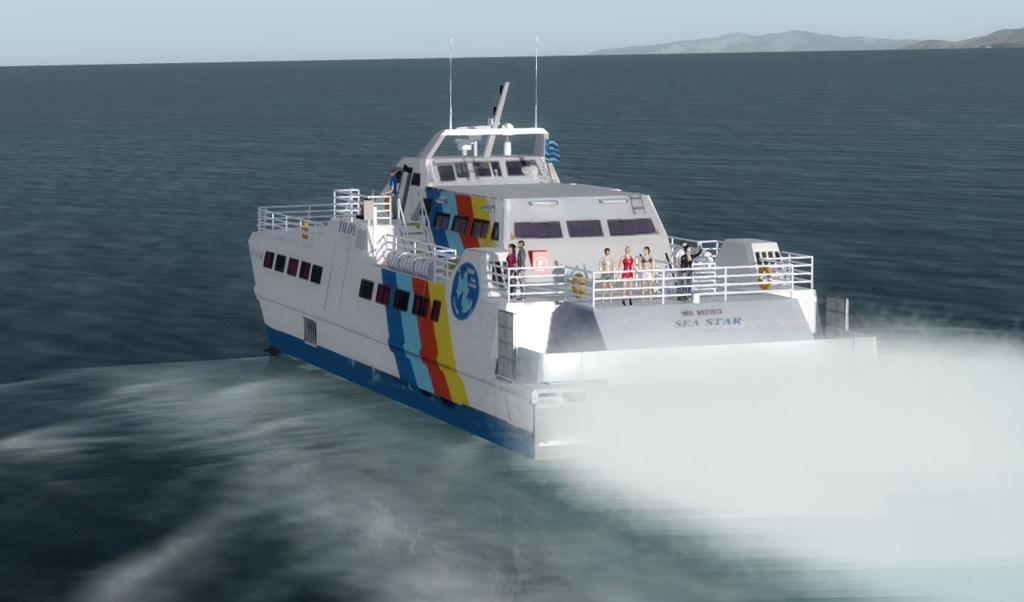
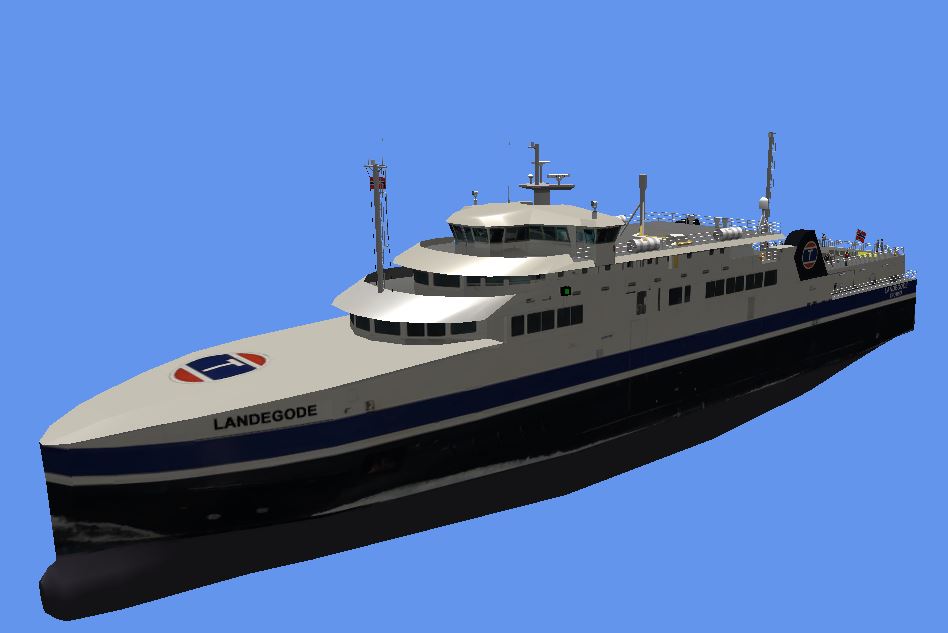
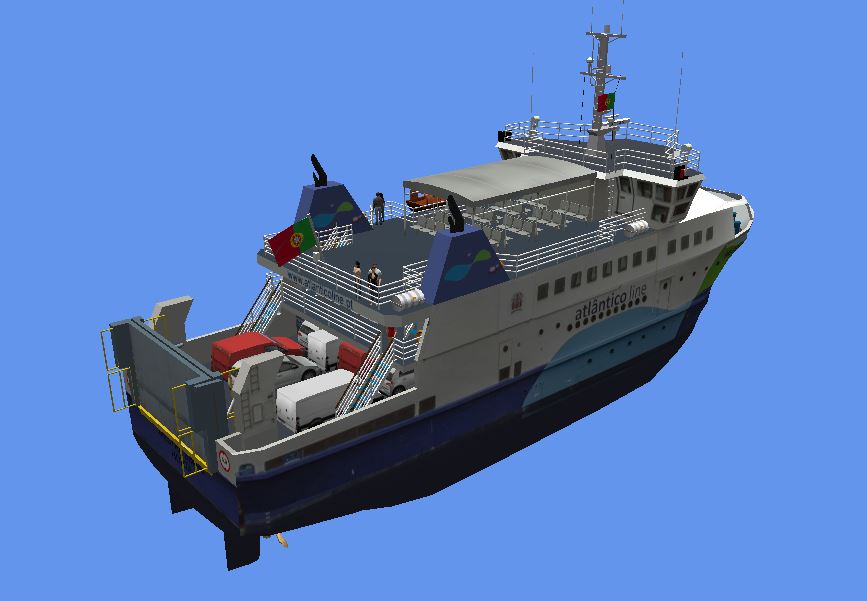
Beautiful model - A nice sailing holiday wouldn't be bad