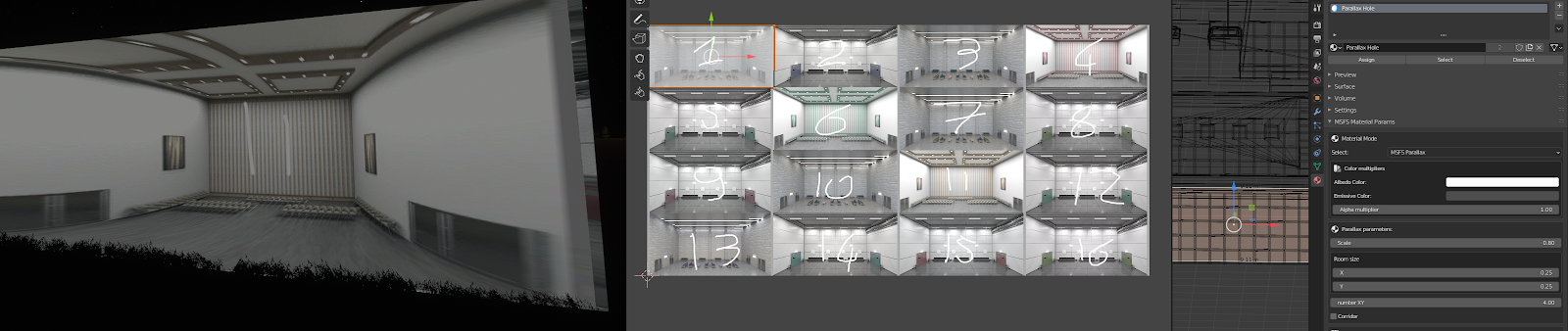
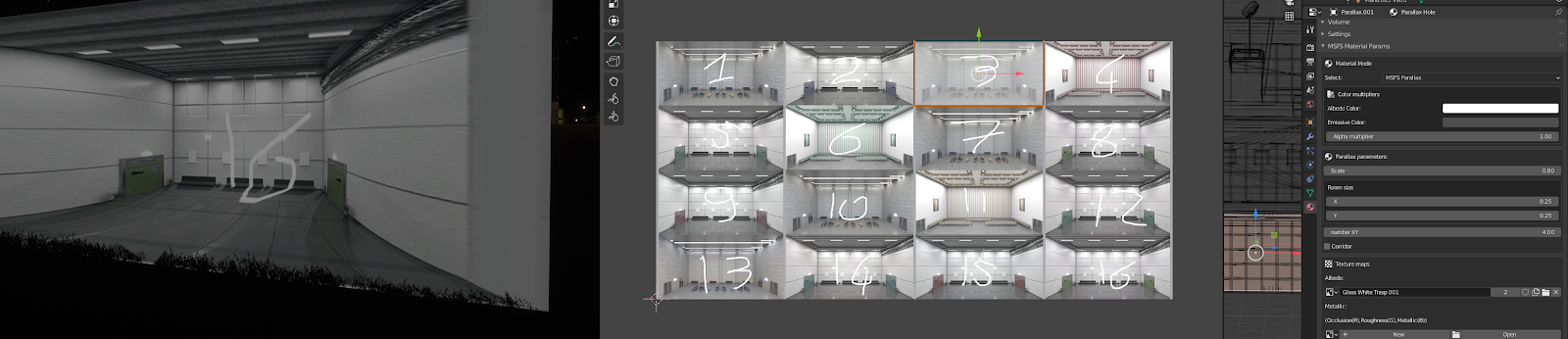
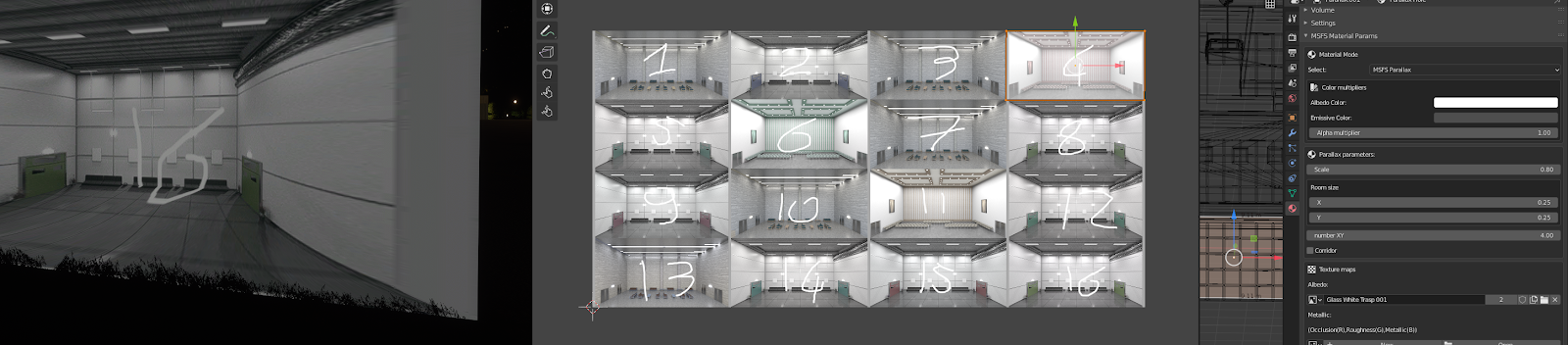
Interesting topic...
As 3ds Max is not an option for me, I had to dig deeper until I found this:
First I compared the gltf of the materials-sample with the output of the Blender plugin. Doing that I found the solution for this:
What was missing in the blender export was this json node from the working sample:
"emissiveFactor": [
0.8,
0.8,
0.3
],
-> this node is located in the "materials"-node and then within the section for the parallax material.
Btw. the Blender export has the emissiveFactor too, but the factors are wrongly set to 0. So you are getting emmisive textures by changing the factors manually in a text editor.
To solve this I simply loaded the project in the sim and then changed the gltf File with notepad++. By changing this node and hitting ctrl+s I was able to get the changed visual appearance directly in the sim in no time:
"extensions" : {
"ASOBO_material_parallax_window" : {
"parallaxScale" : 10,
"roomSizeXScale" : 50,
"roomSizeYScale" : 10,
"roomNumberXY" : 1,
"corridor" : true,
"behindWindowMapTexture" : {
"index" : 6,
"texCoord" : 0
}
}
},
After the right value for the parameter were found, the parallax material in Blender can be adjusted accordingly. The only thing that needs to be remembered then is, that after any Blender export, the emissiveFactor needs to be overwritten as above with a text editor.
Btw. like
Roman in this thread I also dont need a second uv map. The parameters above (and the corridor option) are sufficient to tweak the appearance of the interieur as wished.